Attributes palette
The Attributes palette gives you direct, easy access to any attribute and its settings.
Use Attributes palette to
- List, manage and edit all the attributes of your current project
- Import attributes from another project or XML file
- Save any set of attributes as an XML file
- Purge unused attributes from the projectNote: In addition to the Attributes palette, the Attribute Manager dialog box (familiar from earlier Archicad versions) is available. In more complex import/export workflows, you might prefer its two-panel interface to compare two lists of attributes. See Attribute Manager.
Open Attributes Palette

Navigate in Attributes palette
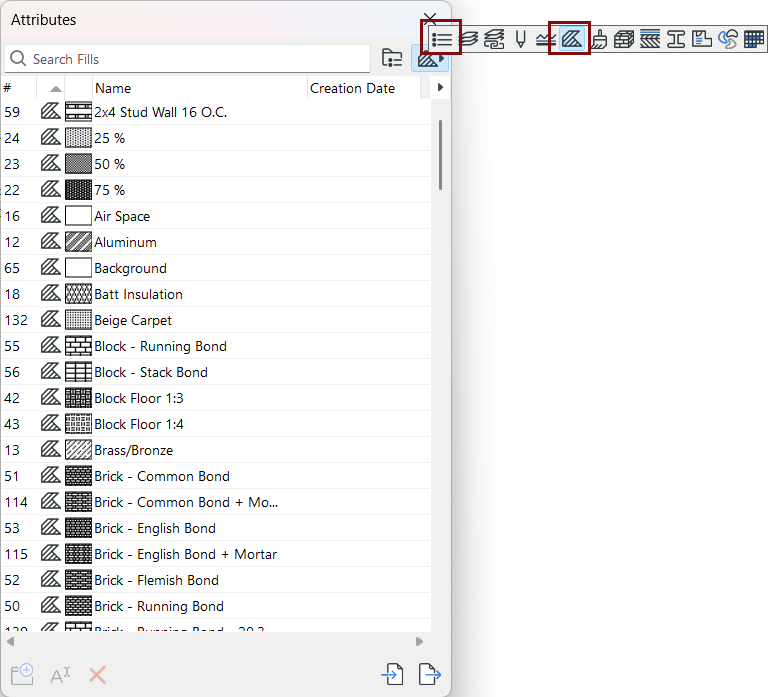
Project attributes can be displayed in folder or flat-list view.
In folder view of Attributes, the top section displays each attribute type in a separate folder.
This set of top-level folders is fixed, but you can create any number of sub-folders.
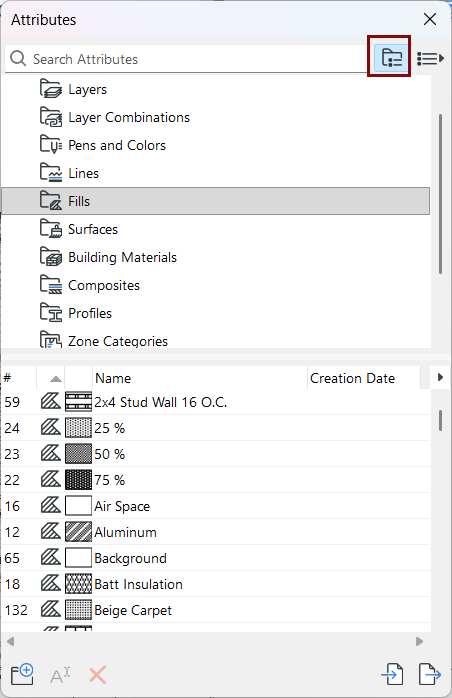
Click any folder to see its contents (any sub-folders and attributes) in the list below. Empty folders are grey.
In list view, see all attributes in a single list, or filter by type (click the attribute’s icon to list only that type).