Manage attributes and folders (Attributes palette)
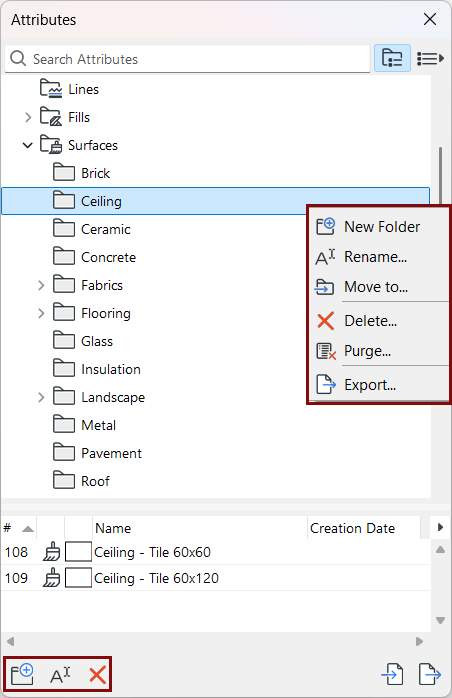
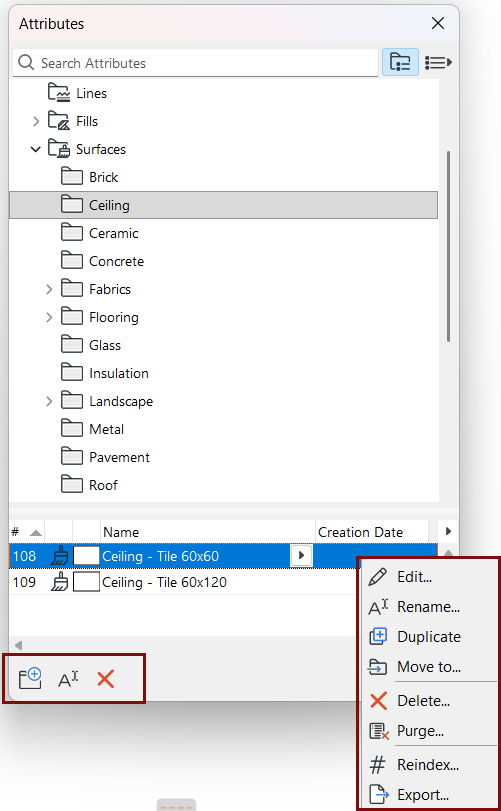
For a selected attribute or folder:
Use context menu or button commands.
Edit attribute
From Attributes:
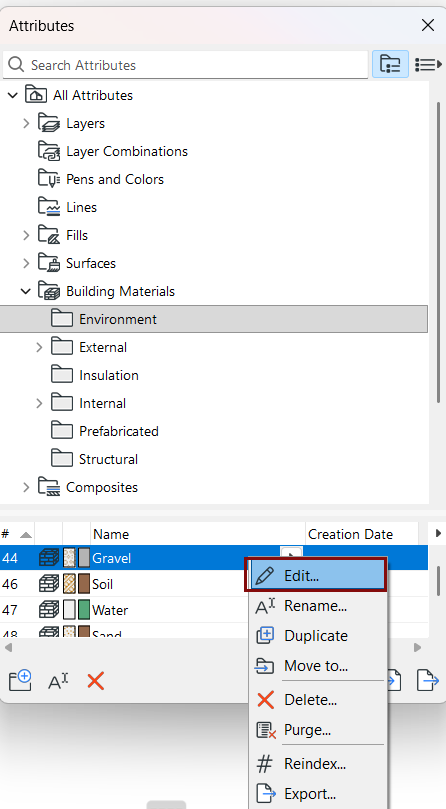
Double-click any listed attribute, or use the Edit context-menu command to open its settings dialog.
Create or move folders
Within each main attribute folder, you can create any number of sub-folders at any level.
Drag and drop one folder at a time to any other level of the hierarchy.
Merge two folders of the same name
Drag one of the folders into the parent of the other one. The contents of the two subfolders will be merged in a single folder.
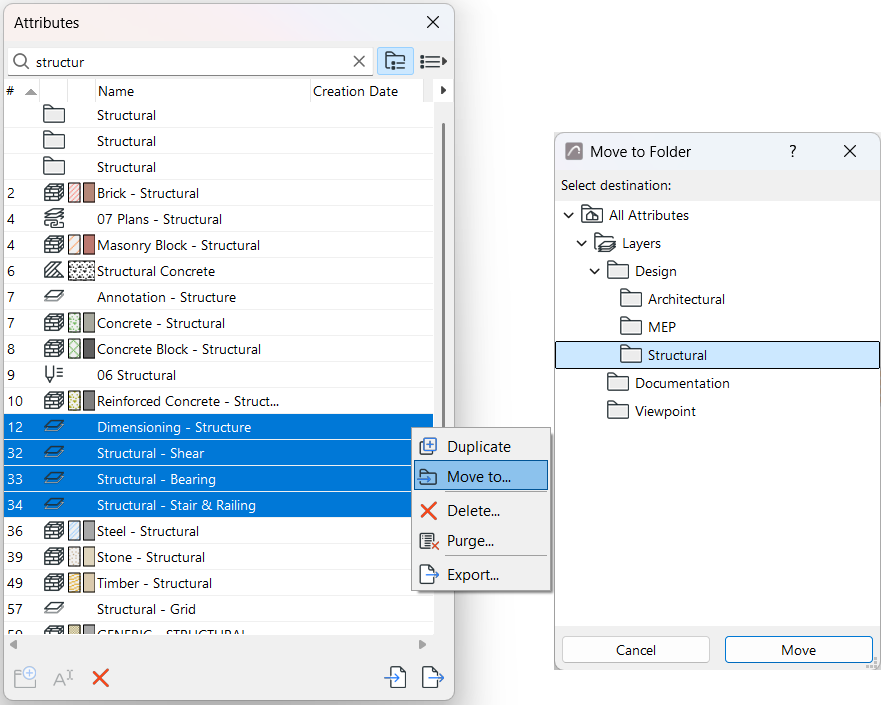
Move to
For selected folders or attributes:
Click Move to from the context menu
For example
Drag and drop attributes among folders
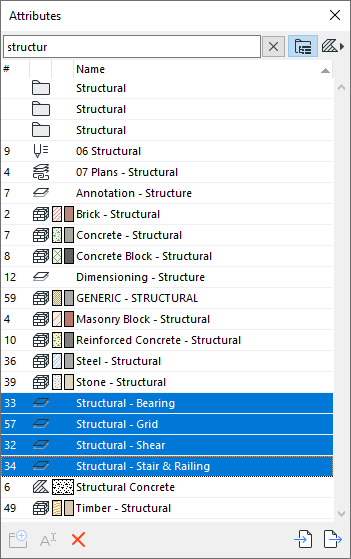
Select/multi-select, and drag and drop attributes from the bottom list into any folder.