Offset All Edges
Use the Edit > Reshape > Offset command to offset all edges of an existing element. This function works on:
- all elements that are polygonal (these include splines as well as the more obvious polygon-type elements)
- multiple connecting elements of a single type, provided they are all
selected: for example, two line segments that meet at a point
See also Offset Edge - Fixed Area.
- Select the element(s) you wish to offset.
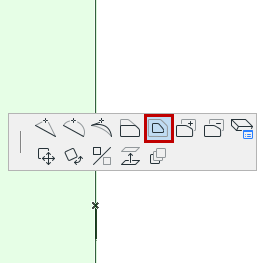
- Choose the Offset all edges command in one of the following ways:
- A ghost contour of the proportionally increased or reduced element follows the movements of the cursor. Click when you are satisfied with the new element size.
Use Offset to Create One or More Element Copies
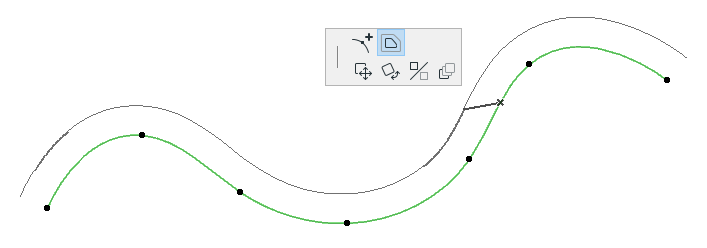
Offset Constraint
See Offset and Multiple Offset Constraints (Relative Construction Methods).