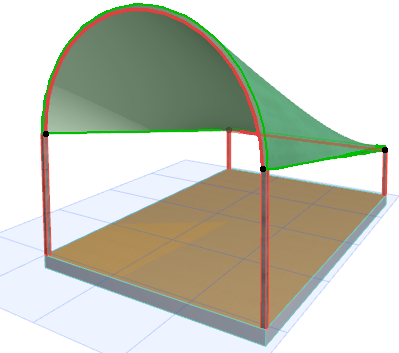
Ruled Vaulted Shell
To create a Ruled Shell with the simple input method, you will define two profiles on parallel planes. With this input method:
Here we will place a vaulted ruled Shell atop this wall complex.
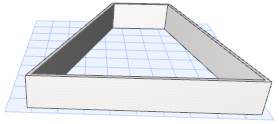
- Choose the Shell tool’s Ruled geometry method and the Simple input method.

On the Floor Plan:
- Click on each endpoint of the lower wall segment to define the width of the first, vault-shaped profile.
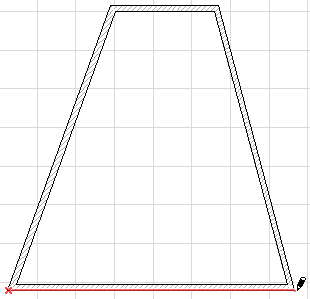
- Drag the cursor to the opposite wall segment, then click on each endpoint of that wall to define the width of the second, straight-line profile.
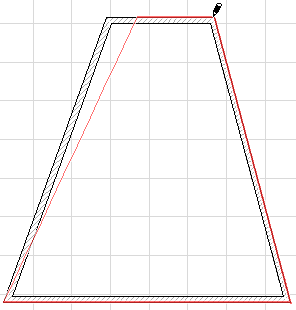
- The Ruled vault-shaped Shell is complete. View in 3D.
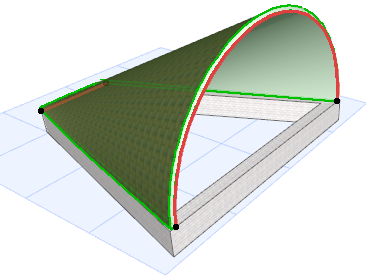
In the 3D Window:
Here we will place a vaulted ruled Shell atop two pairs of columns of different heights.
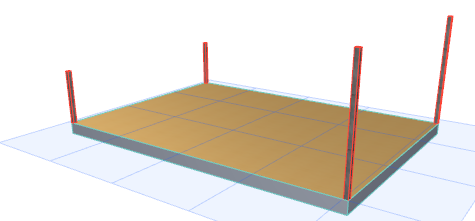
- Choose the Shell tool’s Ruled geometry method and the Simple input method.
- Click on each of the two taller columns to define the width of the first, vault-shaped profile.
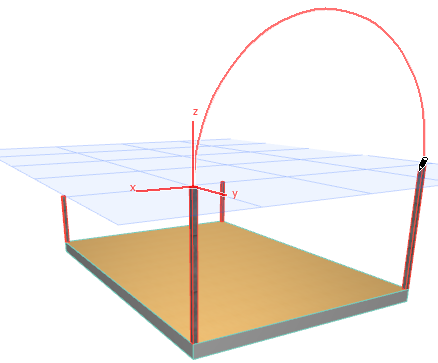
- Drag the cursor to the opposite, shorter columns and click on each to define the width of the second, straight-line profile.
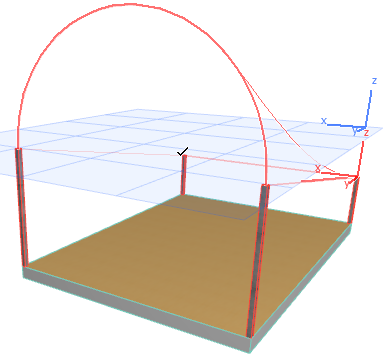
- The Ruled vault-shaped Shell is complete. View in 3D.