Draw Curtain Wall Boundary in the Section Window
In this example, create a Curtain Wall by drawing a freehand Boundary in Section.
- Go to the Floor Plan.
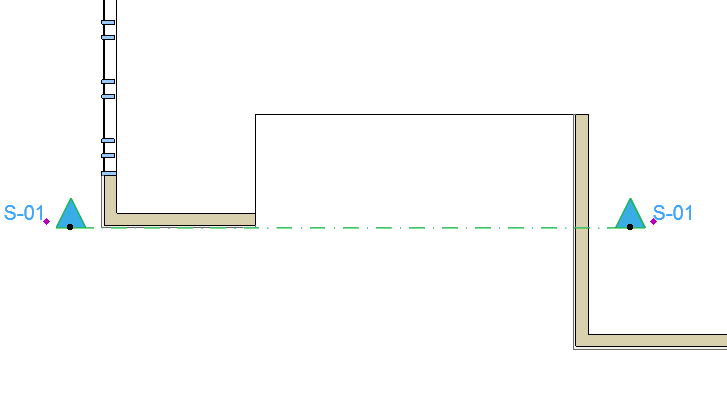
- Draw a Section Line in the Floor Plan to define the Curtain Wall’s input plane.
- Open the Section.
- With the Curtain Wall tool active, choose the Boundary geometry method from the Curtain Wall Info Box.

- Draw the Curtain Wall Boundary along the desired contour, clicking at each node as when drawing any polyline.
- Double-click to close the polygon.