Define Beam/Segment Structure
Select a Beam or Beam segment.
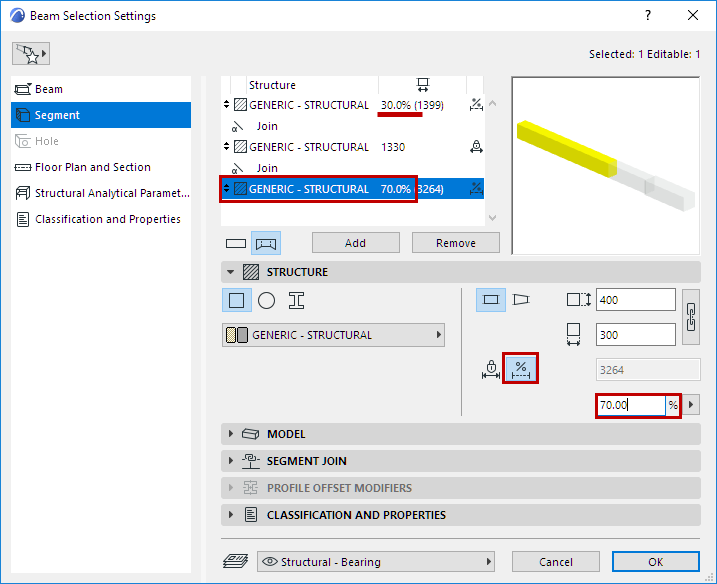
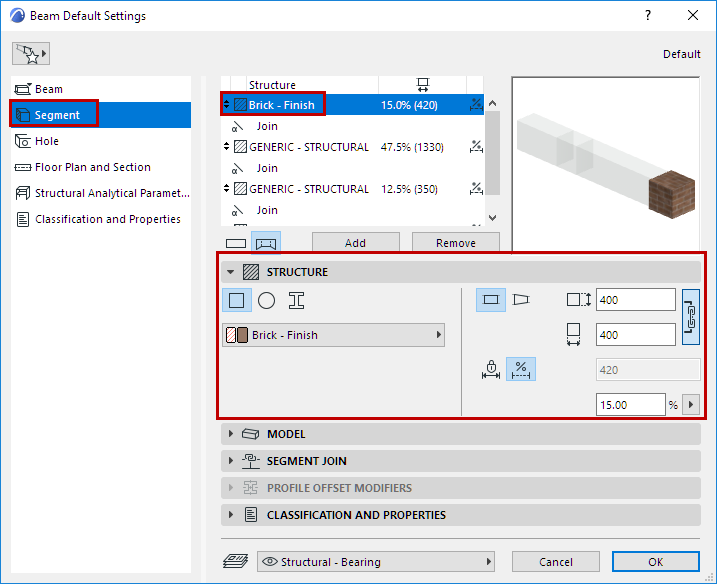
Use the Structure panel of Beam Settings (Segment page) to define its structure properties and length (fixed or flexible).
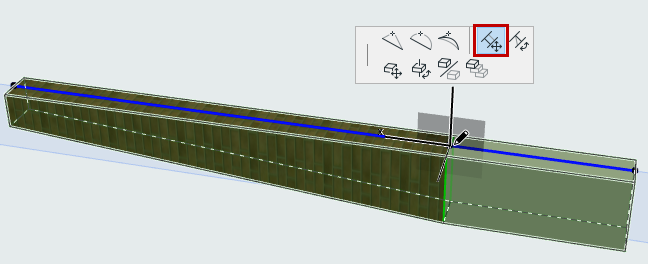
For a selected segment: these Settings are also available in Beam Edit mode.
Cross Section
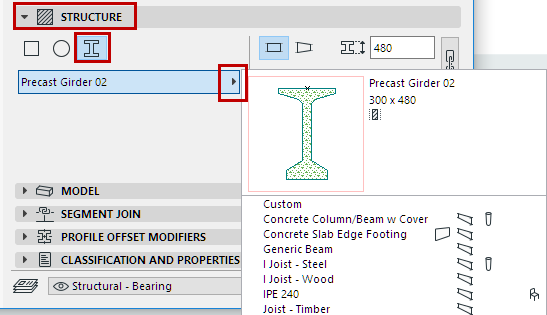
Click an icon to define segment cross-section.
Building Material/Profile
Use the pop-up to choose a Building Material or Profile for the Beam or Beam segment.
Segment Length (Fixed or Flexible)
For each selected segment: Define its length as either fixed or flexible, by clicking the corresponding icon in the Structure panel.
- For fixed-length segment: Define the length. It will remain unchanged even if the Beam stretches. (You can also enter a selected segment’s length in the Structure list.)
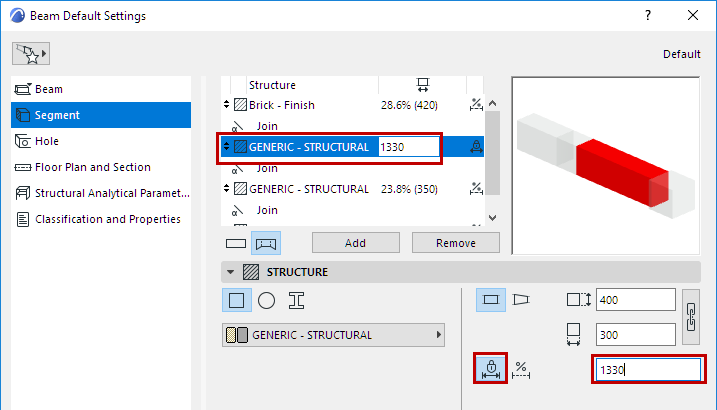
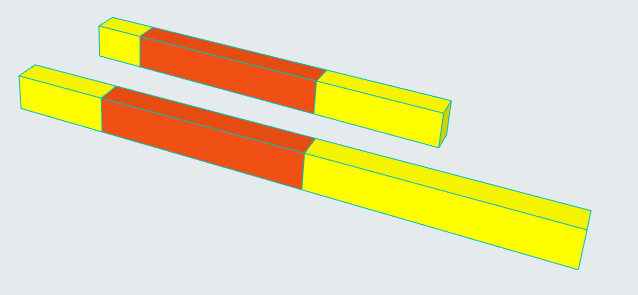
- For a flexible segment: Define its length as a percentage of all the flexible segments. (The flexible segments together add up to 100%.) Segment length will stretch accordingly if the Beam stretches.