Gablet Roof
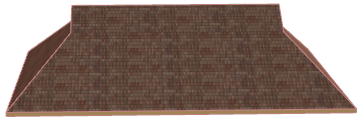
- Begin with a regular hip roof.
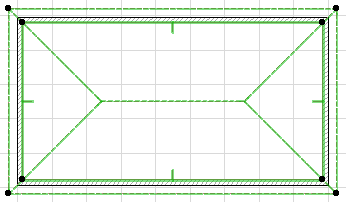
To see how to make a hip roof, see Hip Roof.
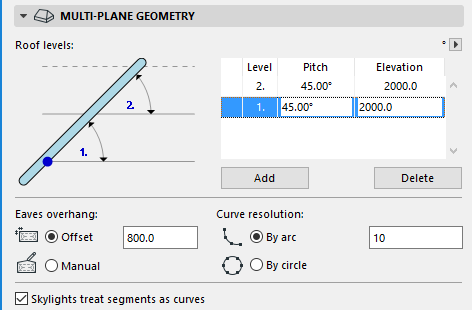
- Make this roof into a two-level roof: Open Roof Settings and go to the Multi-plane Geometry tab page.
- Click Add to add a second level.
- Enter the elevation at which the first level ends (and the second level begins). The pitch can be the same for both levels.
Click OK to close Roof Settings.
- View the two-level Roof in 3D. Since the pitch is uniform for both levels, you must select it to see where the second level begins.
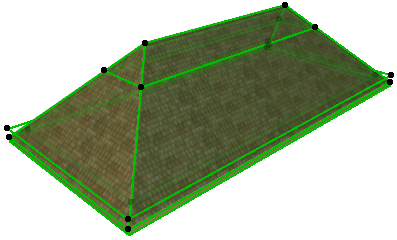
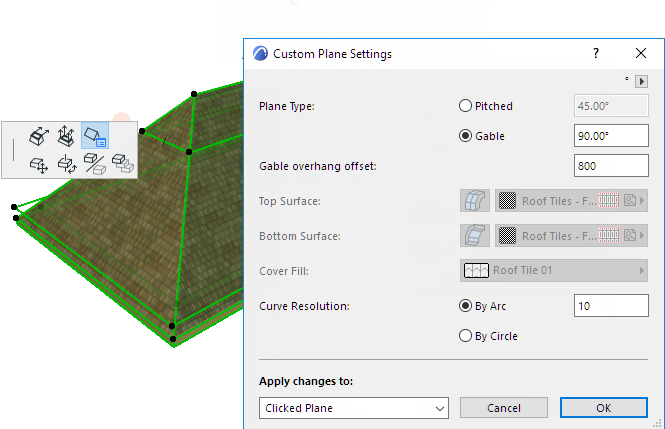
- Gable each end of the second level.
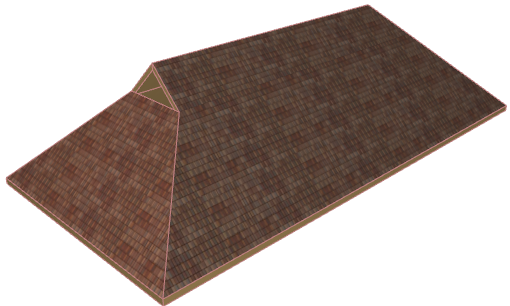
- View the final Roof.