Physically based renderer in 3D Window - Experimental feature
Try physically based rendering in the 3D window - instead of the default renderer.
Physically based rendering delivers a much more vivid and realistic appearance while you explore the 3D model. The feature simulates the soft shadows that naturally occur when indirect or ambient lighting is cast onto a scene. The lighting remains constant while the user navigates in 3D (no headlight effect).
Enable this feature
- Go to Options > Work Environment > More Options > Experimental Features.
- Check the box to Enable Physically Based Rendering in 3D.
This is an experimental feature, which may change or disappear in a future release. Please try it out!
After enabling the feature, open the 3D window to explore the design and see the difference.
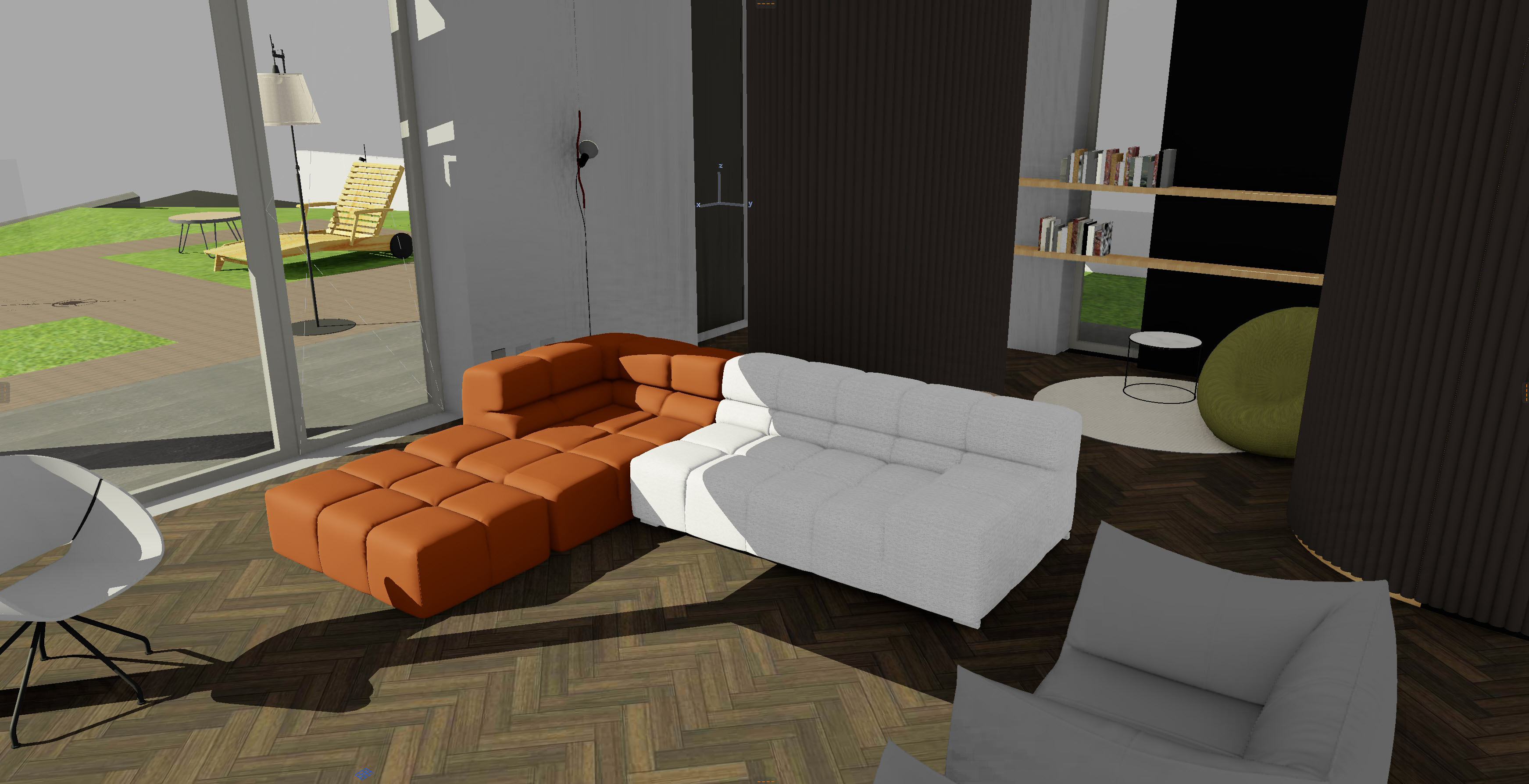
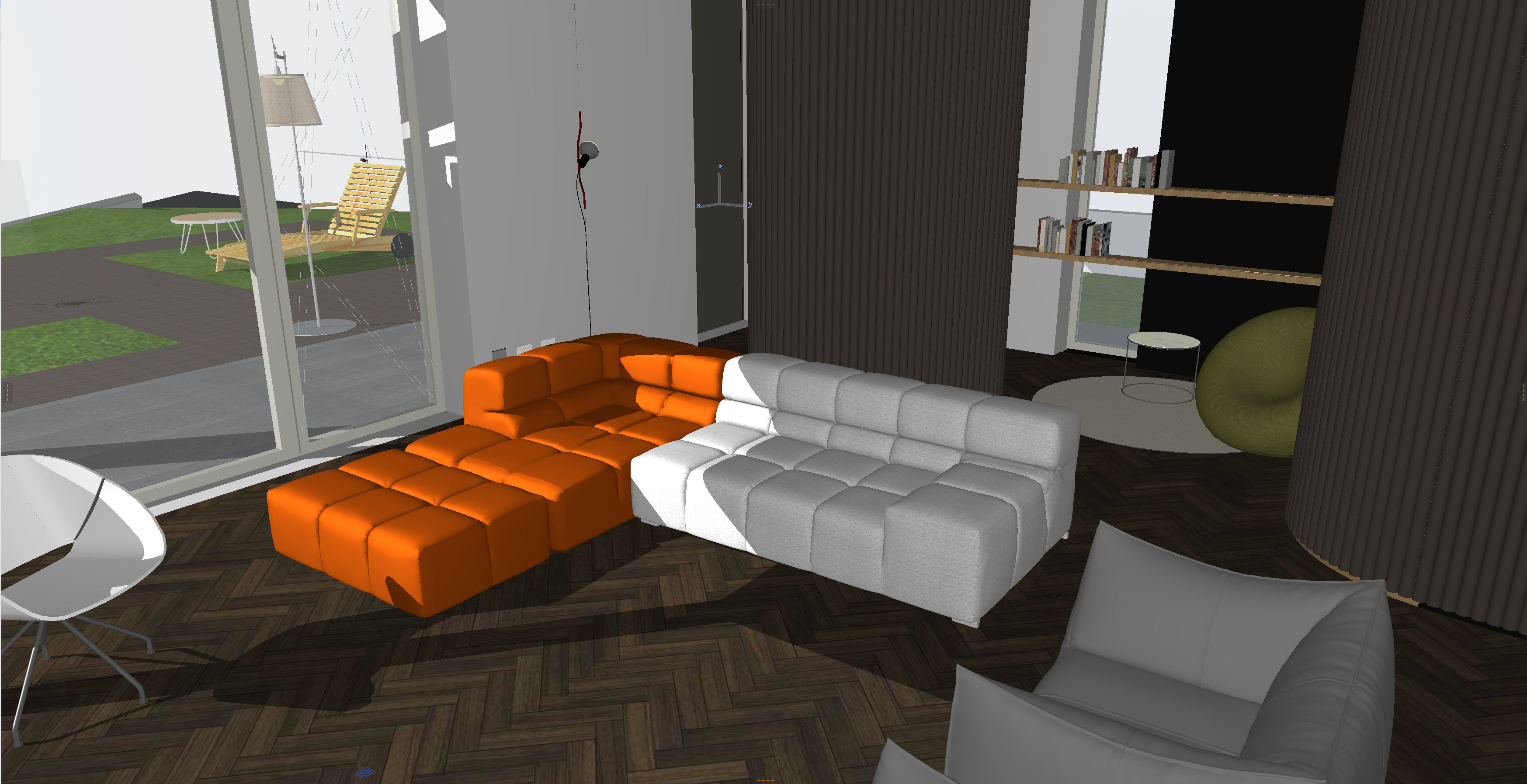
You can fine-tune the 3D visualization using 3D Styles or Sunlight settings.
Limitations:
- Contours (in 3D Styles) are not currently visible with physically based rendering. (See 3D Styles)
- Color and intensity settings for Sunlight (in Sunlight settings) do not affect physically based rendering. But you can adjust the color and intensity of Ambient light. (See Sunlight Settings)
- “Perspective warping” optimizes the shadow map. One shortcoming of the algorithm is when the camera aligns near the light source (so-called “dueling frusta“). In this scenario, the algorithm has to fall back to standard shadow mapping (where no perspective warping can be applied).