Publishing Process
Publish a Single Publisher Set
Publisher Log File
A log file containing information on each publishing process is saved to the location you specify in Options > Work Environment > Publisher (“Publisher log location”).
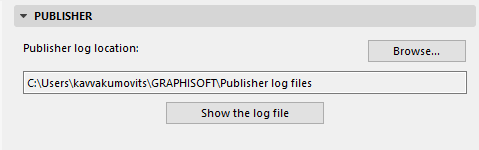
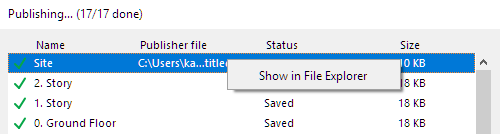
To view the log, click the Show the log file button.
Publish Multiple Publisher Sets
- Go to the Publisher map in the Navigator or Organizer.
- Go to the list of Publisher Sets. (See List of Publisher Sets.)
- If needed: Select the Publisher sets to output.
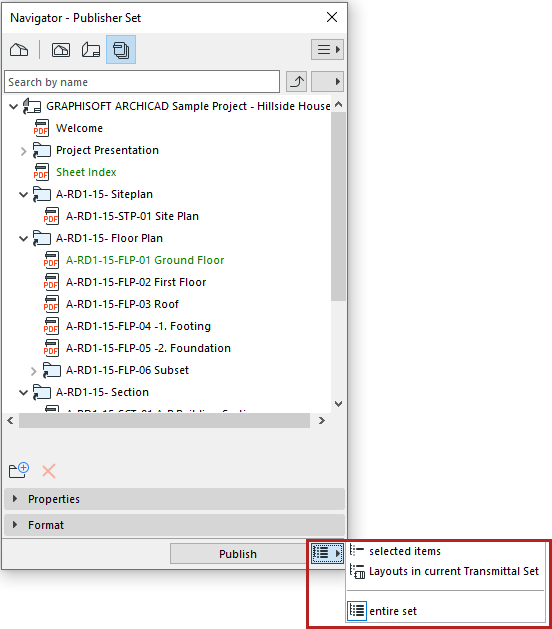
- Choose which set(s) to publish:
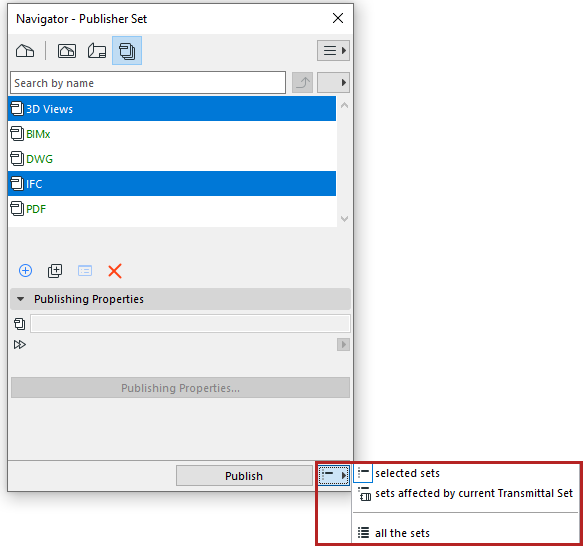
- selected sets
- sets affected by current Transmittal Set: All publisher sets
that contain at least one layout that is part of the current Transmittal Set. (Such
publisher sets are listed in green.)
See also Revisions in the Publisher.
- all the sets
Revisions of Publisher items
You may need to output a Publisher item multiple times to keep pace with revisions. You may wish to keep the older published files as a record.
The file name of each output Publisher item is identical to the name of the Publisher item itself. This means that if you output a Publisher item, and later rename it to reflect a new revision, you can re-publish it under the new name, without overwriting the previously output file.
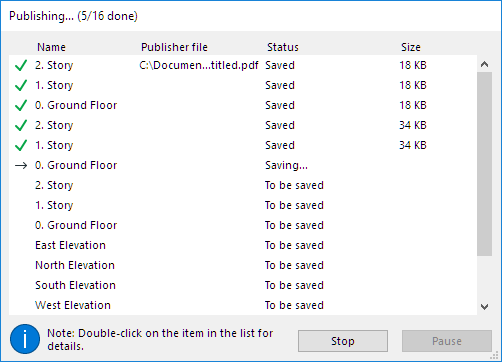
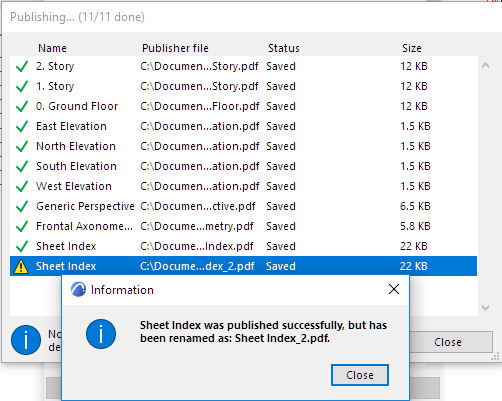
If you publish multiple items of the same name simultaneously, a yellow warning triangle appears in the Publishing process window; double-click to read the message, as shown below. These files will be renamed.
See also Republish Hyper-model.