Level Dimensions
You can place a Level Dimension on any of the following elements:
Place Level Dimension
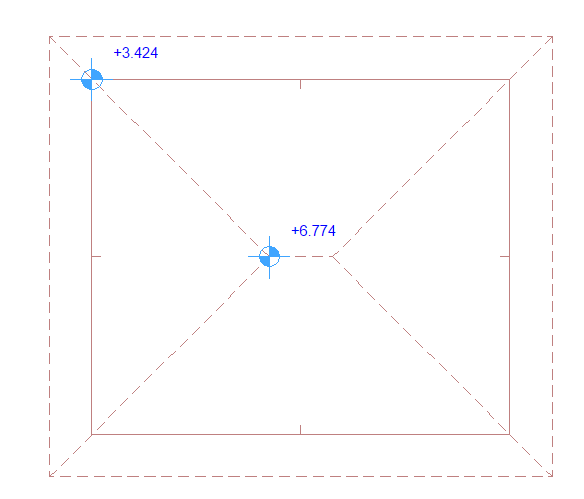
If the cursor is over multiple elements: Click Tab until the desired element is highlighted, then click to place the dimension.
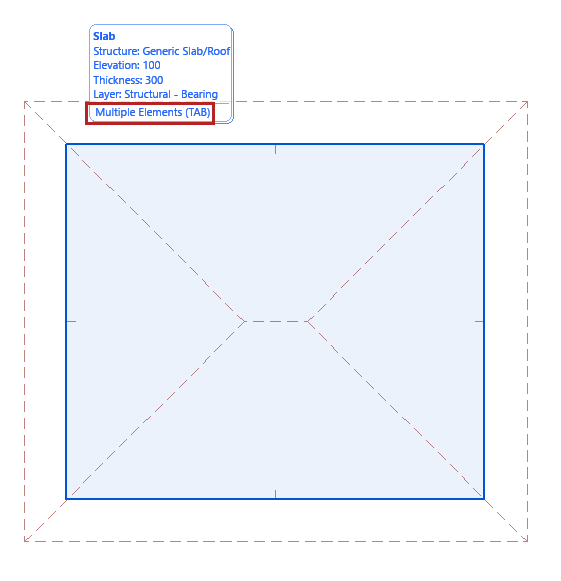
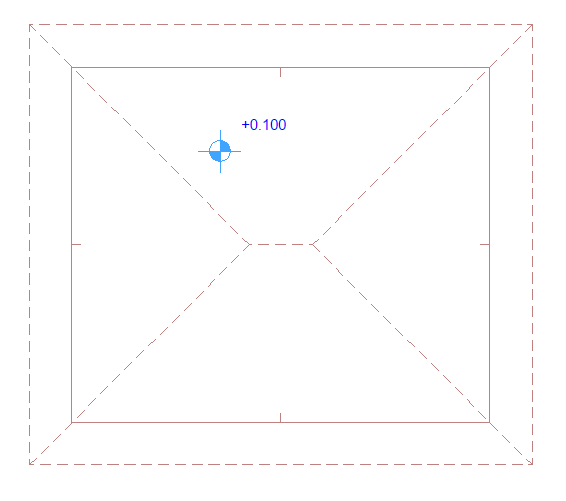
Level Dimension on a Slab
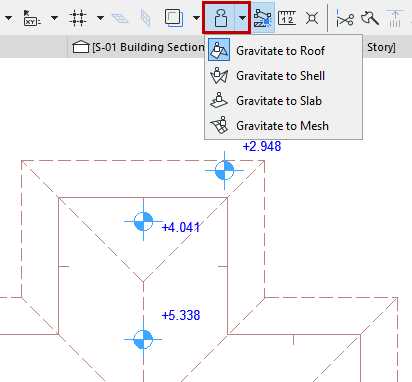
Use Gravity to filter target elements
If Gravity is on, the Level dimension can be placed only on the element type using gravity (either Slab, Roof, Shell or Mesh). See Gravity.
Edit dimension text
To edit the content and style of dimension text: see Text Style.
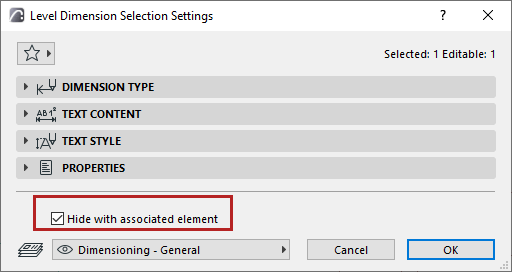
Hide with associated element
By default, a Level Dimension is hidden if its associated element is hidden (e.g. on a hidden layer). To display the dimension anyway, uncheck this box.
Place static dimension
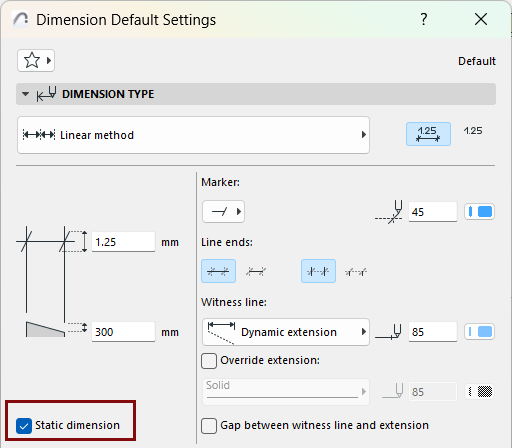
Static Dimensions are not associative.
To make an existing dimension into a static dimension, select the dimension and enable the Static Dimension checkbox in Dimension Settings.
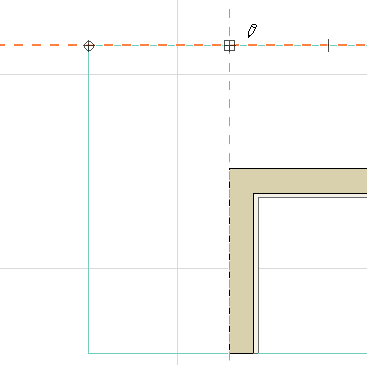
The reference point of a static linear dimension is rectangular.
Once a dimension has been made static, it cannot be made associative again.