Place an Associative Label
- Activate the Label Tool.
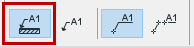
- Make sure its Geometry Method
is set to associative in the Info Box (this is the default setting):
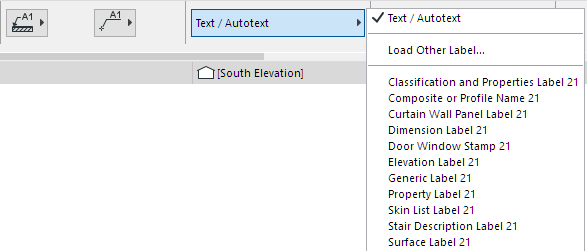
- In Label Settings or the Info Box, choose the label type you wish to use.
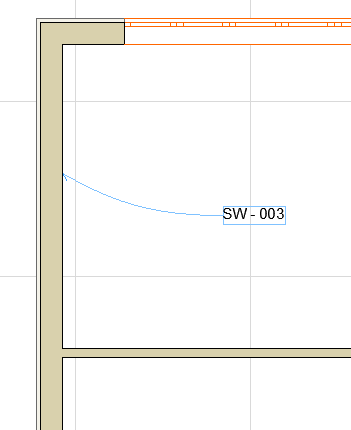
- Move your cursor to the element you wish to label. Highlighted feedback
lets you know which element will be labeled.
If your cursor is hovering over multiple elements, the Info Tag prompts you to click Tab to cycle through the elements.
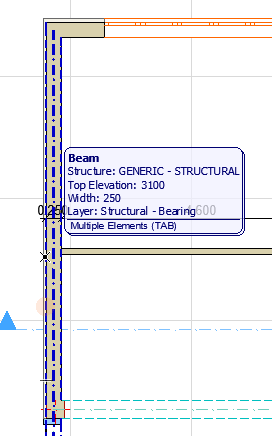
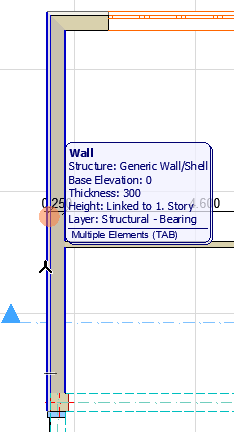
- When the desired element is highlighted, click to place the label.
Label Multiple Selected Elements