Symbol Labels with Element Information
Symbol Labels can display all kinds of element information on the drawing, for example the skins of a composite Wall.
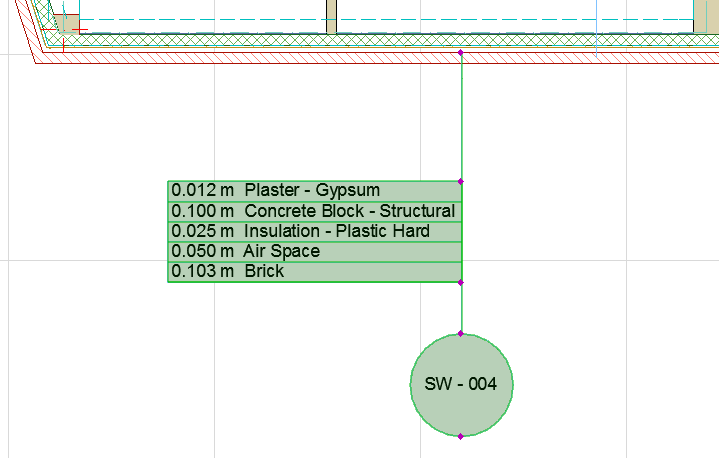
Symbol Labels are GDL objects. Along with Text/Autotext Labels, they are available from the Label Tool pop-up and Label Tool Settings.
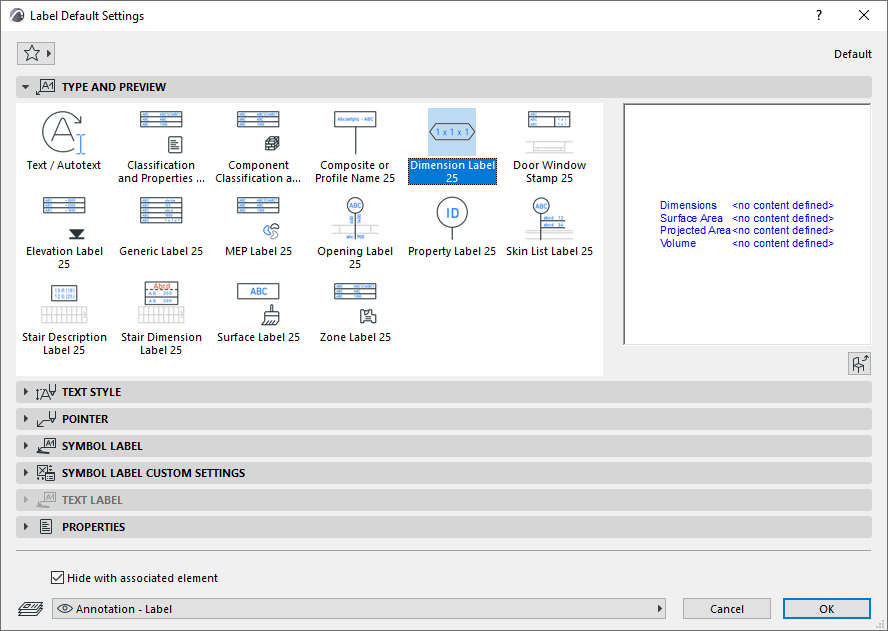
The following are the standard Symbol Labels available in the default library set.
|
Symbol Labels and Displayed Data |
||
 |
Classification and Properties Label |
Element parameters Classification and Properties IFC Properties |
 |
Component Classification and Properties Label |
Classification and Properties of Components |
 |
Composite or Profile Name |
Element / Hotlink ID |
 |
Dimension Label |
Dimensions Area Volume |
 |
Door Window Stamp |
Element/Hotlink ID Dimensions Surfaces |
 |
Elevation Label |
Elevation dimensions |
 |
Generic Label |
Element / Hotlink ID Name Elevation dimensions Dimensions Area Volume Skin list Composite / Profile / Bldg Material name Surfaces |
 |
Opening Label |
Door/Window ID Dimensions Properties |
 |
Property Label |
Element / Hotlink ID Name Property values |
 |
Skin List Label |
Building Material properties Element / Hotlink ID Dimensions Skin list |
 |
Stair Description Label |
Dimensions Parameters |
 |
Stair Dimension Label |
Stair-Specific Dimensions (Width, Riser Height, Going Depth, Number of Risers) |
 |
Surface Label |
Surfaces |
 |
Zone Label |
Zone Name, Number, Calculated Area |
See also Labeling Curtain Walls.
See also Select Surface (for Surface Label).
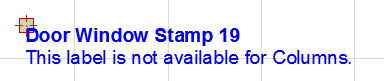
Not every label can be placed on every element type. For example, if you inadvertently attach a Door Window Stamp to a Column, a “placeholder” text will inform you of the mistake.
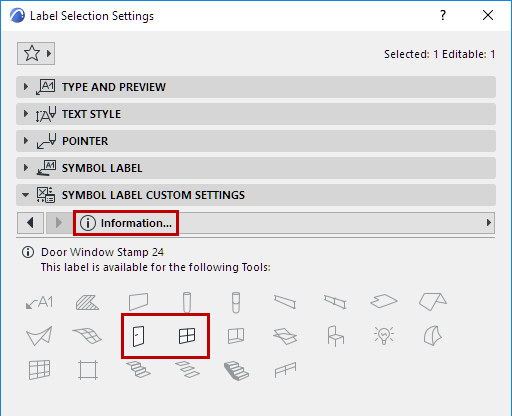
For more details, see Custom Settings for Symbol Labels.
You can also create your own Label by saving 2D drawing elements, including Autotext.