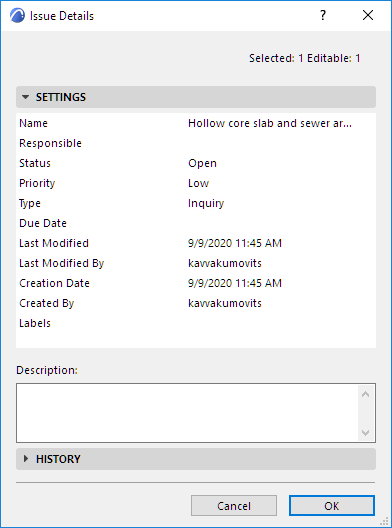
Issue Details
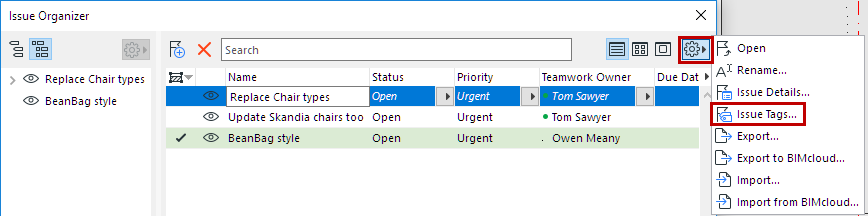
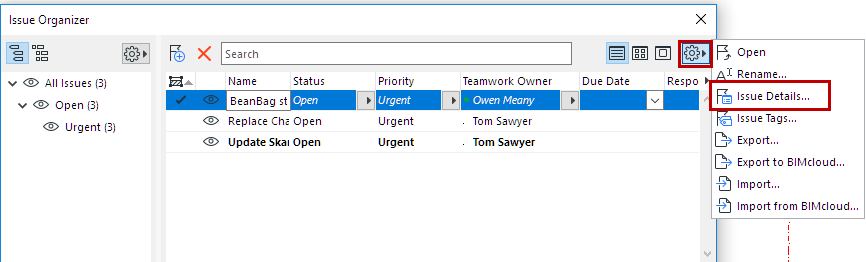
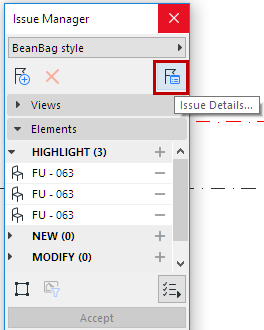
To open this dialog, select an Issue and click Issue Details from one the following:
Use Issue Details to modify any of the following:
- Name
- Status
- Priority
- Type
See Issue Priority, Status, and Type below.
- Due Date
You can also enter text strings in the following fields, which are recognized in BCF-based Issue exchange:
You can use these tags and data fields to configure the Issue list in Issue Organizer.
See Sort Issue List
The History panel of Issue Details logs all activities related to a particular Issue.
Issue Priority, Status, and Type
To add or change the available values for Priority, Status and Type:
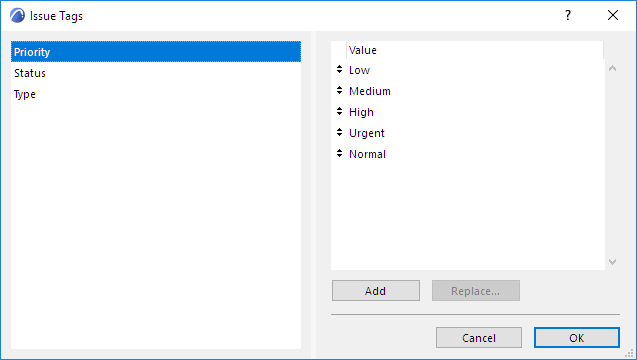
From the Settings pop-up of Issue Organizer, click Issue Tags: