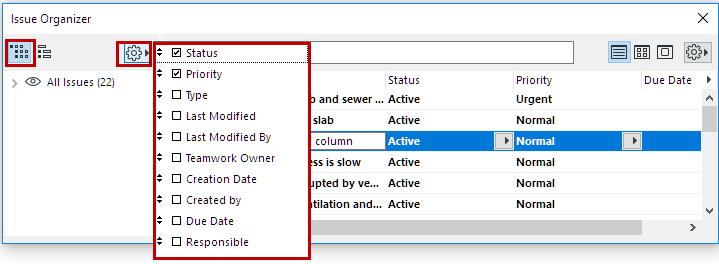
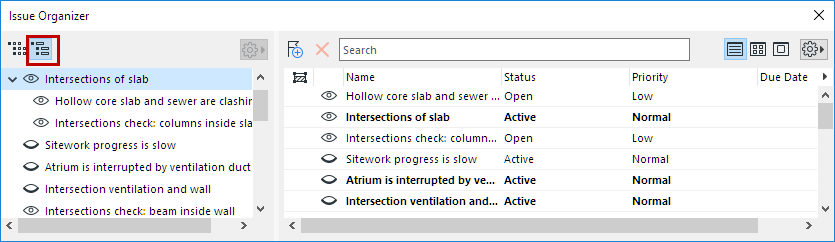
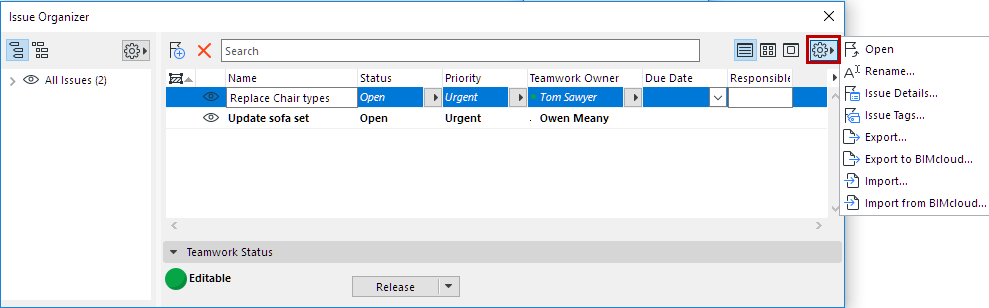
Issue Tags: Define values for the project’s “Priority”, “Status” and “Type”
Tags. (These values are global definitions, irrespective of current Issue selection)
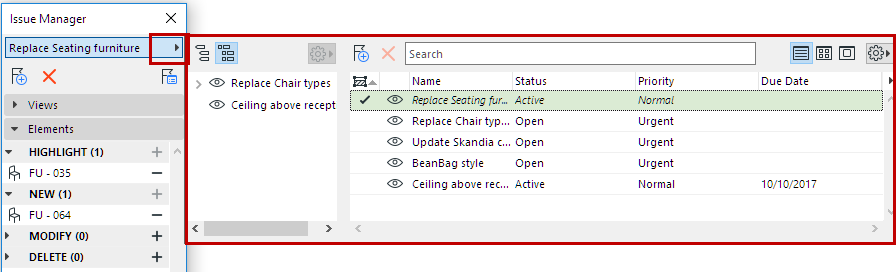
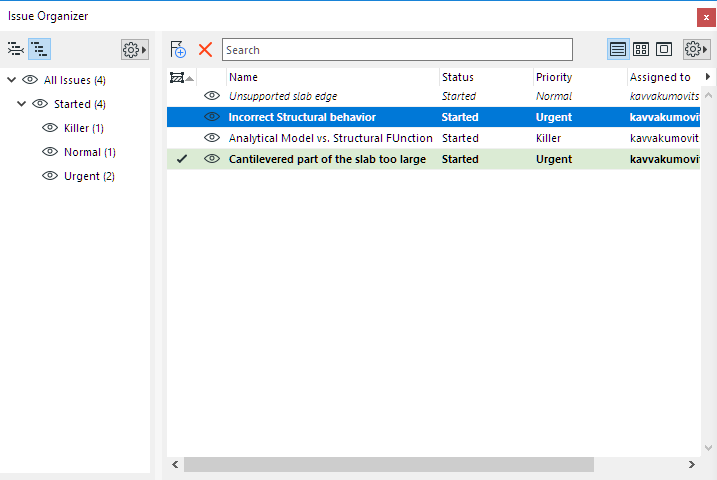
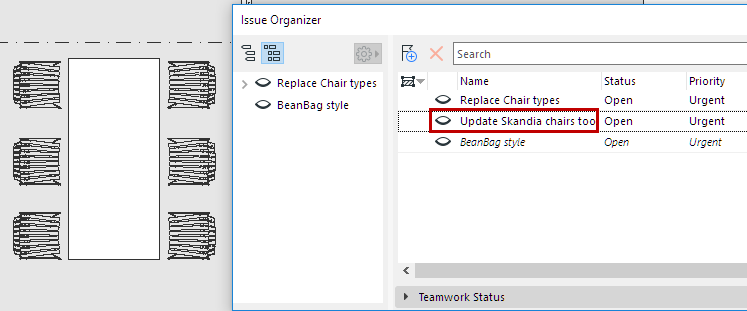
The format of listed Issues helps you keep track of the Issue you are
working on.
Italics: This element is currently open in Issue Manager
Bold: This Issue has been imported via BCF, but you have not
yet clicked on it.
Checkmark plus green highlight: An
element from this Issue is currently selected.
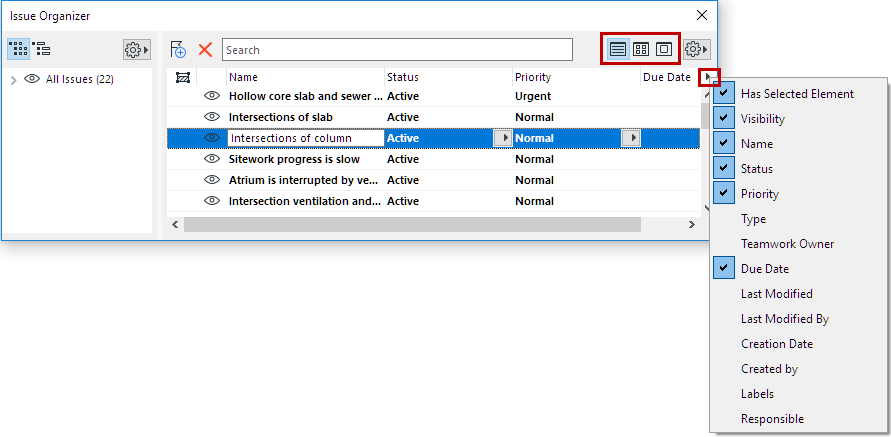
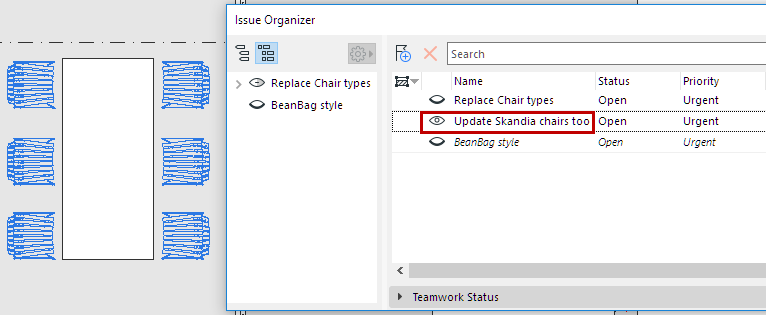
Eye toggle: Show/hide elements/highlights, if the Issue isnot currently open in Issue Manager:
For New elements: Show or hide the elements
For Highlight/Modify/Delete elements: Show or hide their
highlight colorsFigure 3. Eye toggle: Show Issue elements with highlight Figure 4. Eye toggle: Hide the highlights on Issue elements