Load Manager (for Load Cases and Load Groups)

Load Manager lists all of the project's Load Cases, organized into Load Groups.
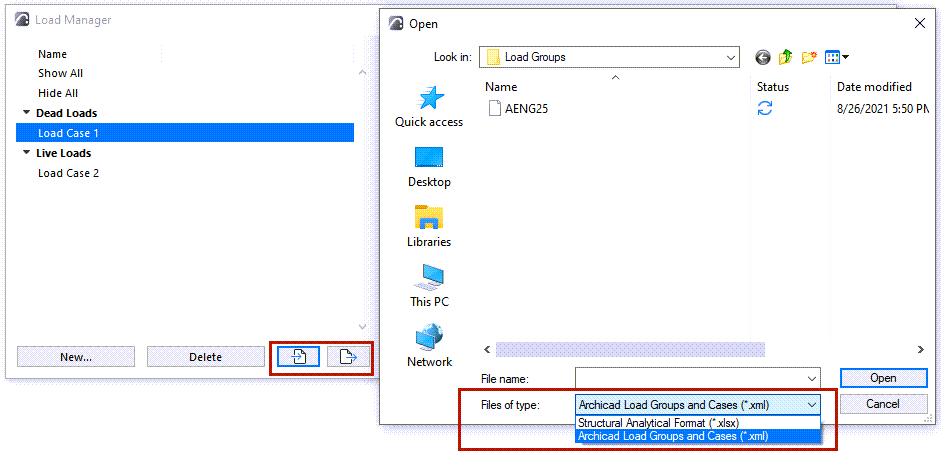
From Load Manager, you can also import and export Load Cases and Load Groups.
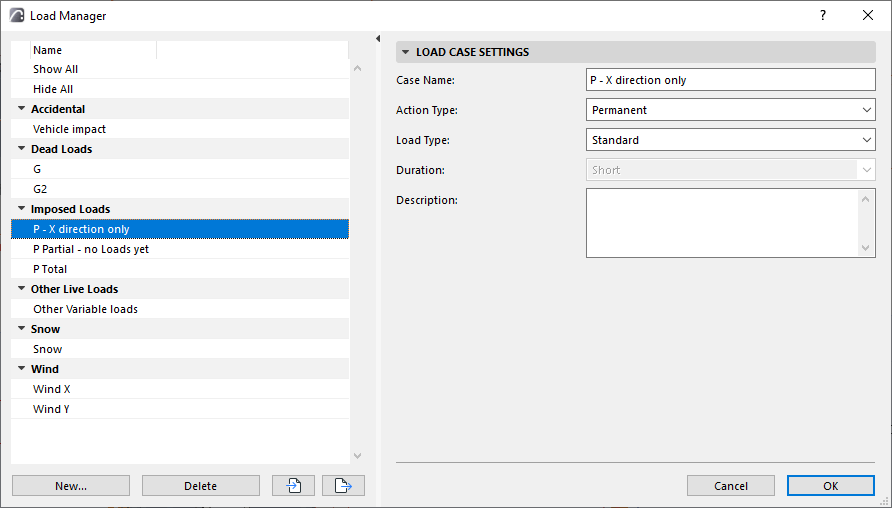
Open Load Manager
Do one of the following:
Create Load Group or Load Case
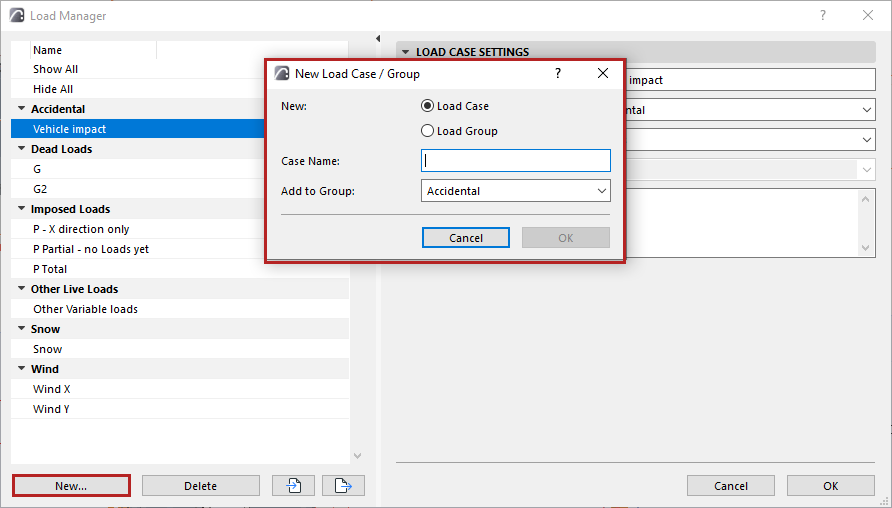
For a new Load Case:
- Add to Group: Choose a Load Group for the new Load Case, then click OK
- The new Load Case is listed on the left side of the dialog.
- Select the Load Case to access its settings on the right.
For a new Load Group:
- Add a Group Name, then click OK
- The new Load Group is listed on the left side of the dialog.
- Select the Load Group to access its settings on the right.
Click OK in the Load Manager dialog to save your changes.
Import and Export Load Cases and Load Groups
In Load Manager, use the Import-Export buttons to transfer Load Group and Load Case data.