Place Point Load
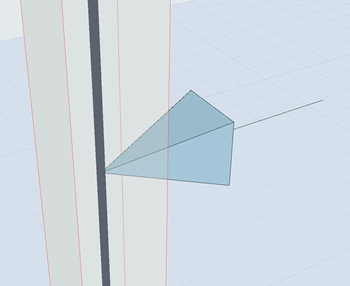
Point Loads can be input on:
- Activate the Structural Point Load tool.
- In Tool Settings or Info Box: Select a Load Case (see Load Tool Settings).
- While you place the Load element, the potential host element (Structural Analytical Member) is highlighted. You also get a preview of what the Load will look like after placement.
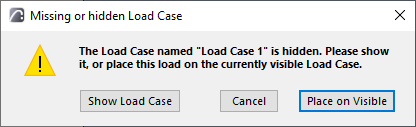
- Click to place.Note: Loads are visible only if they belong to the currently visible Load Case. If you try to place a Load element that does not belong to the currently visible Load Case, you get a notification.
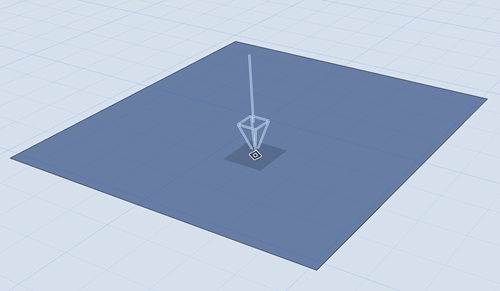
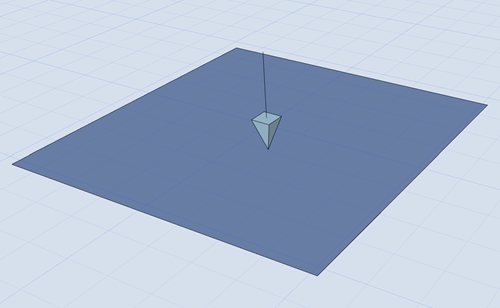
Placing a Point Load
 |
 |
|
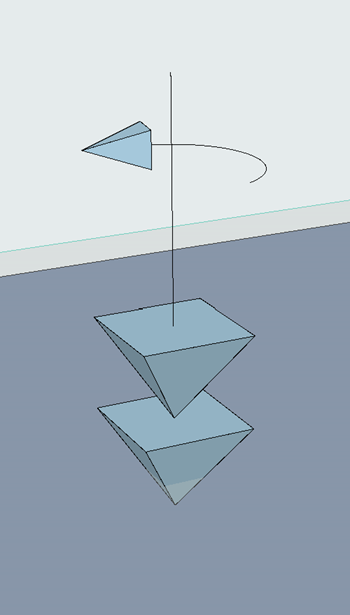
Point Force |
Point Moment |