Adjust Connected Ends
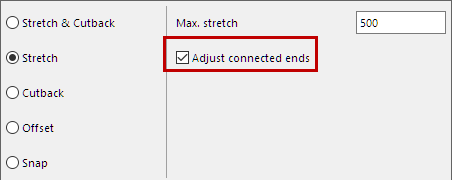
Available when adjusting a 1D Member, using Stretch, Cutback or Snap.
If the current adjustment rule results in a new node: This option enables further adjustment(s) which take the newly created connection node(s) into account.
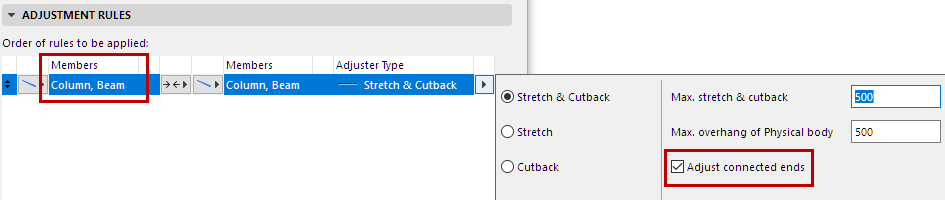
- Additional adjustments will be carried out on connected 1D Member(s) at each new node.
- These additional adjustments occur along the 1D Members’ local x axis.
- The 1D Members’ End Release values are based on this new connection node
- The 1D Members’ Startpoint/Endpoint values in SAF are based on this new connection node
For example:
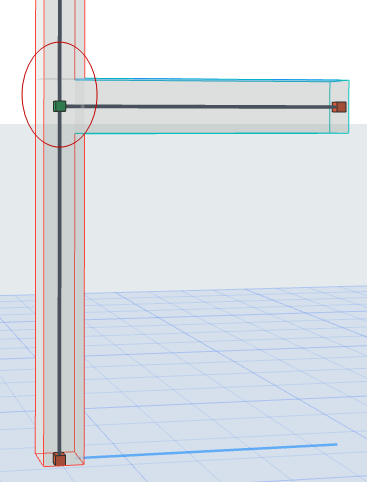
A Beam is stretched to meet the Column, creating a new node. The “Adjust Connected Nodes” option is OFF.
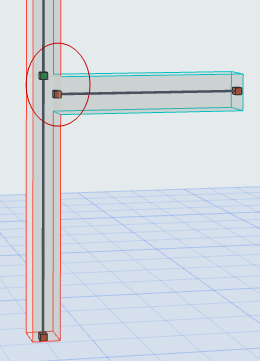
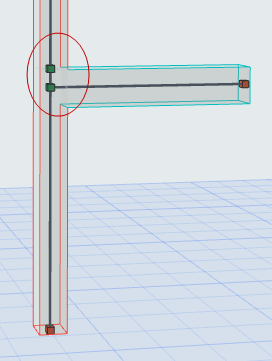
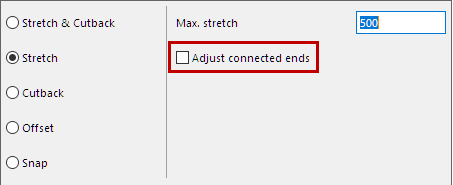
If you turn “Adjust Connected Ends” ON: The new connection node is adjusted further, to coincide with the existing node.