Offset 1D to 1D
Offset always occurs in one direction (one to the other): The adjusting Members will be offset to their targets; the targeted Members will remain unchanged.
|
|
OFFSET 1D MEMBER |
|
Offset 1D to 1D  |
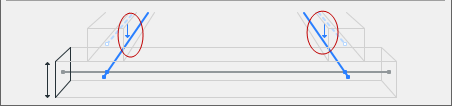 |
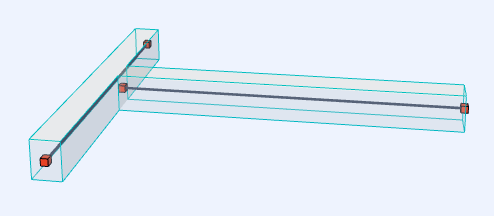
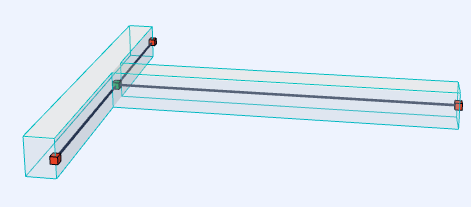
Connecting Beams: Before and After Offset Adjustment
1D to 1D Offset Options
Let’s use an example of 2 beams connected to a column. Each beam has a different cross section and is placed with different eccentricity to the column.
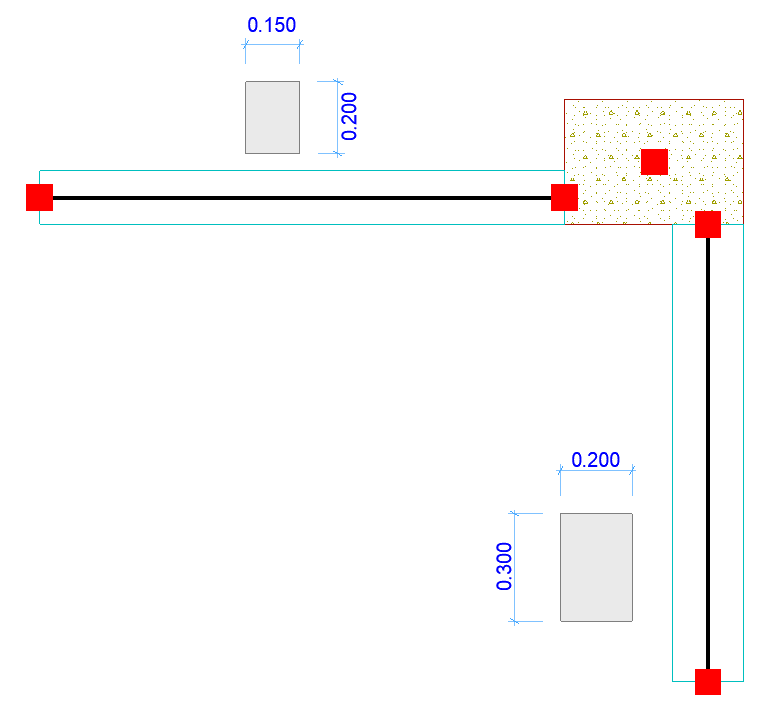
Click the arrow of the Offset Adjuster Type to choose options for 1D Offset.
Set the maximum allowed offset distance.
Choose one of the four offset logic options:
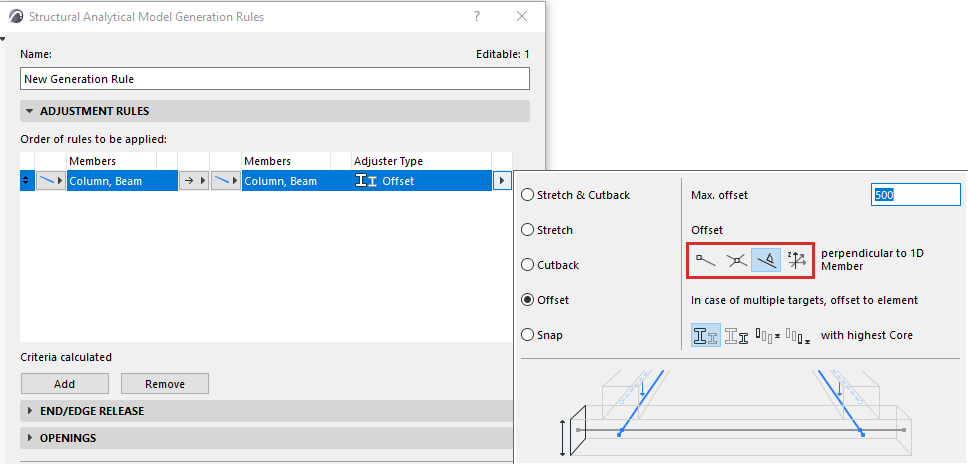
Each option is illustrated in the table below.
|
Offset 1D to 1D |
To End Node of 1D Member 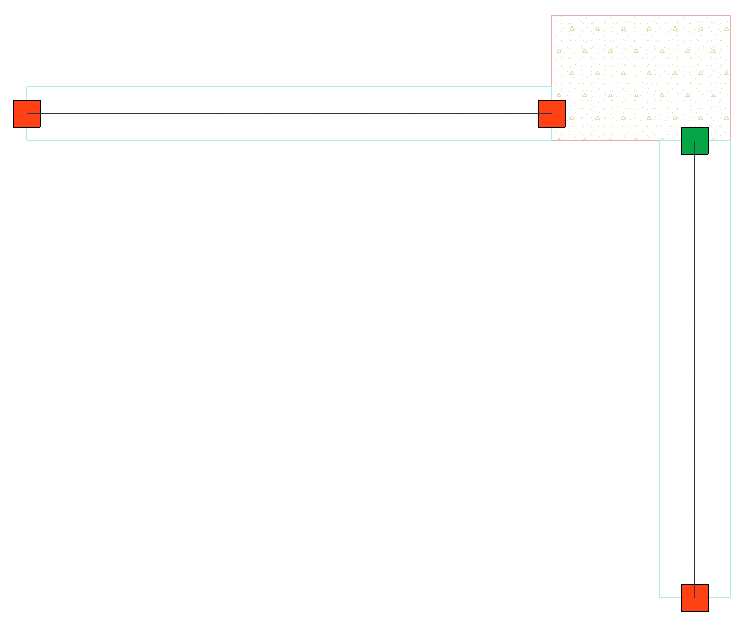 |
|
Offset 1D to 1D |
To End Node of 1D Member 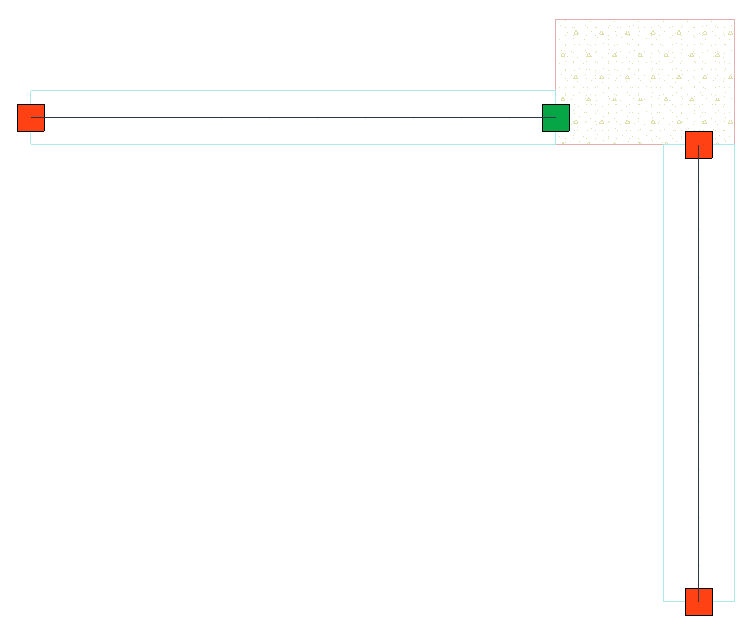 |
|
Offset 1D to 1D |
To Intersection of Members 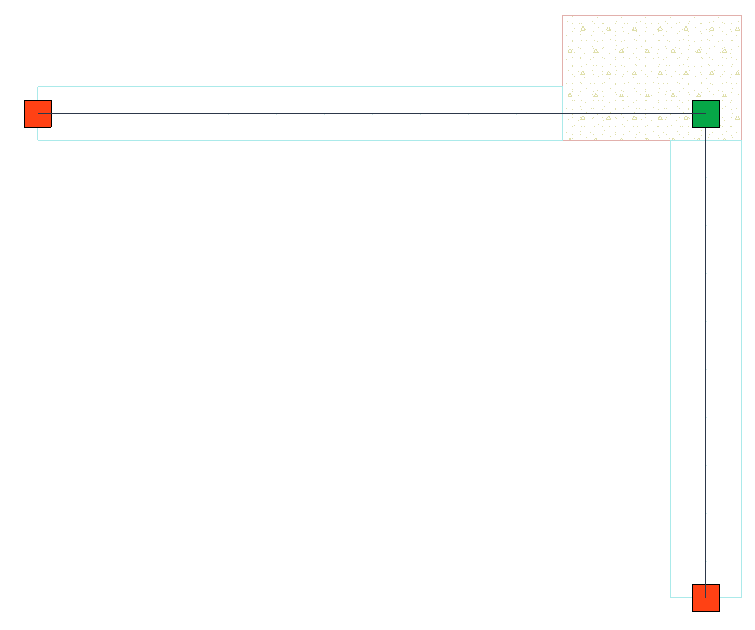 |
|
Offset 1D to 1D |
Perpendicular to 1D Member 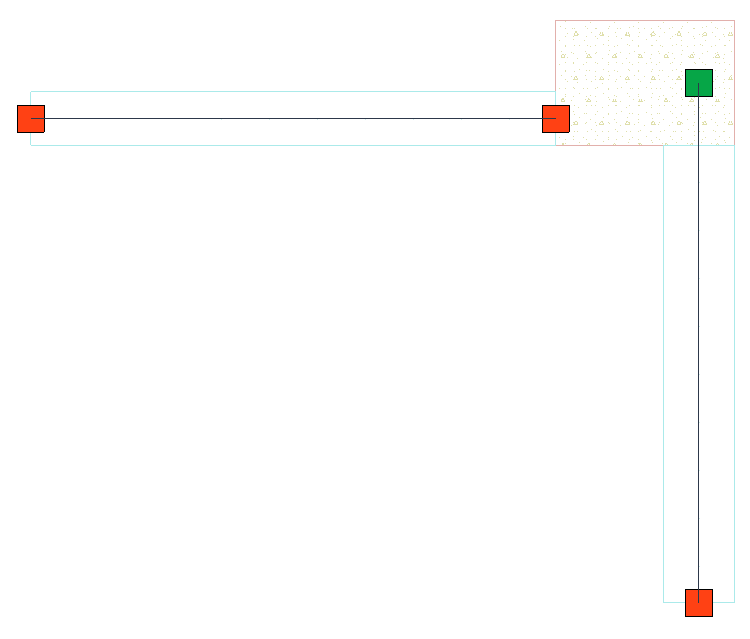 |
|
Offset 1D to 1D |
Perpendicular to 1D Member 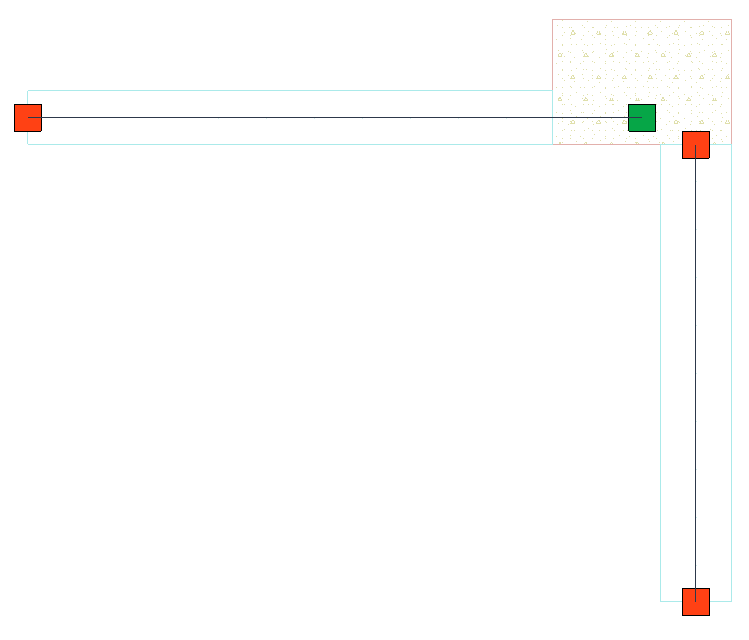 |
Global Z direction only
Check this if the 1D Member should only be offset in the global Z direction. Offsets in other directions will not be applied.