Offset 2D Member
Offset always occurs in one direction (one to the other): The adjusting Members will be offset to their targets; the targeted Members will remain unchanged.
A 2D Member is offset perpendicular to its own plane. This is the local Z direction.
- For each Offset adjuster, you can set a maximum allowed offset distance (“Max. offset”). This distance is measured between unadjusted 1D Members and/or unadjusted 2D Member planes.
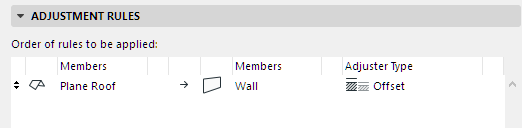
In this example, the offset adjuster enables the Roof’s 2D Member plane to connect to the 2D Member of the Wall below:
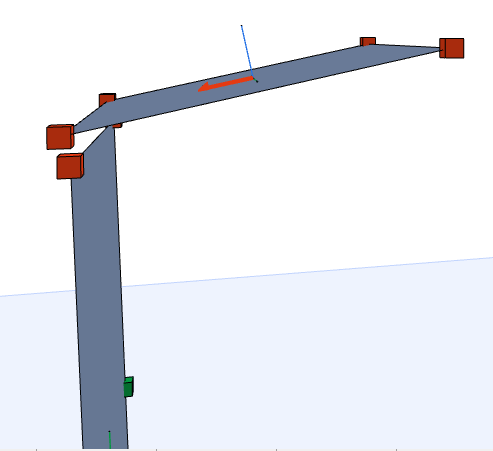
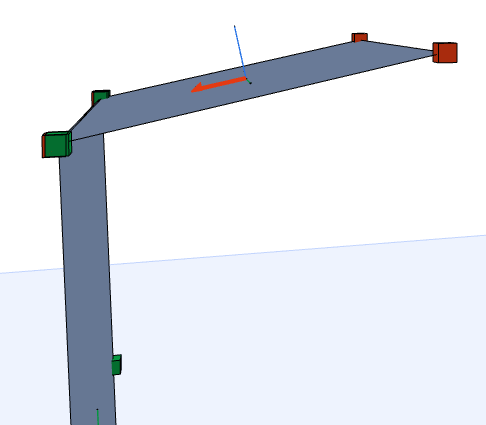
Roof Plane: Before and After Offset Adjustment

|
|
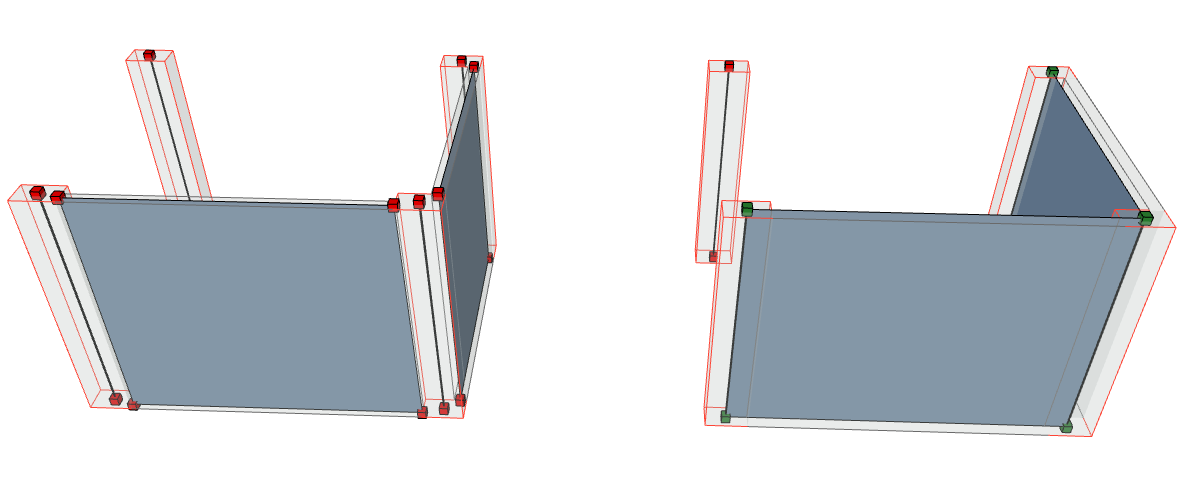
OFFSET 2D MEMBER |
|
Offset 2D to 1D  |
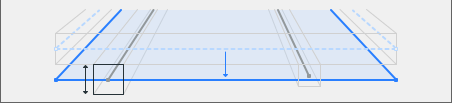 |
|
Offset 2D to 2D |
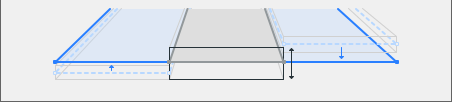 |
|
Offset only parallel 2D Members 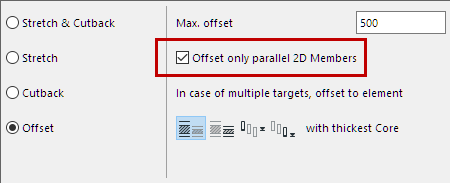 |
Restrict the 2D-2D offset adjustment to take place only if the 2D Members are parallel |