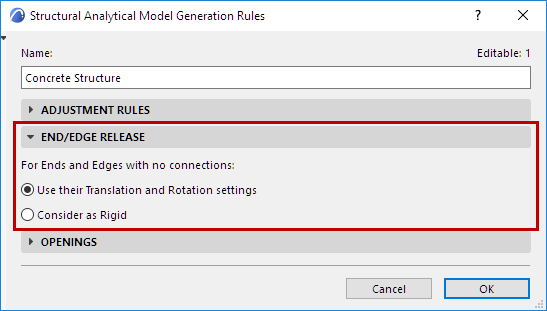
This is a panel of the Generation Rules dialog box.
This control defines how the structural analysis software should interpret
Release settings values of Ends or Edges which have no connections.
Some structural softwares automatically consider all such disconnected
ends/edges to be “rigid”. If you are using such a software, you might have to change this
setting in this panel. See details below.
For Ends and Edges with no connections:
Use their Translation and Rotation settings (default setting)
By default: The program looks at the End/Edge Release settings at the
element level.
If you have customized any Translation or Rotation value, these are
taken into account when the Structural Analytical Model is exported in SAF format.
In the exported SAF file, the values at RelConnectsSurfaceEdge are
“Free” or “Custom”, reflecting the element-level End/Edge Release settings.
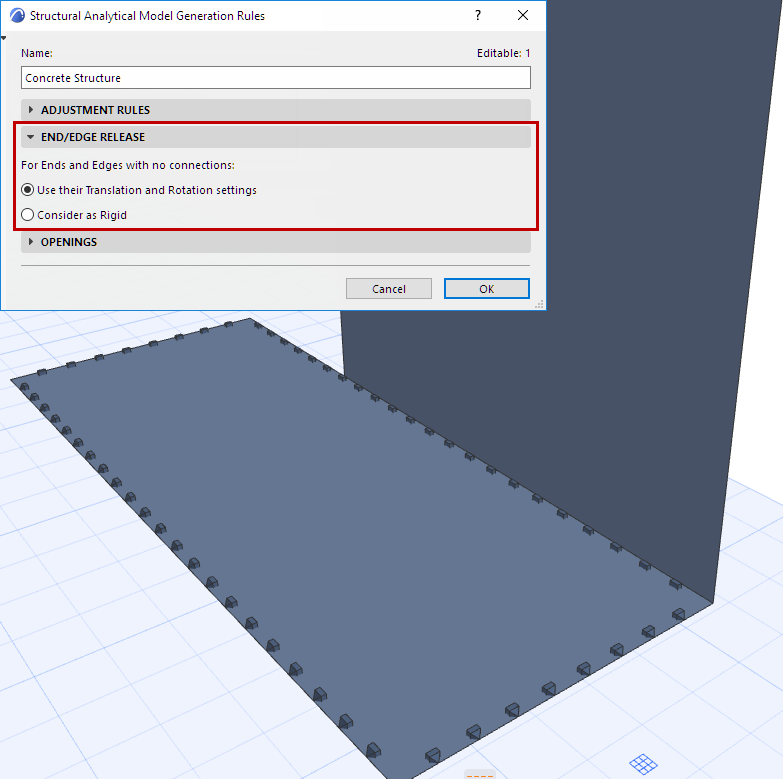
In the model, Release symbols are shown on all edges with custom values,
as usual.
Figure 1. Custom Edge Releases
Consider as Rigid (Affects Unconnected Ends/Edge Segments)
Certain receiving softwares consider all unconnected Ends, Edges and
Edge segment to be Rigid.
You may wish to export your model from Archicad so that it is compatible
with such a software.
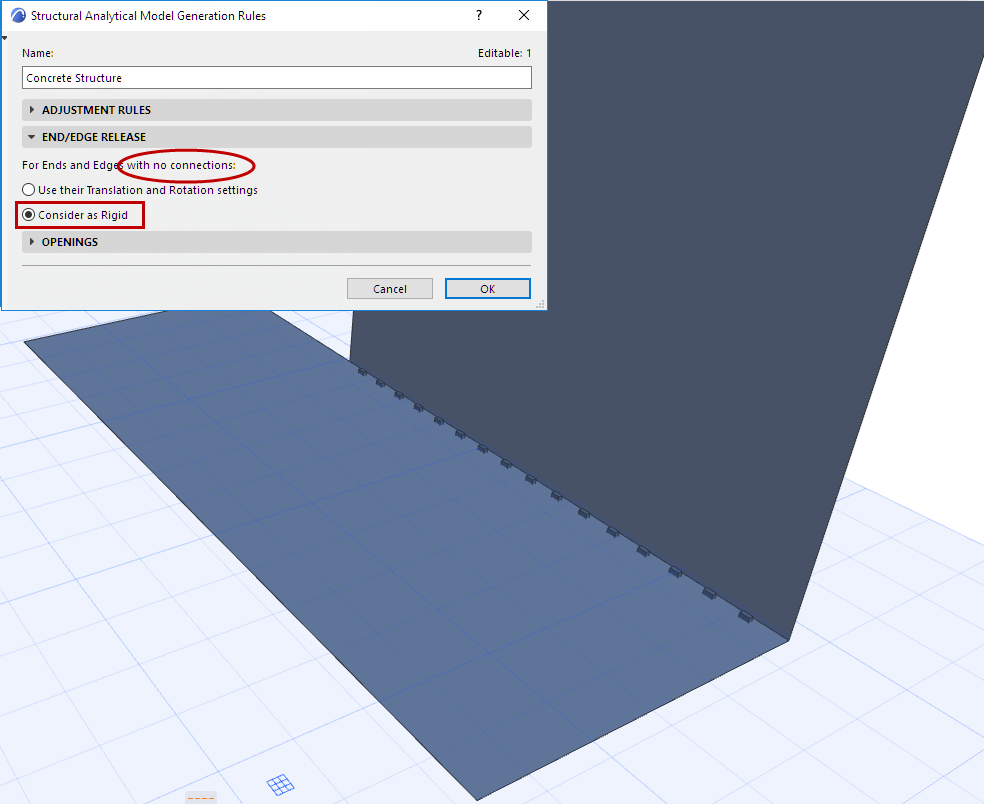
In the End/Edge Release panel: Choose Consider as Rigid.
As a result:
All unconnected Ends, Edges and Edge segments are exported as
“Rigid”, regardless of the release values set at the element level.
The SAF file values at RelConnectsSurfaceEdge are “Rigid”, even if
the element-level End/Edge Release settings have been set to different values
Customized Edge Release values will be generated, and the Release
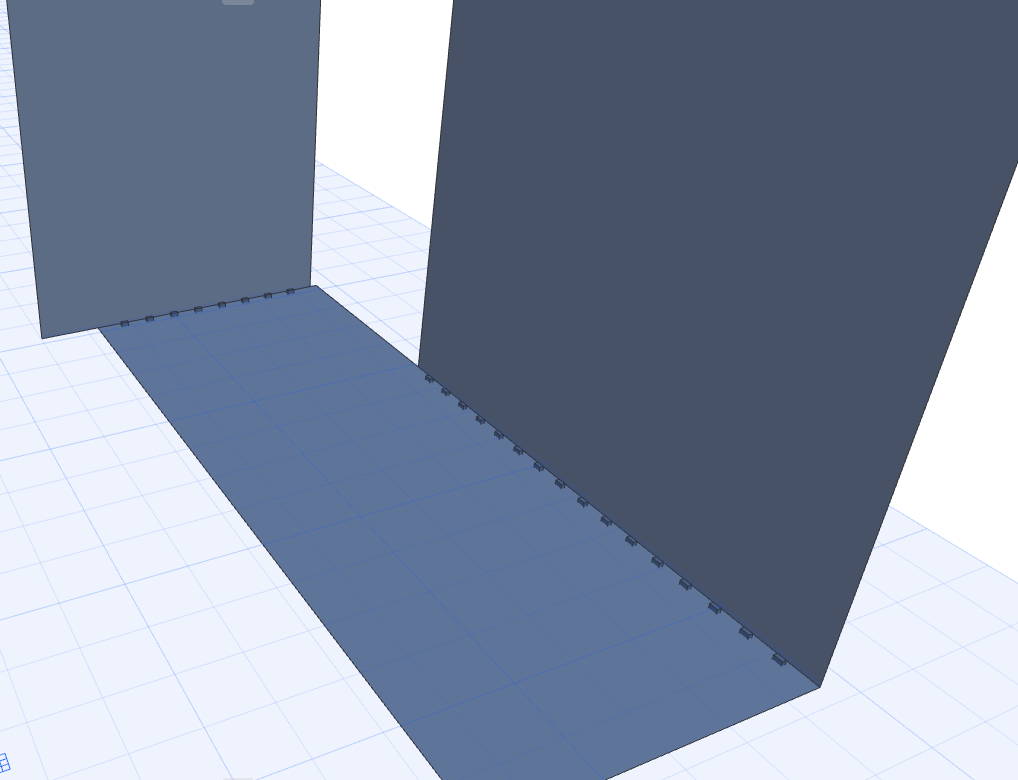
symbols shown in the model, only where Members are connected to another Member. Figure 2. Custom Edge: Shown Along Connected Segment Only
If you later add additional Structural Analytical Members to the model,
the connected edge (segments) will be exported with their customized release values,
and will be displayed where applicable.