End/Edge Releases
For each 1D and 2D Member in the Structural Analytical Model, you can set End and Edge Release values, respectively.
Translation (U) and Rotation (Fi) values express the transfer of forces at the ends or edges of a Structural Member, in the three directions of its local coordinate system (x, y and z).
These values have no effect on the Physical Model, but are essential for structural analysis.
End/Edge Release controls are available in the Structural Analytical Parameters panel of applicable element Settings dialogs and the Info Box.
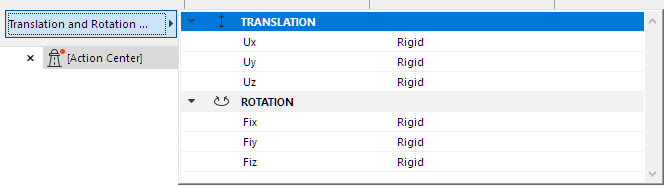
- For 1D Members: Set Translation and Rotation values for Ends (either uniform values, or separately for each end).
- For 2D Members: Set Translation and Rotation values for all Edges.
Note:
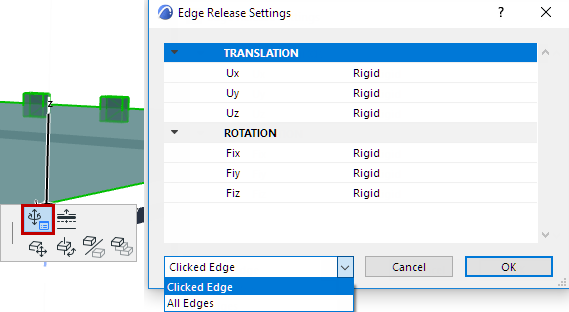
- To set custom edges for 2D Members, use the pet palette. See Set Custom Releases for Each Edge.
- For the purposes of exporting the Release values to SAF format: In the Generation Rules dialog, you can apply an “All Rigid” override to all unconnected Ends, Edges and Edge segments of Structural Analytical Members.
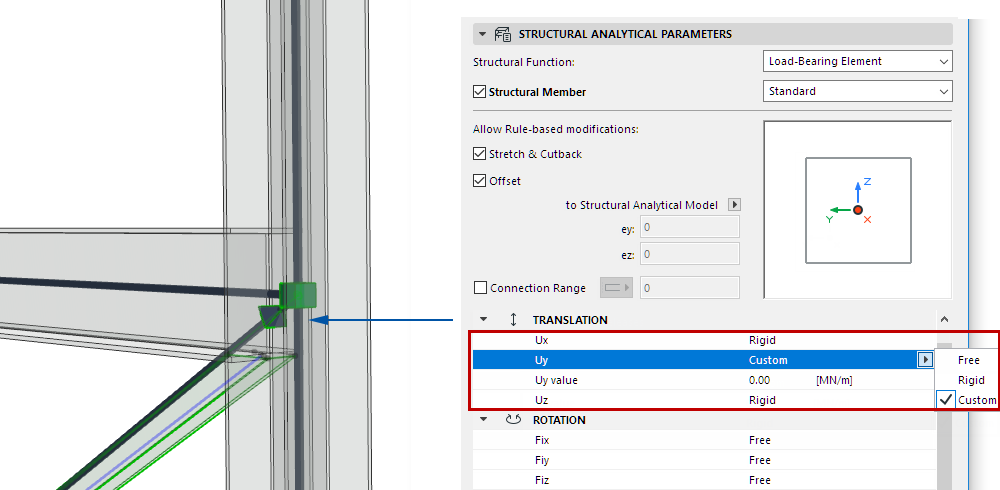
Release Values: Rigid, Free, Custom
All releases are set to Rigid by default, but you can set alternative values for each direction and component to achieve fixed, hinge and roller-type releases:
End/Edge Release Symbols
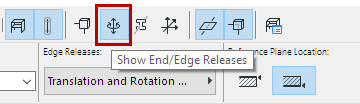
Turn on the End/Edge Releases toggle to display Release symbols on Member ends or edges that you have customized. (By default, all ends and edges are set to Rigid.)
All Rigid
If the Member’s release values are all Rigid - the default value - then no symbol is shown.
Hinge Release
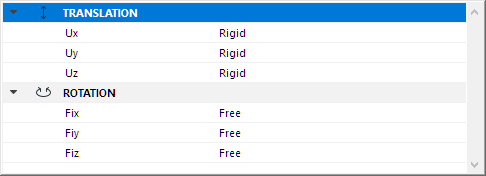
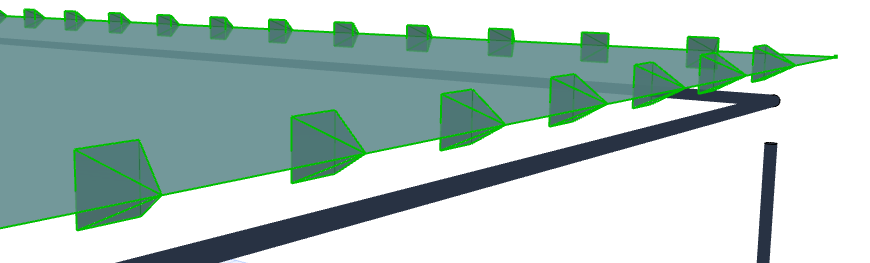
For a Member with a “hinge” or “pinned” release (translations all rigid, rotations all free): The symbol is a pyramid
Custom Release
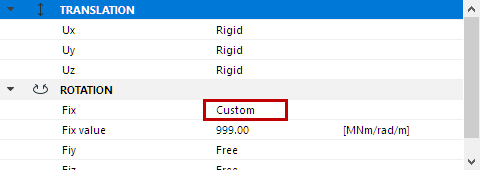
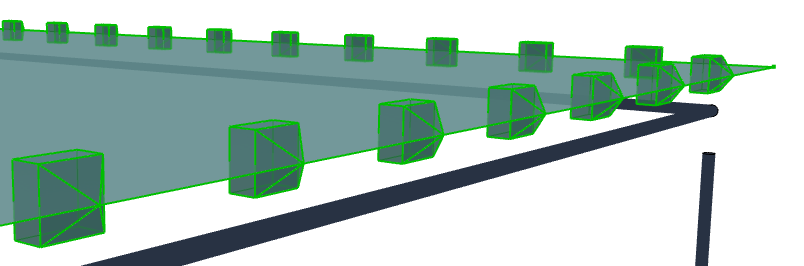
For a Member using any other Translation or Rotation value: The symbol is a “house”
End/Edge Release Color
Customize these colors at Structural Analytical Model Representation (Preferences) .
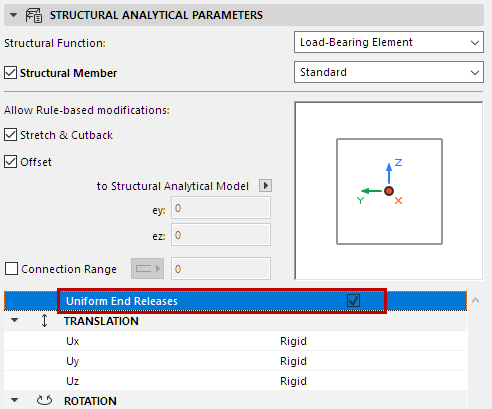
Uniform End Releases
For 1D Members, check this box to set equal values at both ends. Otherwise, set values separately for each end.
Set Custom Releases for Each Edge
For 2D Members, you can customize edge release settings via the pet palette: