Archicad 30 Help
Click here to see this page in full context
  1. Home >
  2. User Interface Reference >
  3. Controls >
  4. Project Info

Project Info

Use Project Info to define key data related to the current project. Your Project Info data is available throughout the project for use in Autotext, custom properties, and more.

Use the predefined fields and groups, or create your own custom fields and groups, and rearrange the list freely to suit your needs.
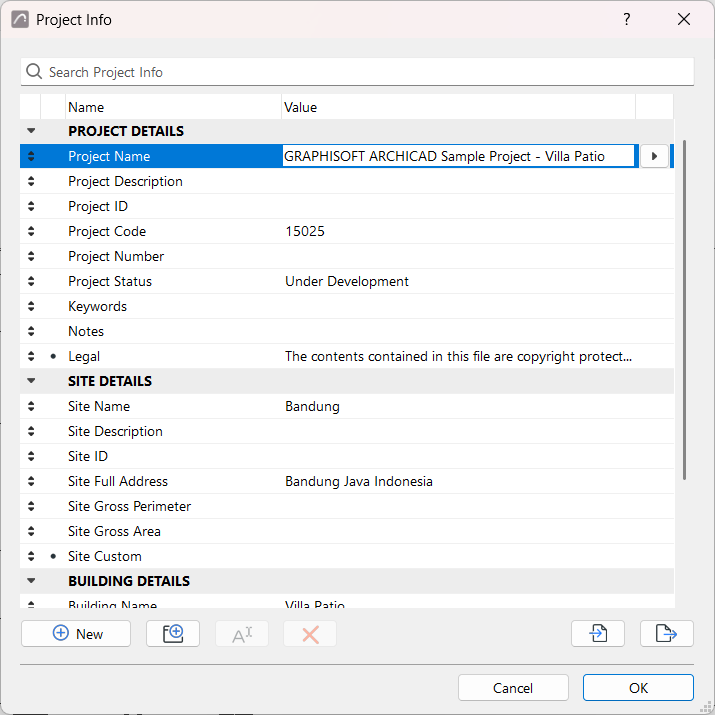

ProjectInfo.png
  • Open Project Info dialog
  • Enter and search data
  • Custom fields and groups
  • Export and import Project Info
  • Using Project Info throughout your project
Parent topic: Controls
Copyright © 2026 by Graphisoft. All rights reserved. Graphisoft is part of the Nemetschek Group