Action Center
The Action Center is an Archicad Tab/window:
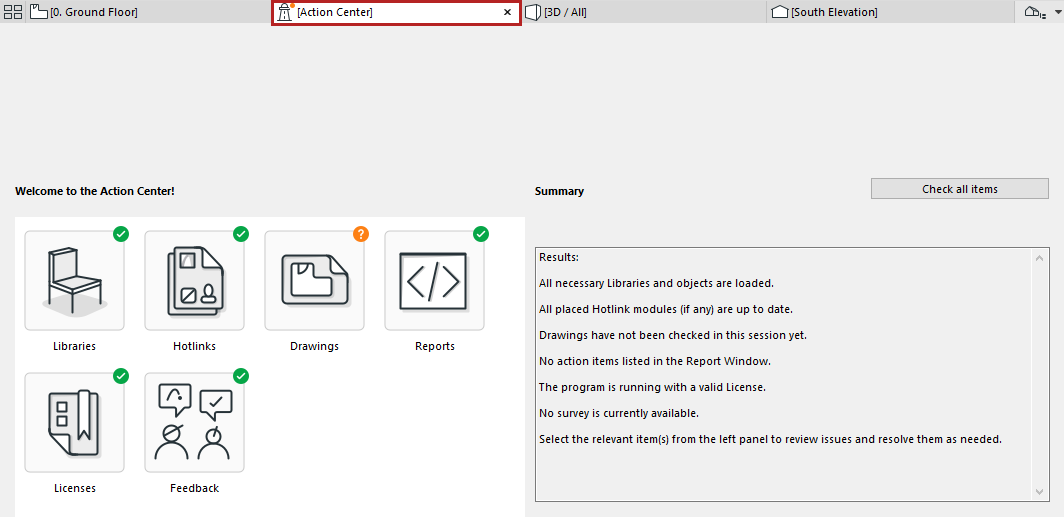
It collects all the information you need about the update status of the following project components:
Use the Action Center to get information on their current status, issues that need to be resolved, and to run a check where needed.
- Some of these items (e.g. Libraries) are checked automatically whenever you open a project.
- Other items (e.g. Hotlinks and Drawings) may require you to run a manual check.
Where Do I See the Action Center?
Action Center Summary
By default, you see the Summary page:
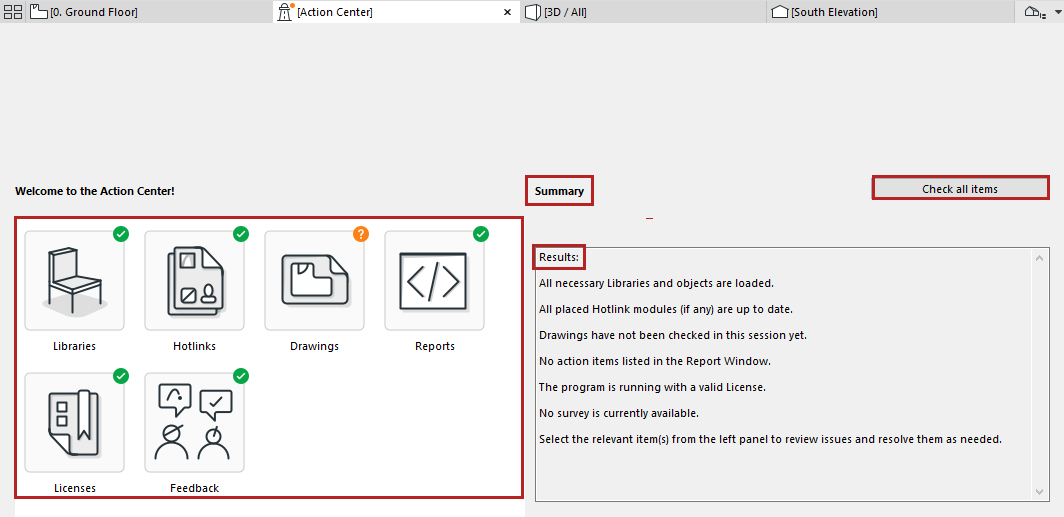
The icon of each project item indicates its current status.
|
Action Center Icon |
What it Means |
 |
No action needed Item was up to date as of the last check. |
 |
Action needed Issues were found during the last check. Click the item and follow the instructions. |
 |
Needs checking. This item needs a check to determine if anything is missing or out of date. Click the item and follow the instructions. |
Status of Project Items
Note: The green checkmark means this item was up to date as of the last check. It is possible that some items shown with a green checkmark have been modified since the last check. Run a manual check to make sure.
Click on any item for more info.