Structural Analytical Model Representation (Preferences)
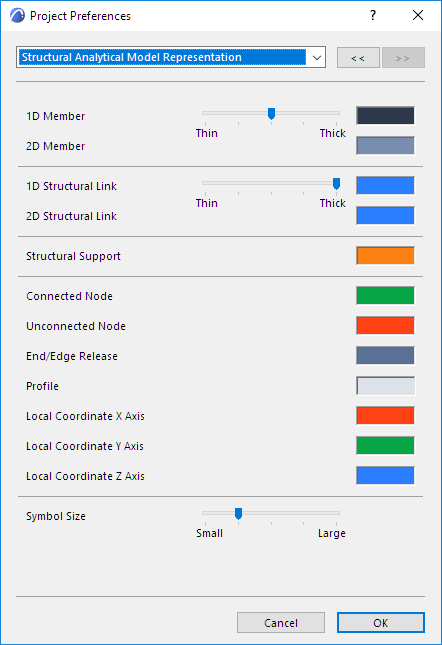
Use this page of the Project Preferences dialog to set colors and symbol sizes for the Members and visible components of the Structural Analytical Model.
Options > Project Preferences
View > Structural Model Appearance > Structural Analytical Model Representation