Textures (Cineware Surfaces)
Most Surface channels enable you to load a texture. Textures add realism to the surface, enabling you to simulate, for example, wood grain.
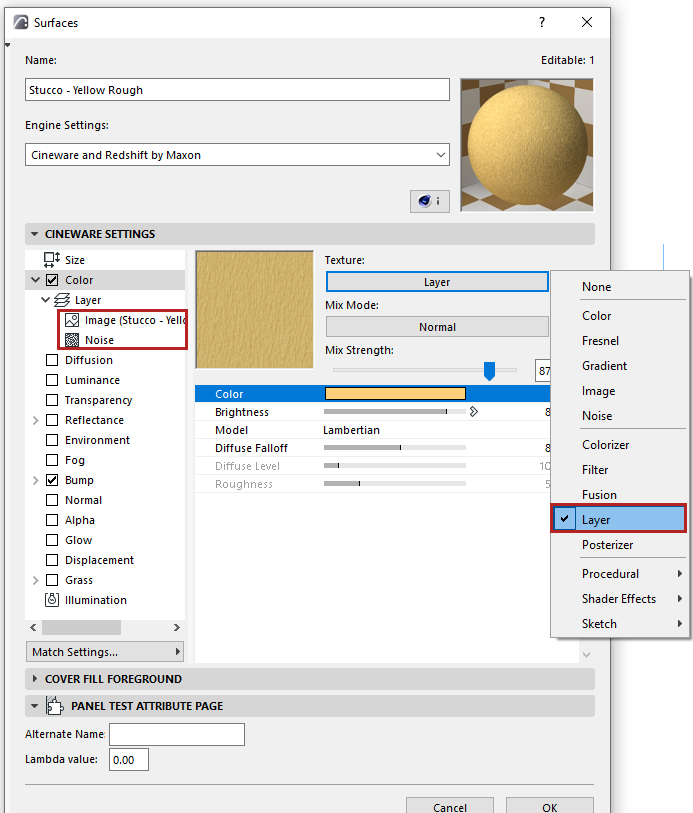
For a texture, you can select either a shader or an image.
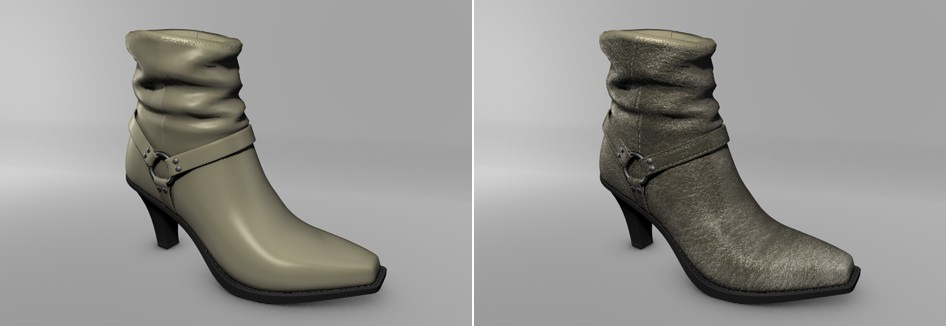
- An image file can be manually
created or a photograph (e.g. of real dirt, grime or structured surfaces such as walls or
floors). Numerous companies have specialized in creating just such textures for use in 3D.
In many cases you can also use your own digital camera to create such images. The image
below shows the difference between a surface with only a simple color and one with a bitmap
graphic added.
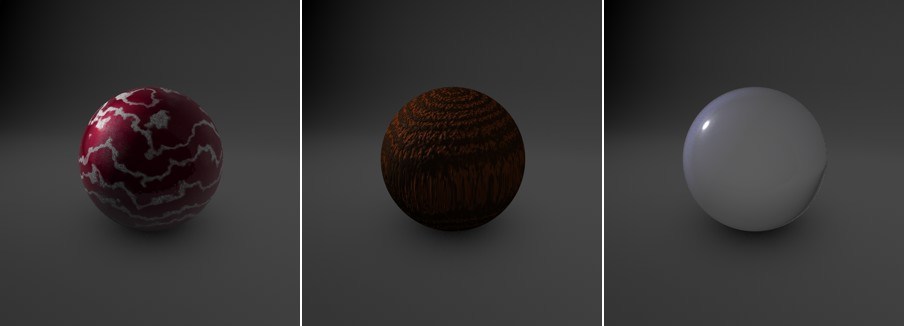
- Alternatively, shaders are tiny
routines that mathematically calculate a pattern or a certain effect such as light entering
and diffusing within an object. Shaders can also be used for the creation of a color
gradient or to color correct a loaded image. Shaders can be used in many different ways and
are used in some capacity in almost every surface.
An advantage of using shaders is that you don’t have to take into consideration a bitmap’s pixel resolution. A pattern generated by a shader looks good close up and doesn’t pixellate or blur as a bitmap image might. Therefore, it is recommended that you use shaders whenever possible.
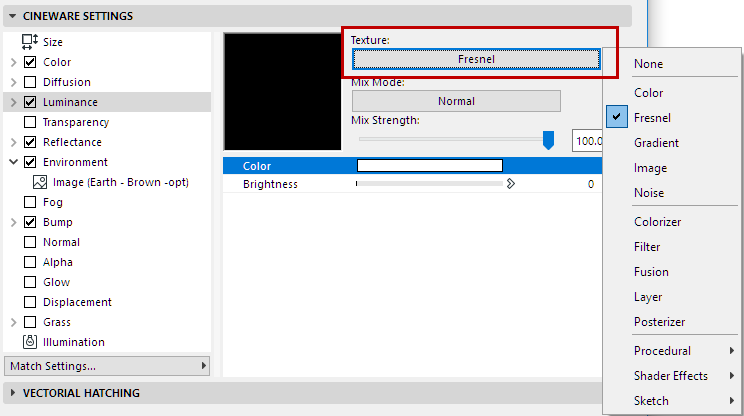
To choose a texture or shader for a particular channel in Surfaces, enable the channel, then click the Texture chooser button and pick one.
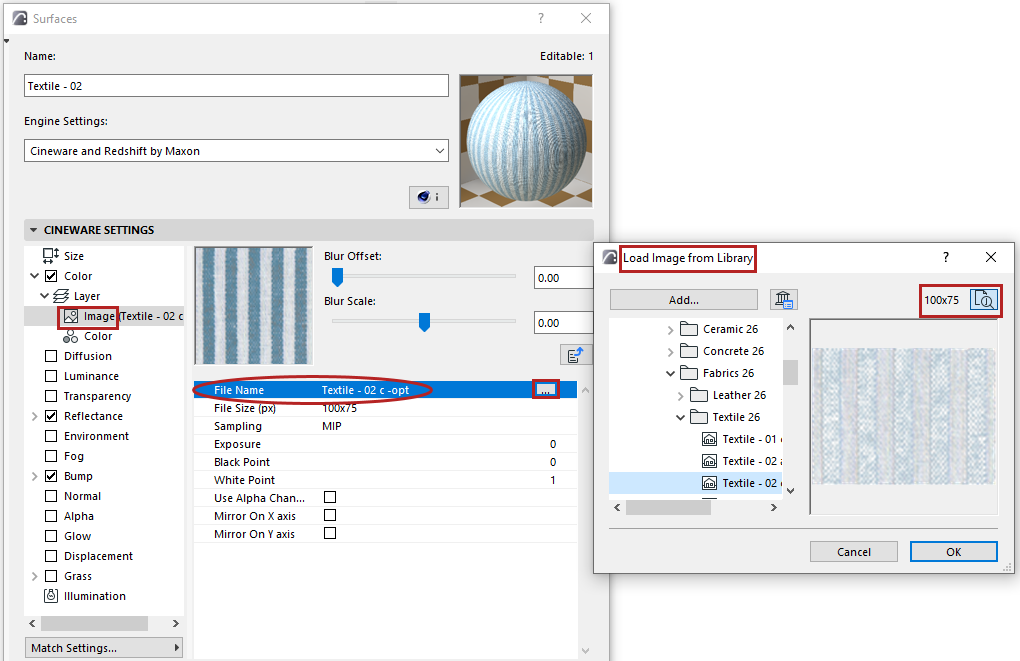
When loading a new image texture, browse a tree view of available textures plus previews, including info on their size in pixels.