Cineware Surface Channels
Surfaces for the Cineware engine consist of a set of channels, listed on the left side of the dialog box. Each channel represents one surface property (e.g. Luminance, Fog, Environment, Normal, Alpha, Glow, Transparency, Specular, Displacement).
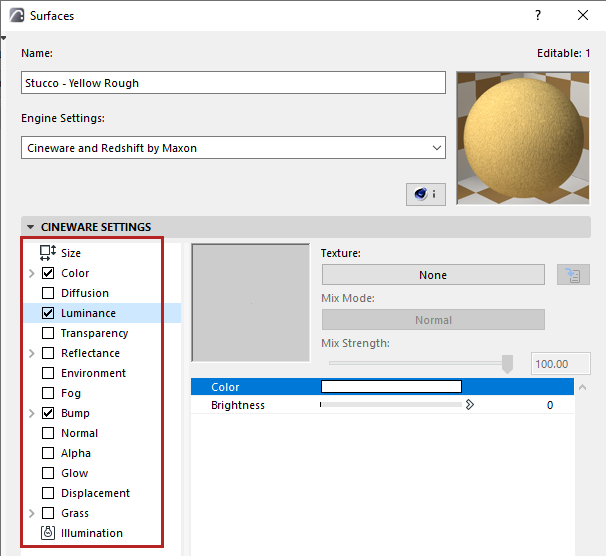
Many surfaces can be simulated using just a few channels. So don’t be intimidated by the numerous channels and their wide range of parameters. Generally speaking, all everyday surfaces can be created using just a handful of these channels.
For any selected channel in the list, its settings and a preview window are seen on the right.
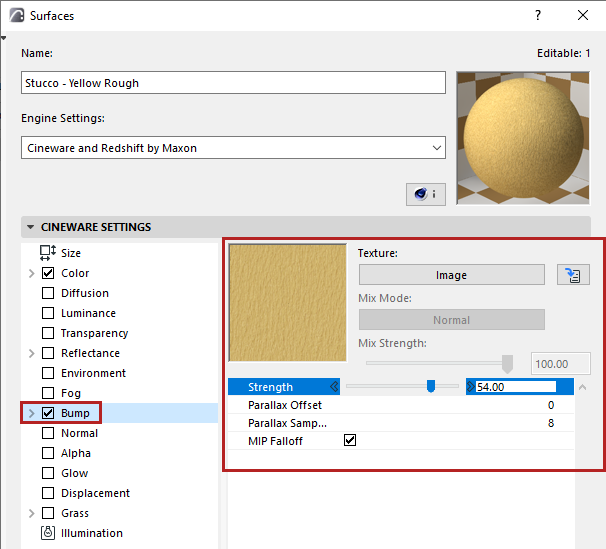
Navigation in Surface Channels
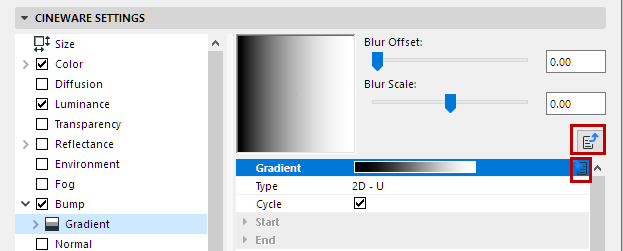
Surface Channels and their associated textures/shaders often include several levels of parameters.