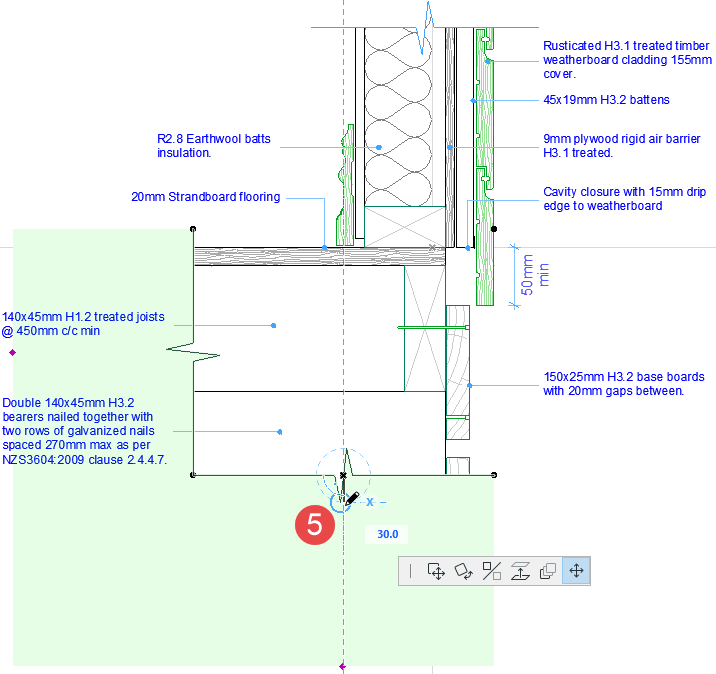
Add a Corner Break Line
To add an L-shaped break symbol to a detail drawing:
- Double-click the Detail Element tool.
- From Detail Element Settings, select Break Line Symbol 2D from the 10
Symbols folder
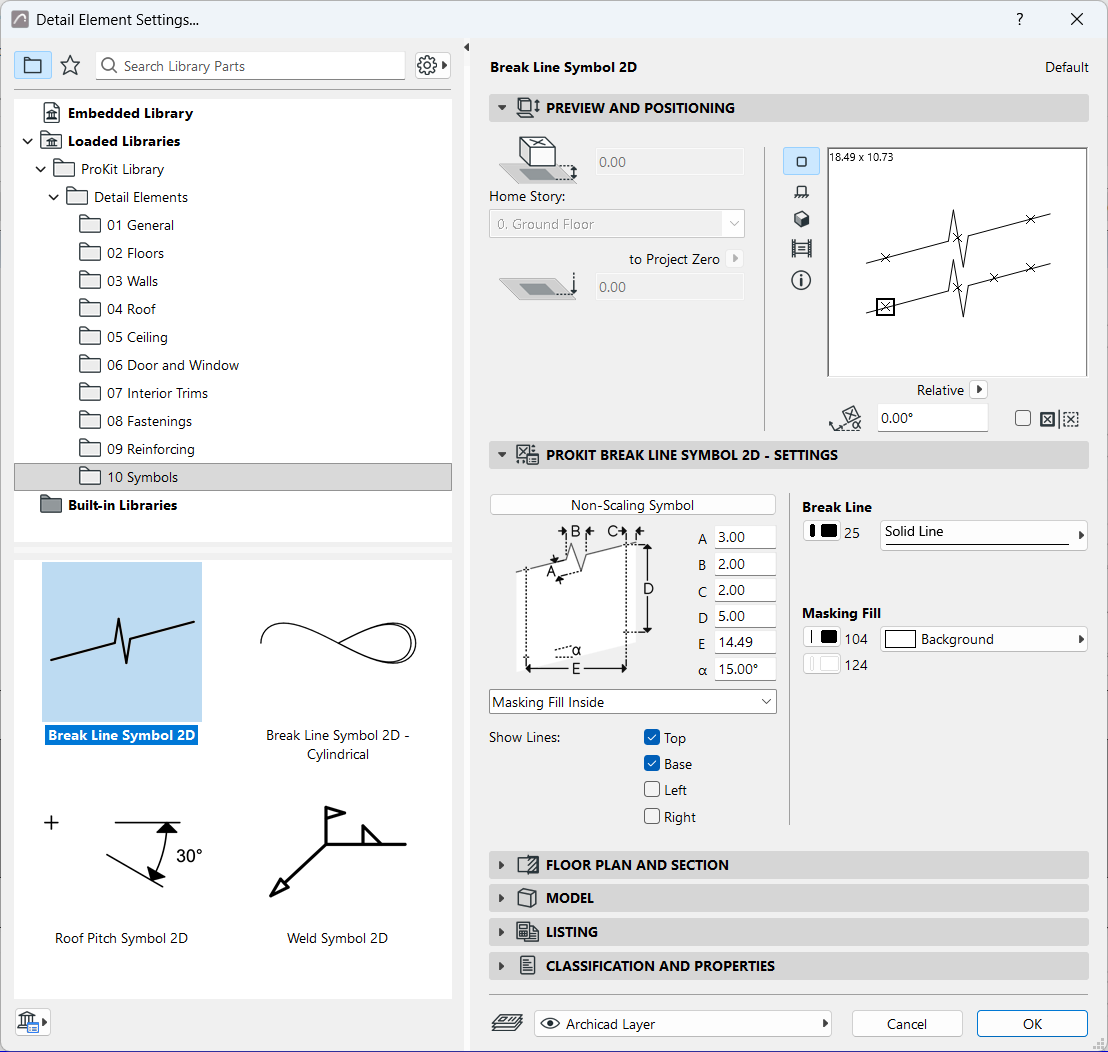
-
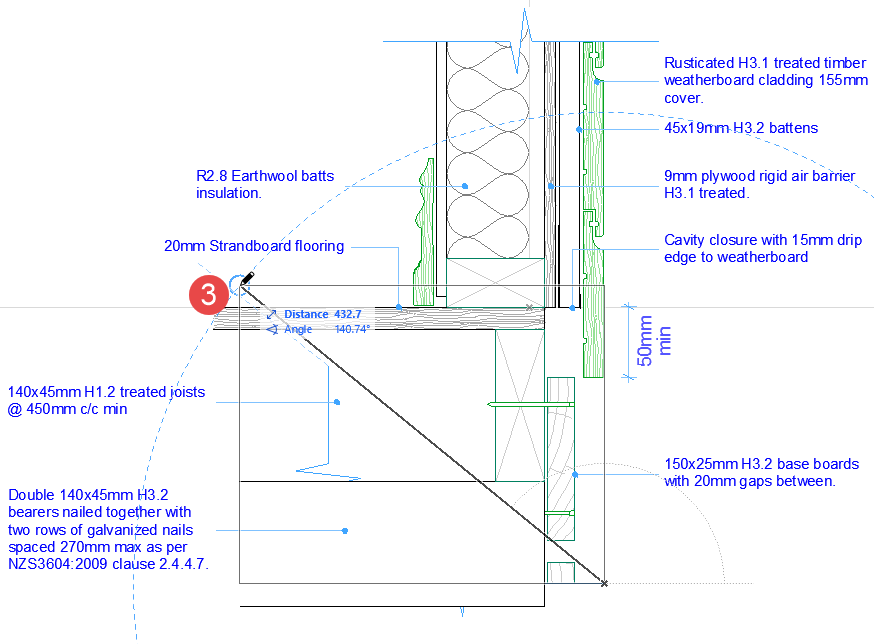
Using the Diagonal geometry method from the Info Box, stretch the break symbol over the drawing.
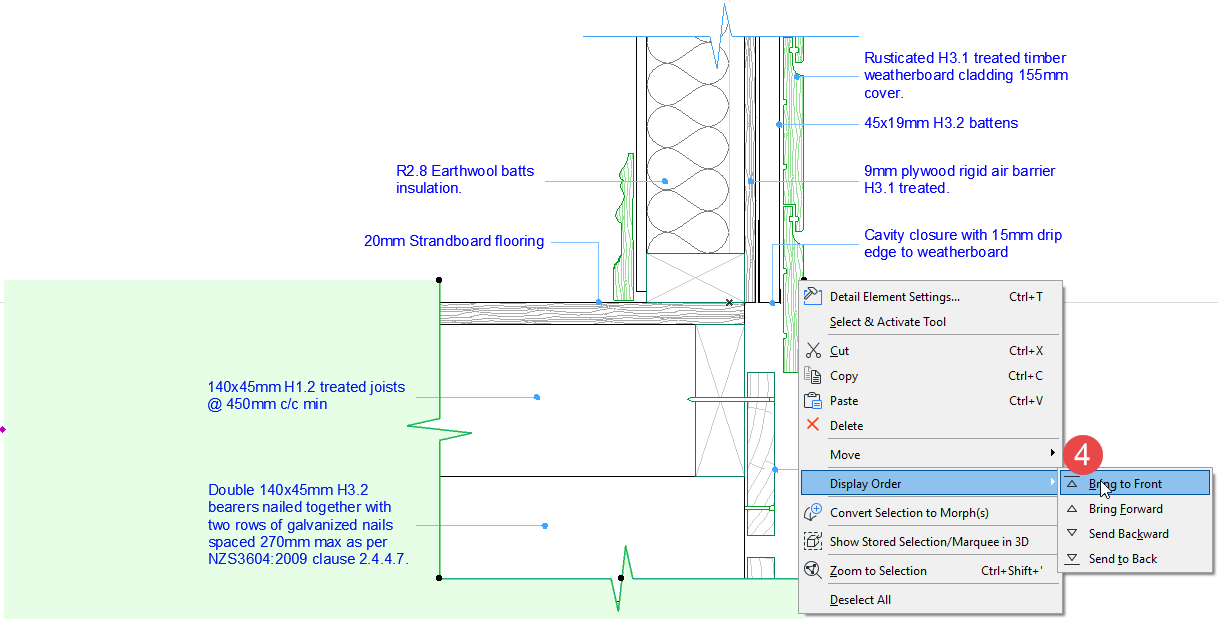
- Bring the break line symbol in front of drawing elements (but behind label
elements).
- Adjust the extent of the masking fill.