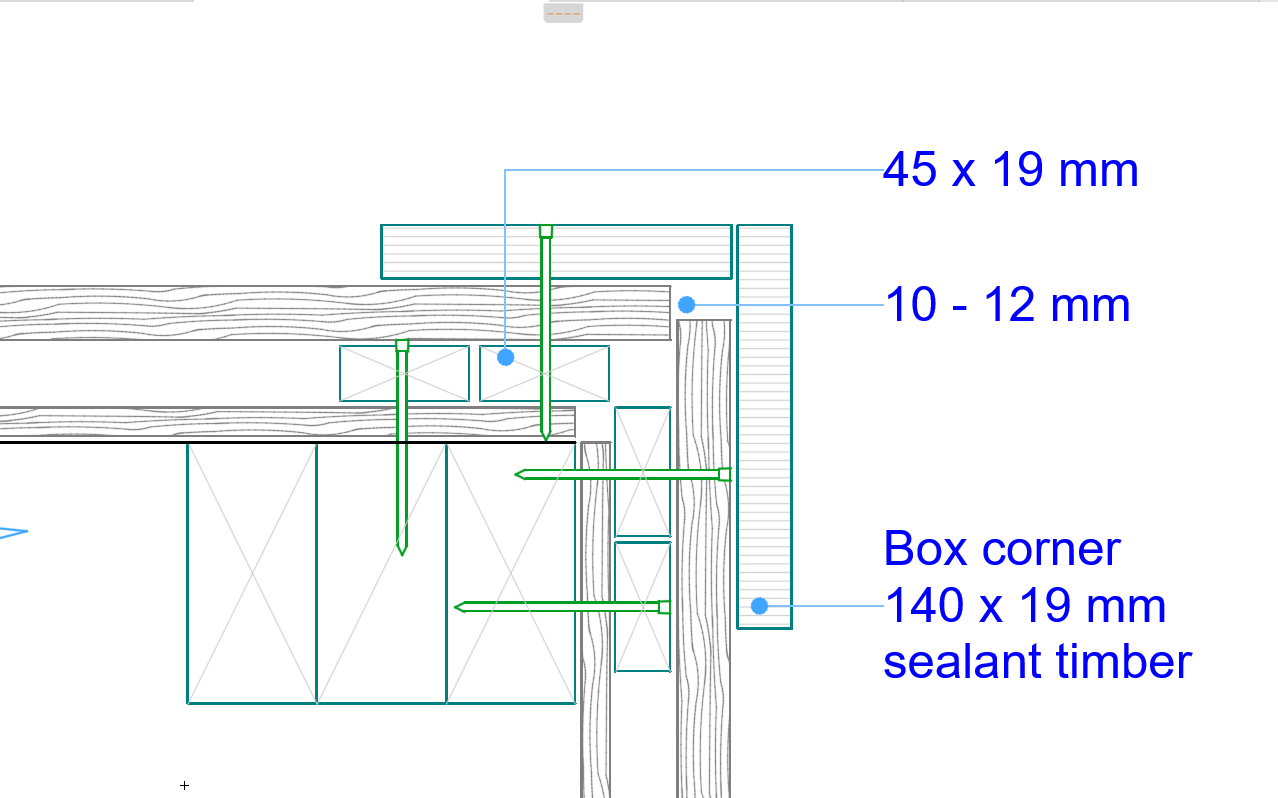
Add Nails to a Detail Drawing
In this example, a detail has been drawn. To finish, it we just need to show the location of nails around the timber battens and box corner.
- Double-click the Detail Element tool
- From Detail Element Settings, select Nail 2D from the 08 Fastenings
folder
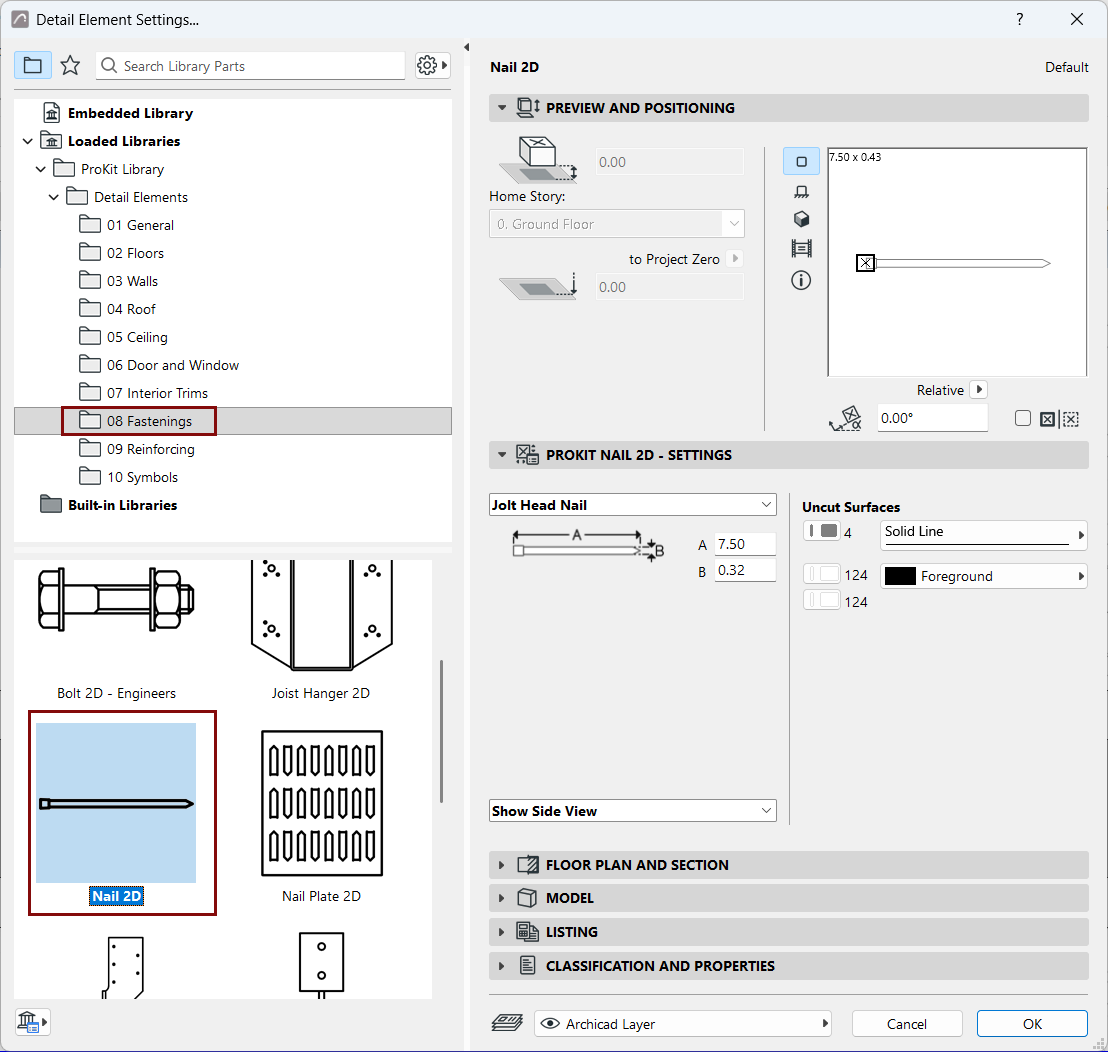
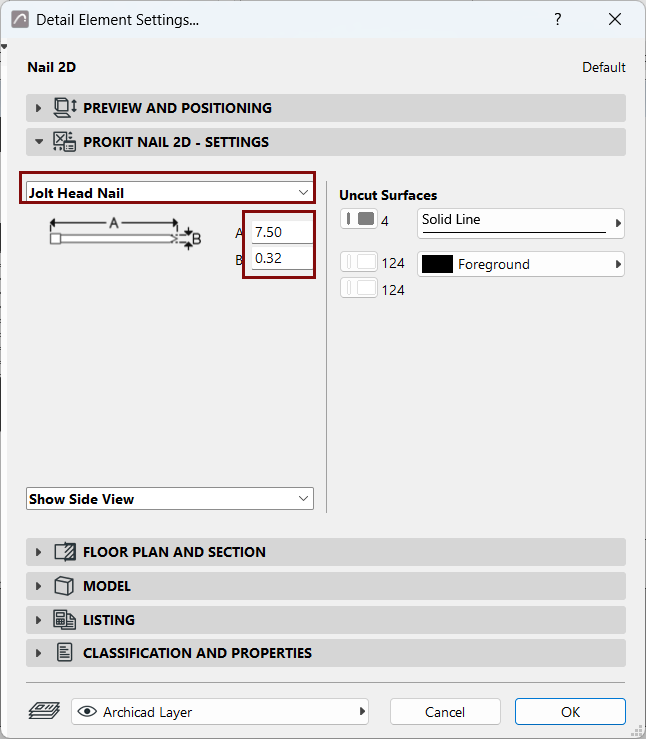
- On the Nail 2D - Settings page, choose the Jolt Head Nail type.
- Set the nail dimensions, then click OK.
- Place the nail element onto the drawing, rotating it into the correct alignment as
you place it.
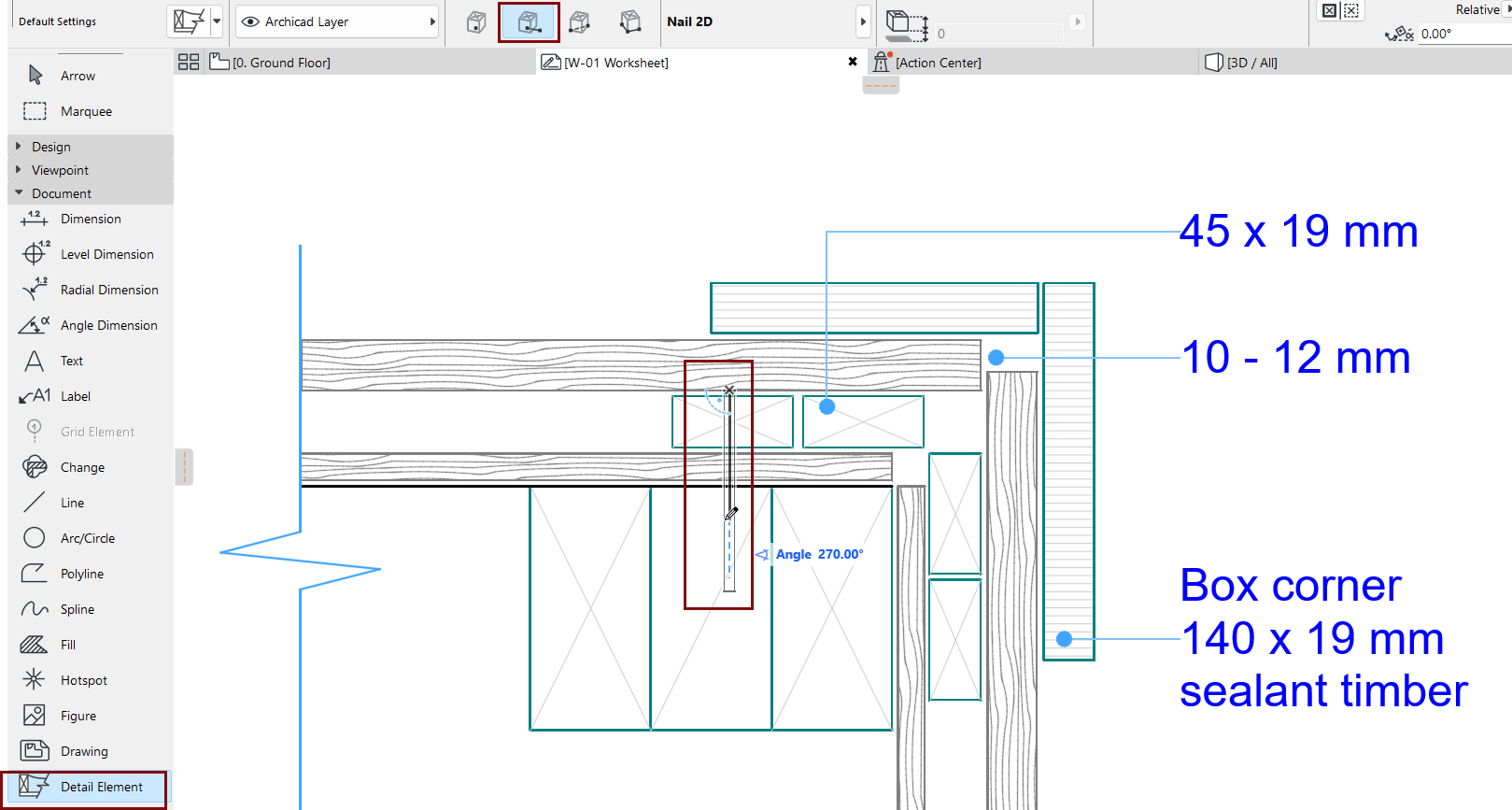
- Place additional nails as needed.