 Required permissions:
Project status reflects:
•whether its host server is running and accessible
•whether its data is available on the host server
•whether the project is accessible or locked
The popup contains different commands for the different statuses:
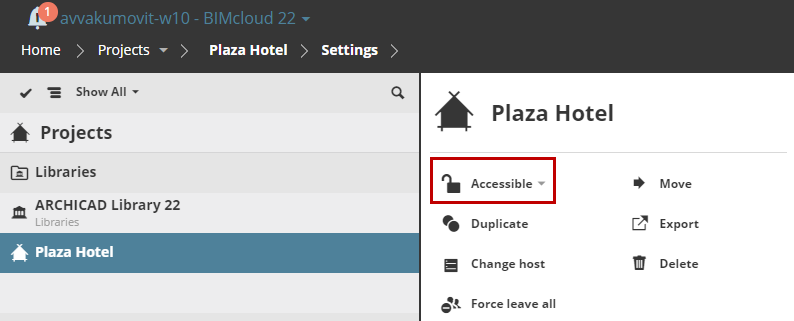
•Lock / Unlock depending on its lock status.
•Link to…: If the project’s data is not found on the host server, then it can be re-linked to a different, currently unused project.
See Hosted Projects/Libraries.
Required permissions:
•Simplified management: Server/Project administrator
•Detailed management: Lock/Unlock project
Projects are accessible by default.
If you lock a project, Joined users will not be able to send changes. A locked project is listed with a red badge in the navigator:
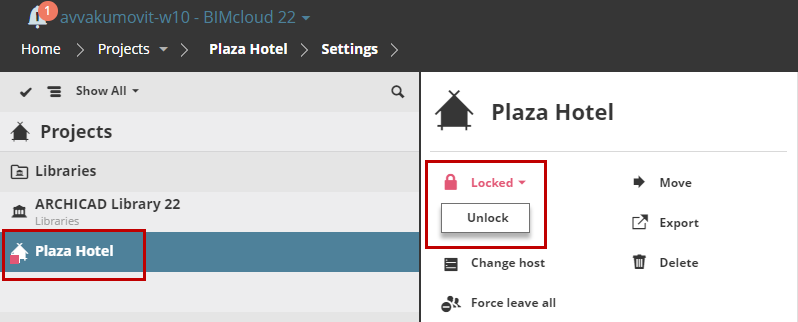
Locked Project
Once a locked project is unlocked, users can again work in the project and send in changes.