BIMcloud Manager - Server settings
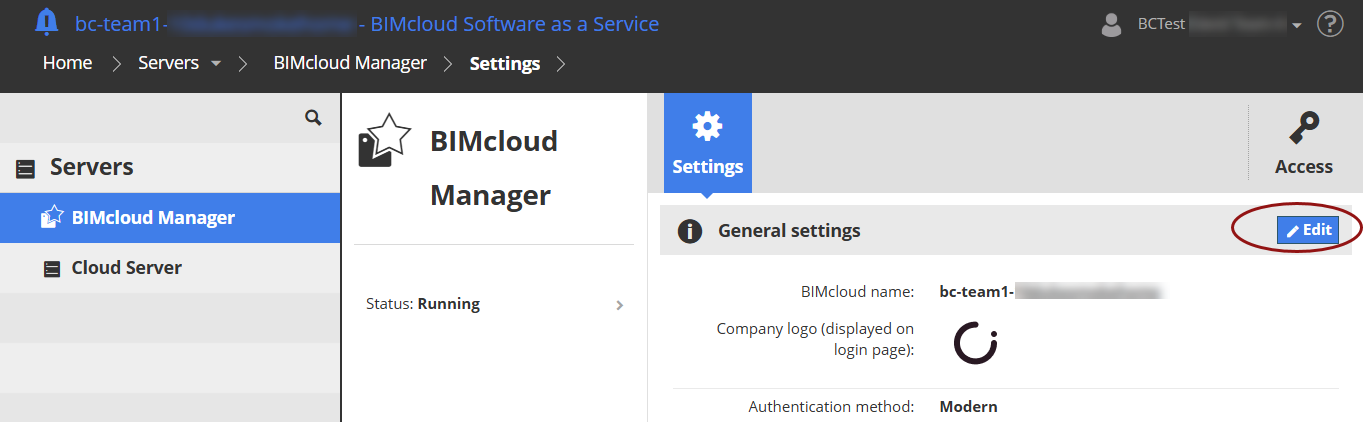
On the Servers page, select BIMcloud Manager. (The BIMcloud Manager item on the Servers page is itself a server.)
At General settings, click edit to modify its data if needed:
-
BIMcloud name: This name is displayed in the Manager web interface. Archicad users see this name in the BIMcloud pop-ups throughout the Archicad interface.
-
Company logo: Optionally, load a company logo to your BIMcloud’s login page. Click Choose File to browse for the desired image file.
-
Authentication method: If you are working with older versions of Archicad, switch to Legacy authentication method. See details here: Work with older versions of Archicad and DDScad
Custom user fields
Create optional fields to be available for all users’ settings, to enter additional, server-wide information. (E.g. Linked in contact, or the office where the user is located.)
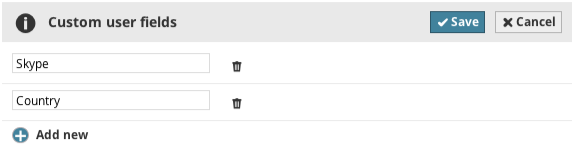
Add new: Click this button to add a new field and enter its name
Remove: Removes the field from here and from all users’ settings panels. Data entered into this field by users will be lost.