Company user groups synced to BIMcloud
BIMcloud SaaS with cloud license
If your company account includes user groups, they are automatically synced (groups plus their members) to your BIMcloud. This way, you can take advantage of predefined user groups when setting permissions on BIMcloud. Synced user groups are shown on your Users and groups page with a lock icon. You can filter the list to show just the synced groups.
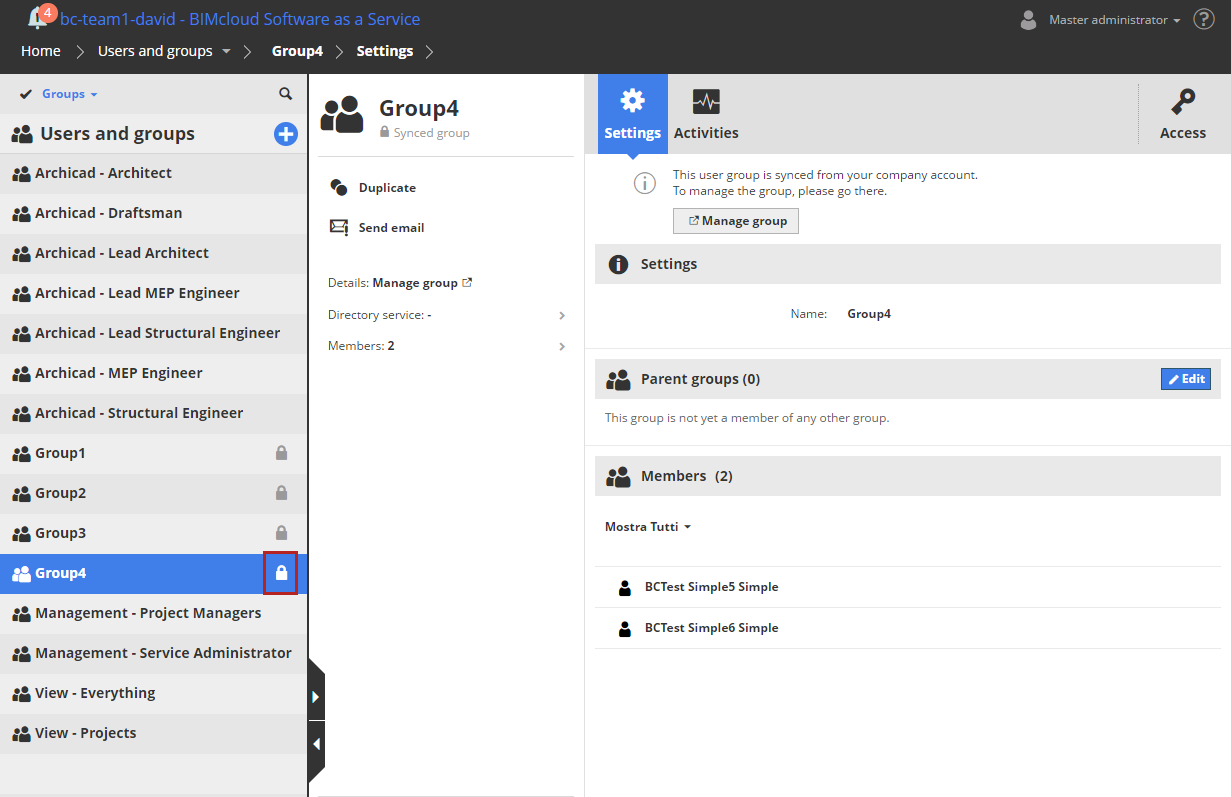
You can give a synced user group access to Teamwork projects or BIMcloud items, just like any other group or user.
Notes on synced groups
- You can’t delete, edit, or export a synced group on BIMcloud. To edit a synced group, use your company account
- A synced group can’t be used as a parent group
- Groups will be synced automatically, except if
- the BIMcloud already has a user group of the same name
- the name of the user group violates the naming conventions
Note: Rules
for GSID user group name:
- Do not use a period at the end of the name
- Do not use non-printing or special characters such as <>:;*?"|/\
User group names with unrecognized characters will not be synced.