Project Hub
Use the Project Hub to create, open, and manage projects, access External Units uploaded from Archicad, and manage your Creator session.
Start here
Common tasks
- Create a new project — Start a project and select a location for your design.
- Open a project in a new tab — Continue working on an existing project.
- Find a project — Use search, sorting, and tile or list view to locate projects.
- Rename a project — Change the name of an existing project.
- Delete a project — Permanently remove a project you no longer need.
- Rename or delete an External Unit — Manage External Units uploaded from Archicad.
- Log out — End your Creator session.
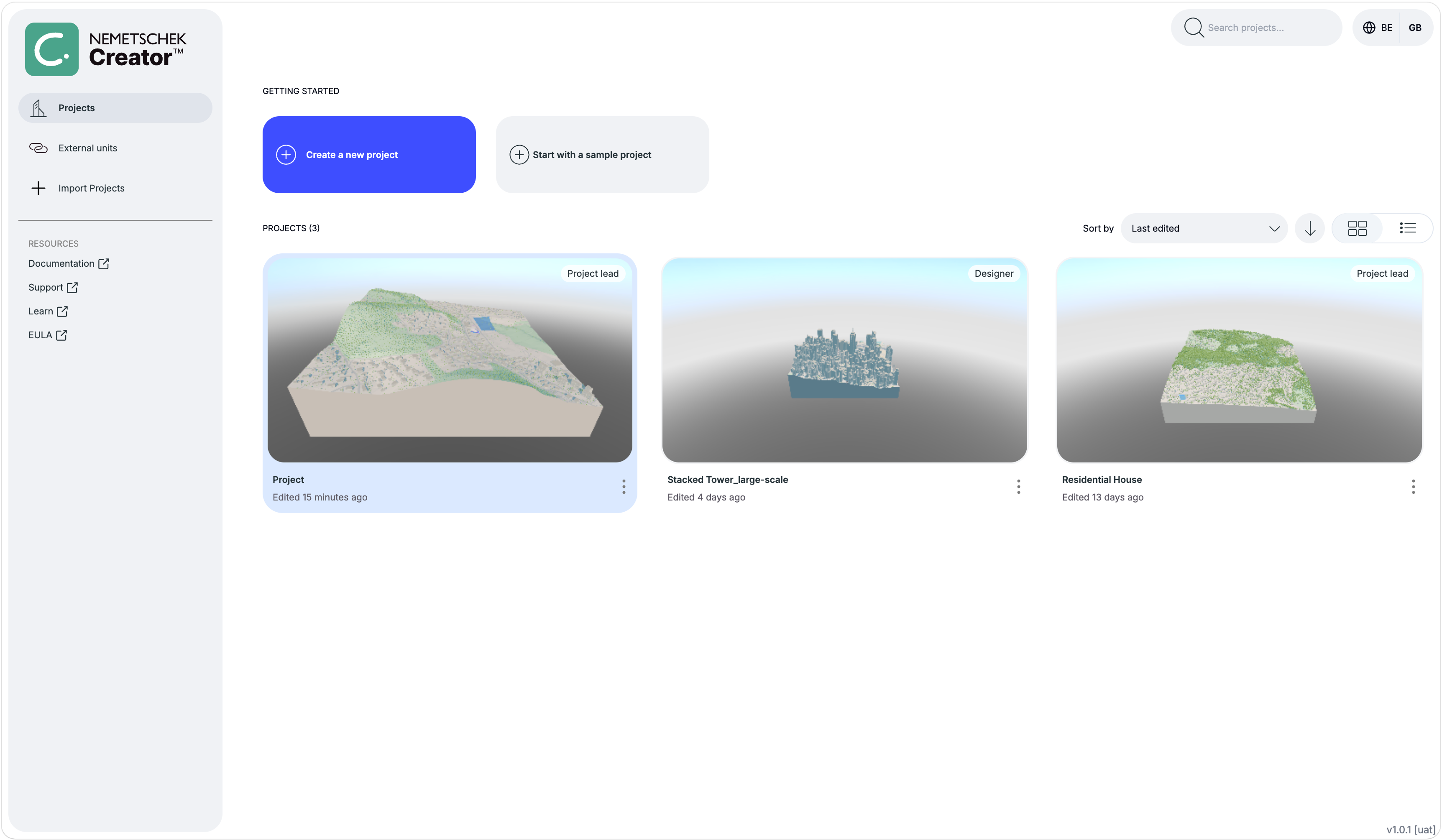
Key features
|
Feature |
What you can do |
|---|---|
|
Getting Started |
Create a new project |
|
Projects |
Open, manage access, rename, delete and export projects. |
|
Search and sorting |
Find projects by searching or sorting, for example by name or last edited date. |
|
Project views |
Switch between tile and list view. |
|
External Units |
View, rename, and delete External Units uploaded from Archicad. |
|
Account menu |
Log out from Creator using your avatar in the top-right corner. |
|
Map-based project setup |
Search for an address, enter coordinates, or navigate the map to select a project area. Choose Standard, Dark, or Satellite map style. |
|
Resources |
Find the help and resources you need in the Creator Help Guide (Documentation), visit our Support Site for assistance, explore Creator Training Courses (Learn) to build your skills, and learn more about the EULA. |