Project Hub overview
Projects
The ProjectsProjects section shows a tile for each project. Each tile has a preview of the project from the last time it was opened. The upper-right corner of the tile shows your role: Project Lead, Designer, or Viewer.
Click the three-dot menu on a project tile to:
- Open in a new tab — Open the project in a separate browser tab.
- Open — Open the project in the current tab.
- Manage Access — Invite or remove members and assign roles. Project Leads only.
- Rename — Change the project name. Project Leads only.
- Delete — Remove the project. Project Leads only.
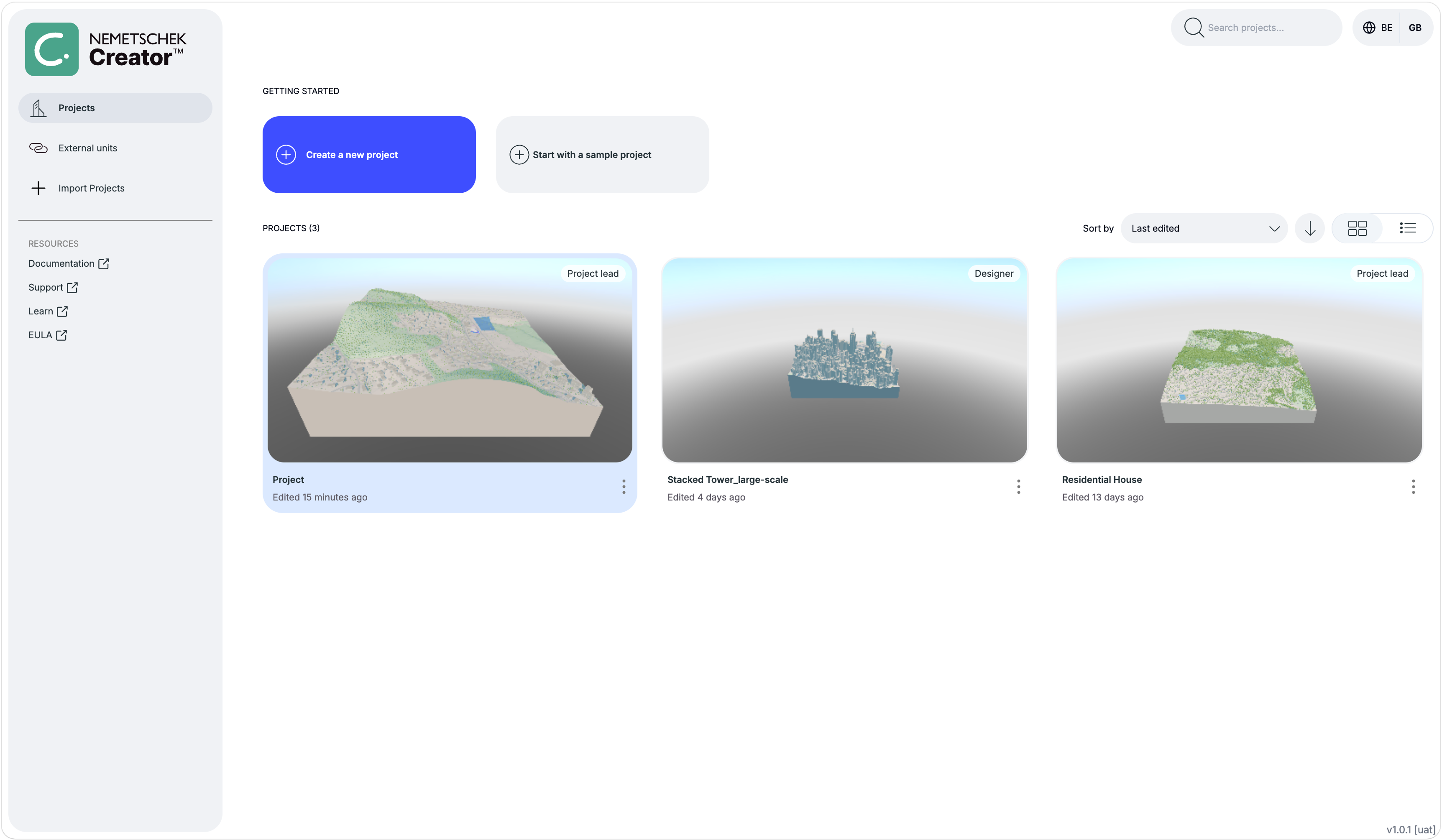
Use the search bar to find projects. You can also sort projects, for example by name or last edited date, and switch between tile and list view.
External Units
In the External UnitsExternal Units tab, you can view External Units uploaded from Archicad. You can rename or delete an External Unit from this page.
To learn how to prepare, upload, update, and use External Units in a project, see External Units and Archicad Modules.
Log out
To log out of Creator, click your avatar in the top-right corner and select Log OutLog Out.