Unit Metrics
The Unit MetricsUnit Metrics palette is on the right side of the screen, in the Data and Analytics Bar. Use it to check how your planned units compare with the units in your building. It has two tabs:
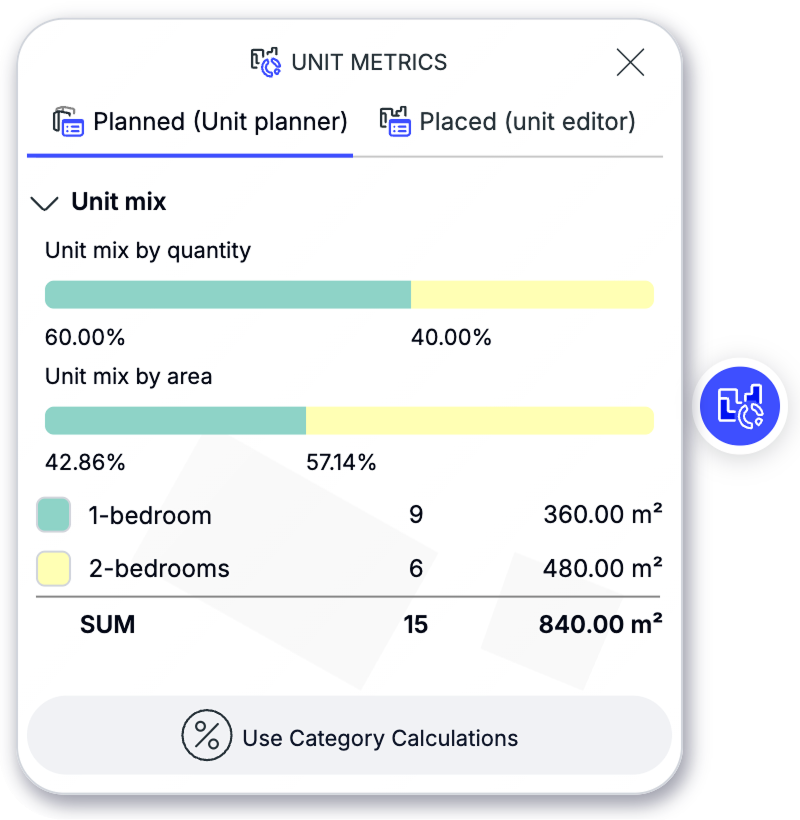
Planned (Unit Planner)Planned (Unit Planner)— Shows the unit mix calculated from the Unit Planner. Use this tab to see how many planned units can fit into the current building or Design Option.
The palette updates automatically while you edit. For example, if you add more floors to a building, Unit Metrics immediately recalculates how many additional units may fit.
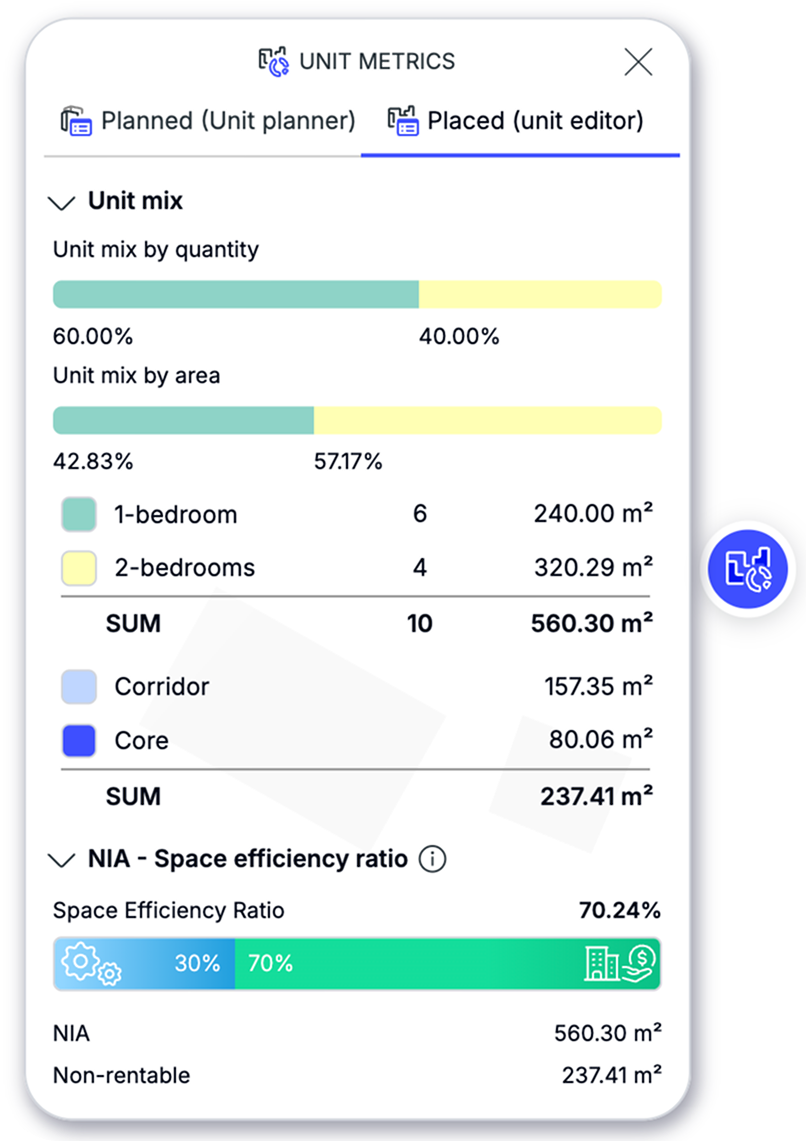
Placed (Unit Editor)Placed (Unit Editor)— Shows the units you have already placed in the Unit Editor. Use this tab to check their quantity, total area, and distribution.
In short: set up the unit mix in the Unit PlannerUnit Planner, create or edit your building, then use Unit Metrics to see the latest planned and placed unit values.