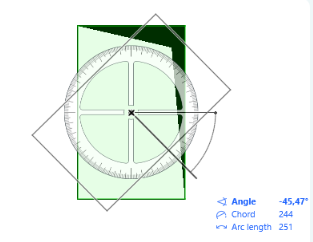
Graphical editing of MEP elements
Achieve more accurate MEP models thanks to improved editing of MEP elements.
Faster port connections
On the 2D floor plan, routing can now be started from any port, even when multiple ports are located directly above one another. When you start routing from such a device, an info text displays the port details and its elevation.
You can now use the Tab key to cycle through all available ports and select the one you want to continue with - no need to switch to 3D
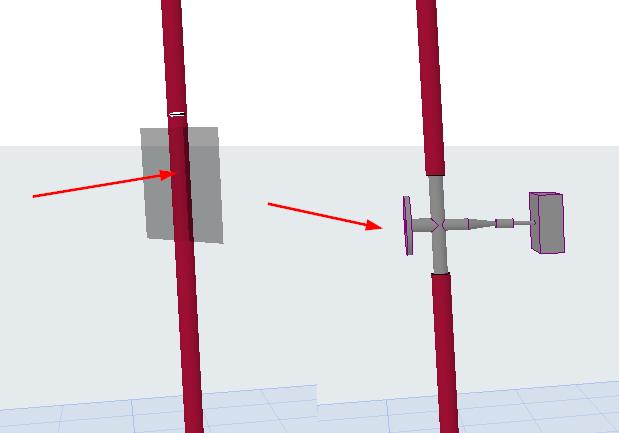
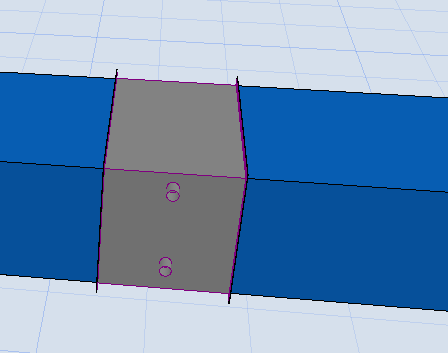
Intuitive placement of inline equipment
|
|
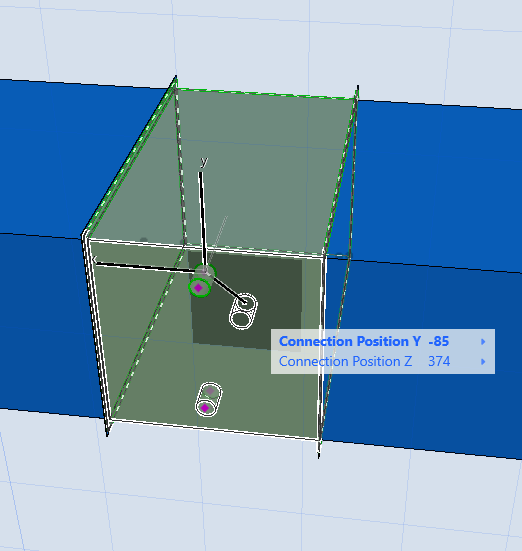
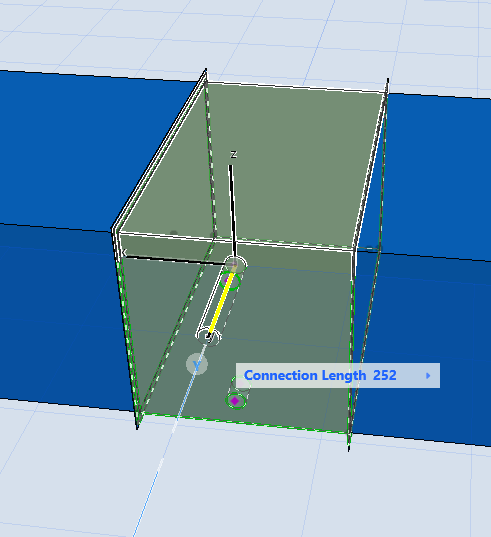
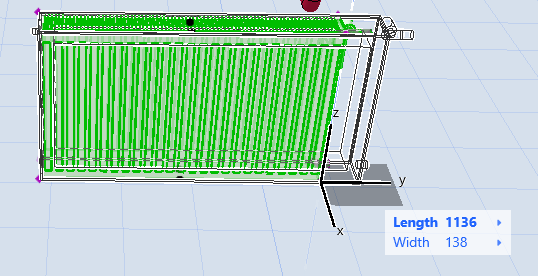
Improved graphical editing of MEP elements and routes
Use the graphical editing nodes to adjust connections and element geometry - no need to type into dialogs.
|
|
|
Align a vertical route (such as rectangular duct or cable tray) as needed - then you can start horizontal routing from the new position.