Intersection Priority (Building Material)
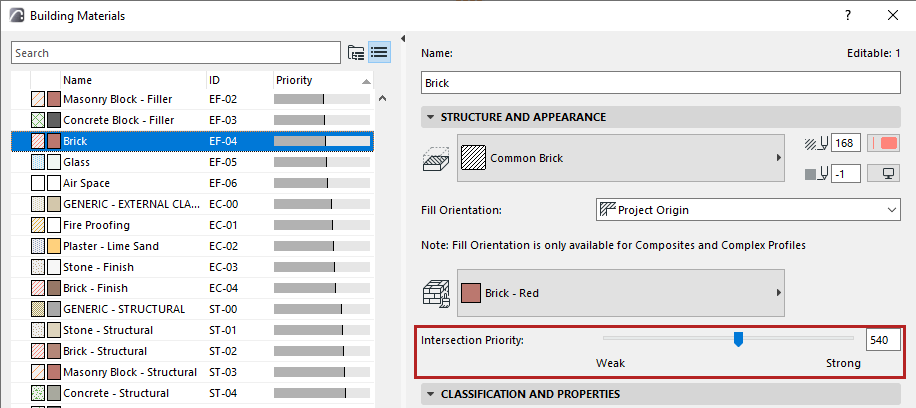
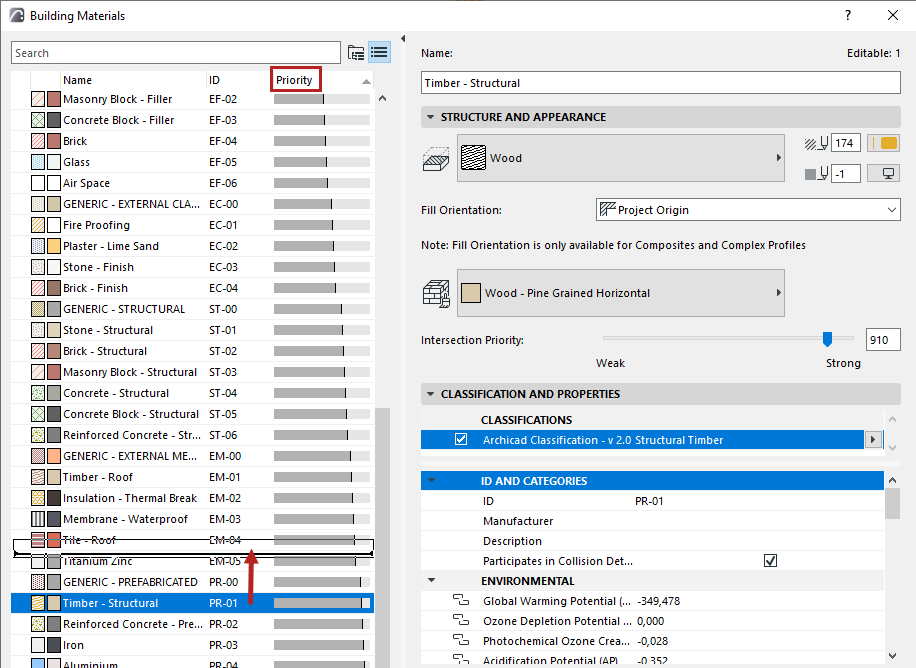
Building Material intersection priority affects the way elements intersect and display in model views.
Expressed in numbers, an intersection priority can run from weak - a minimum of 0 - to strong - maximum of 999.
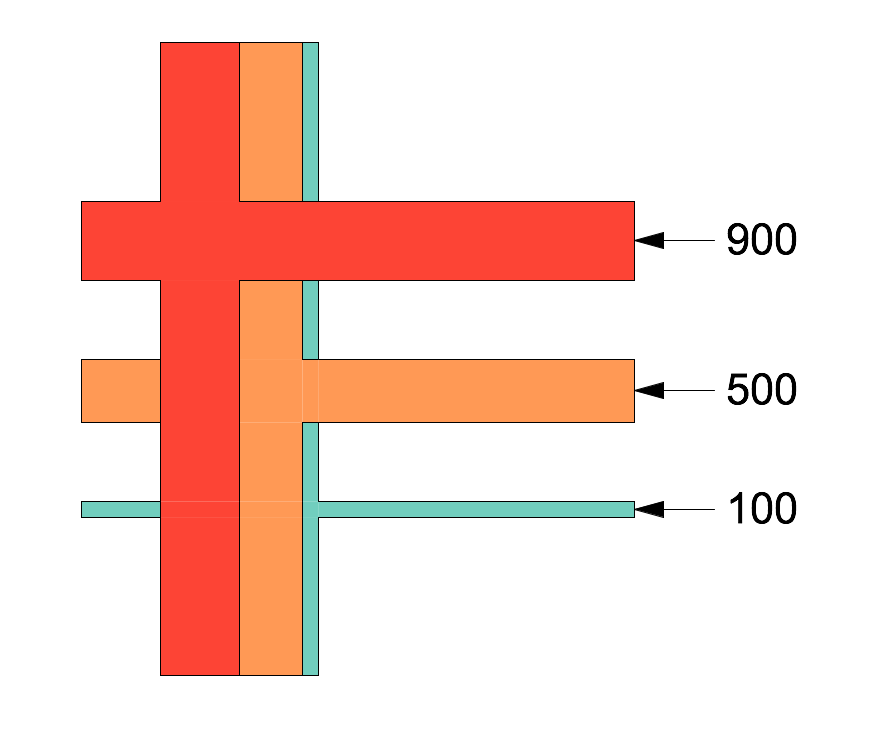
To fine-tune element intersections, you can adjust the Building Material priority.
Note: Any changes you make here will affect all project elements which use that Building Material! To adjust the priority in just one element of the project, create a duplicate Building Material with a different priority.
See also Basic Intersection Principles and Intersecting Elements with Identical Priorities.