Editing Beams
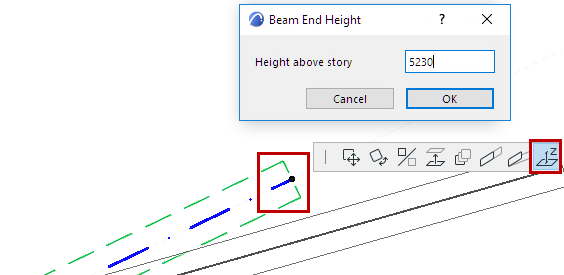
Stretch Length/Modify Angle
Use the Pet Palette commands at the Beam’s Reference Axis endpoint.
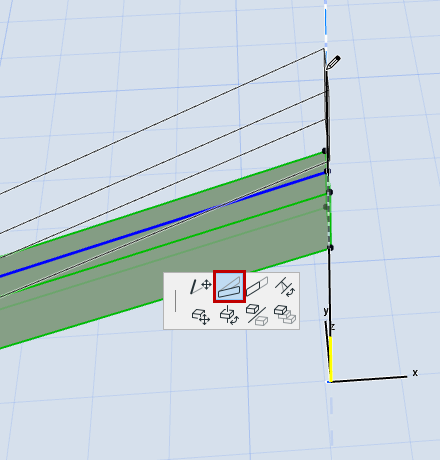
For a slanted Beam:
Stretch Beam Cross-Section
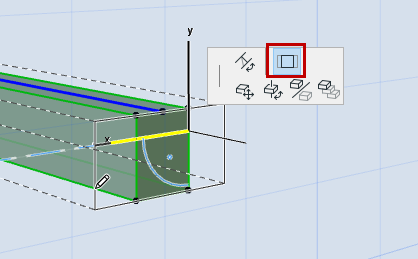
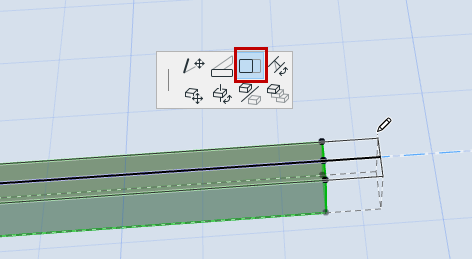
For a non-curved, non-segmented Beam:
In the Floor Plan or 3D window, use the Pet Palette commands to stretch the Beam’s cross-section dimensions.
Note: Beams can also be stretched in Section view, if the Beam reference line is perpendicular to the Section line.
Alternatively, use Edit > Reshape > Stretch.