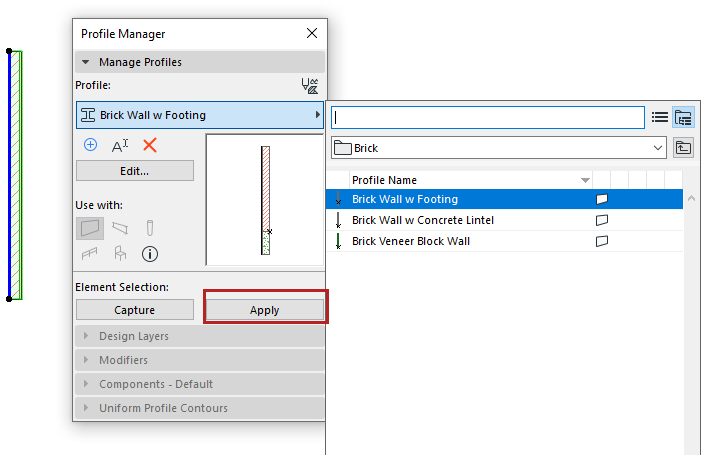
Apply Profile to Element
Profiles are available for Walls, Columns, Beams, or Library Parts.
Apply a profile to an element in element settings or from Profile Manager.
From element settings (wall, beam, column):
- Open the element settings.
- In the Geometry and Positioning Panel, click the “Complex Profile” icon.
- Use the pop-up to select a profile.
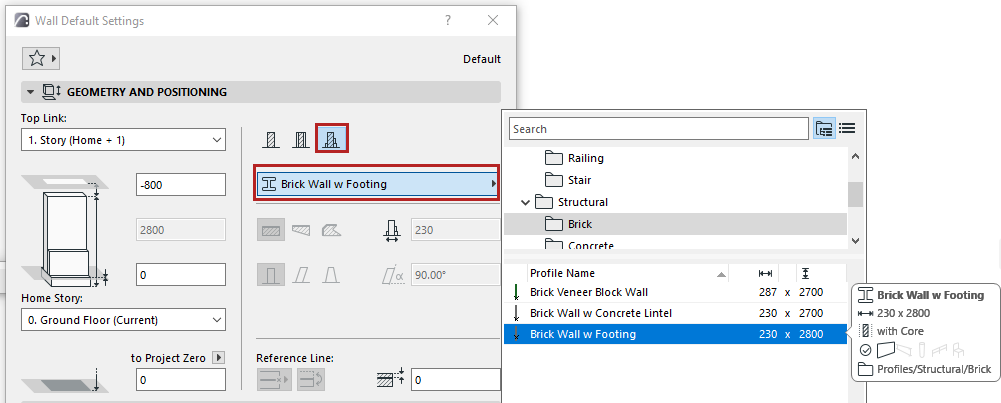 Note: This pop-up lists profiles whose “use with” setting includes your element type: see “Use With” - define profile availability