In the formatting palette of the Interactive Schedule window:
- Check Enable Print Footer to add a print-only footer to the schedule.
- Click Edit to open Footer Settings and define the Footer.
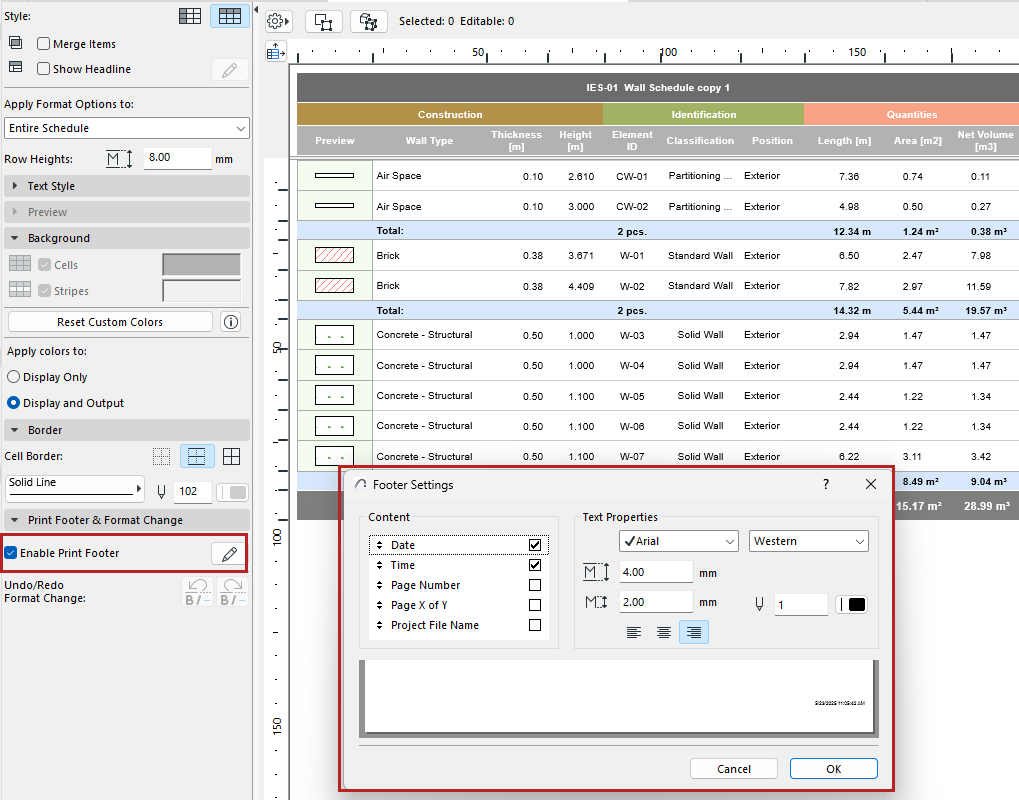
- Content: Check the items (such as Date and Time) to display in the print footer. Drag them up and down to modify the order.
- Set text format options for the printable footer. Use the preview at the bottom as a guide.