Cell background colors
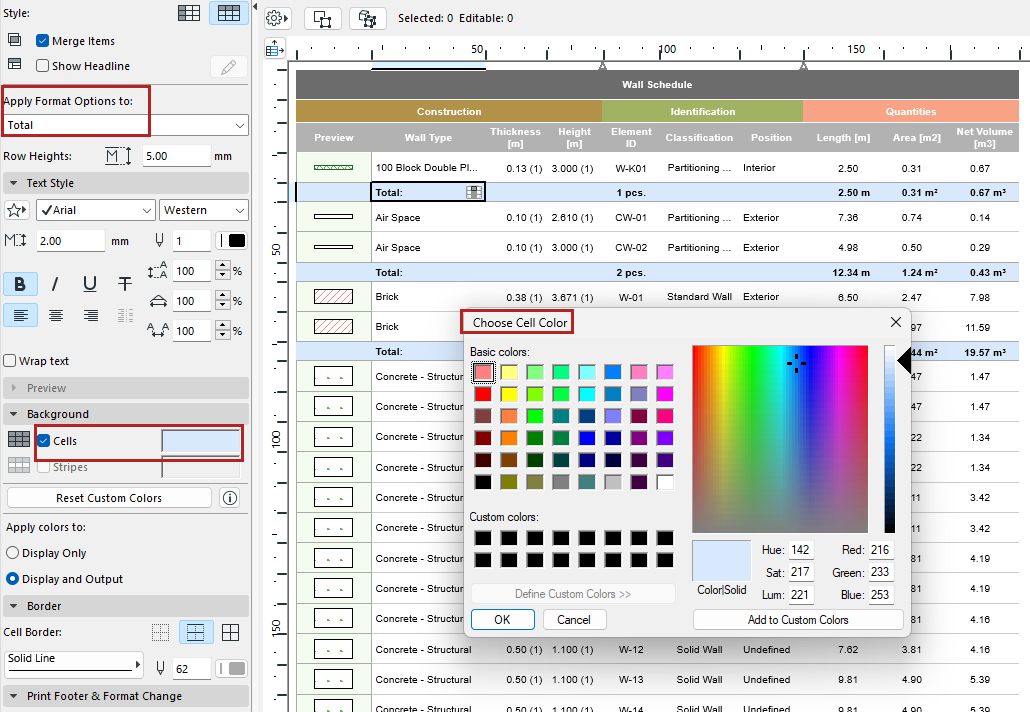
You can apply background colors to schedule cells by category (such as Headline or Grand Total).
- From “Apply Format Options,” choose a cell category. Or click in a cell.
- Click Cells.
- Choose a background color.
Display stripes
To apply stripes to alternating rows of values:
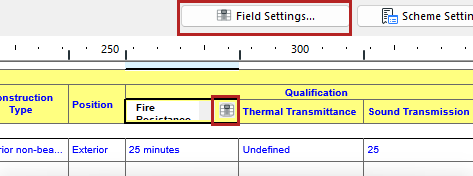
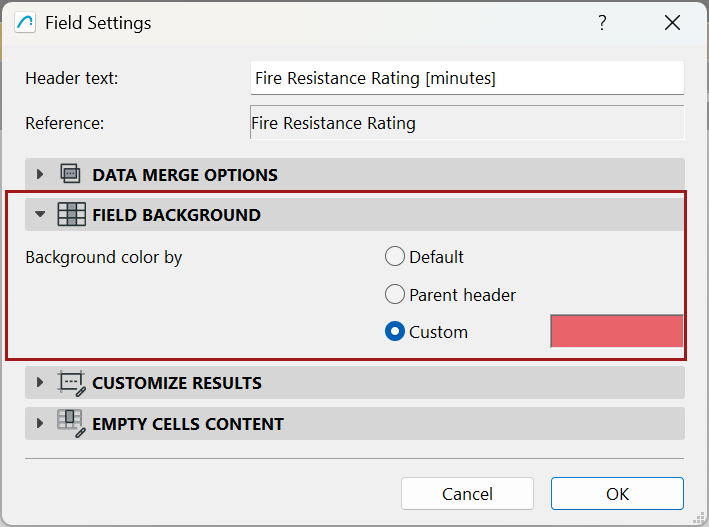
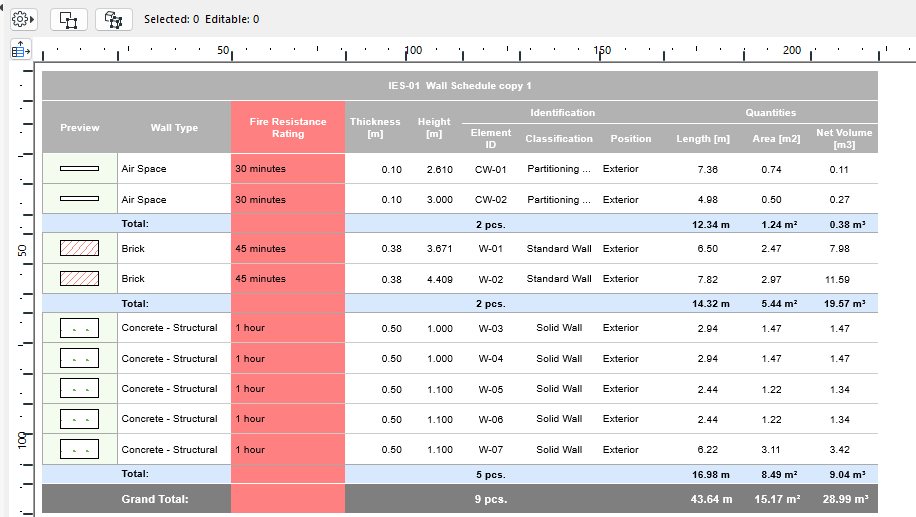
Set custom color for schedule field
Set a custom color for any schedule field (for example, make all the Fire Resistant Rating cells red.)
Reset custom colors
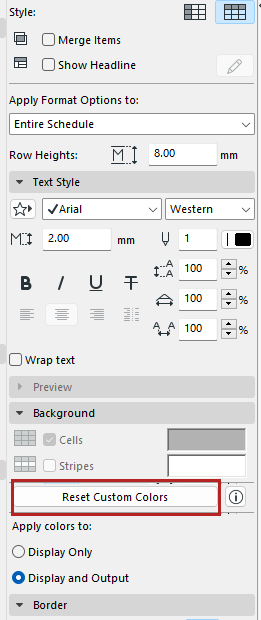
In the Formatting panel: Click Reset Custom Colors to remove field-level custom colors.