MEP Designer 30 Help
Click here to see this page in full context
  1. Home >
  2. Interactive Schedule >
  3. Edit the model using Interactive Schedule >
  4. Scheduled Elements on Locked or Hidden Layer

Scheduled Elements on Locked or Hidden Layer

You cannot edit or select scheduled elements that are on a locked or hidden layer.

This information is displayed for selected elements in the Information panel:
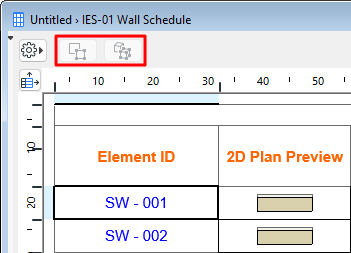

SelectIn3DHidden00232.png

See also Select Schedule Items on Floor Plan/3D.

Parent topic: Edit the model using Interactive Schedule
Copyright © 2026 by Graphisoft. All rights reserved. Graphisoft is part of the Nemetschek Group