Create a new schedule
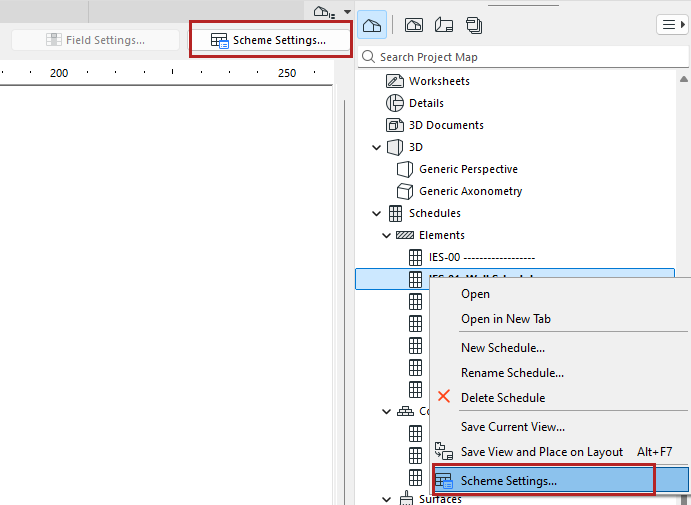
- Open the Scheme Settings dialog. Do one of the following:
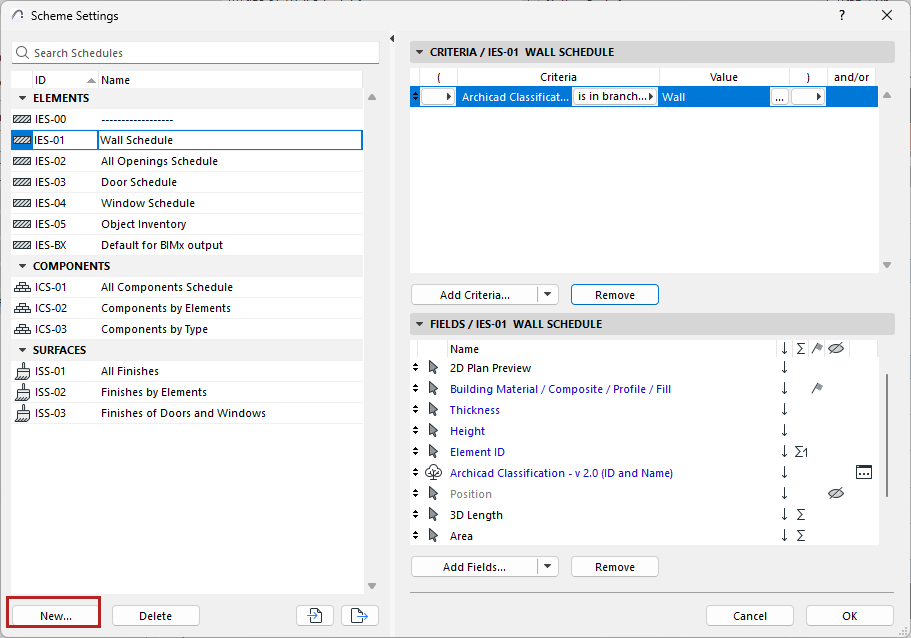
- Click New.
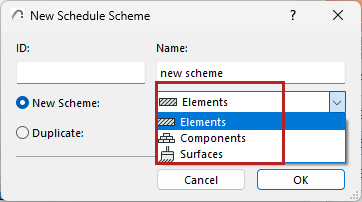
- Enter an optional ID and Name.
- Choose “Construction Elements,” “Components”, or “Surfaces”, depending on the type of schedule you are creating.
- In Scheme Settings, set up Criteria and choose Fields to define what the schedule should list.