Define schedule fields for BIMx Info
You can set up one or more Interactive Schedule Schemes to define which element information should appear when navigating a BIMx Hyper-model in a BIMx application.
See Step 3: Info Set at Publish BIMx Hyper-Model from Archicad .
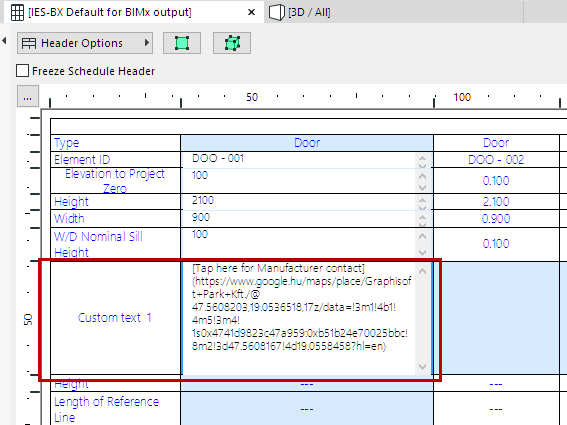
Display a URL in BIMx Element Info
This Scheme-defined element info can include a URL - that is, a hypertext link to a website (e.g. manufacturer information) or project-related data (e.g. a location in Google maps).
Any URL that appears in a schedule field will be included in the exported BIMx model - but if you prefer, you can modify the text displayed in the URL. Here’s the best way to do this: