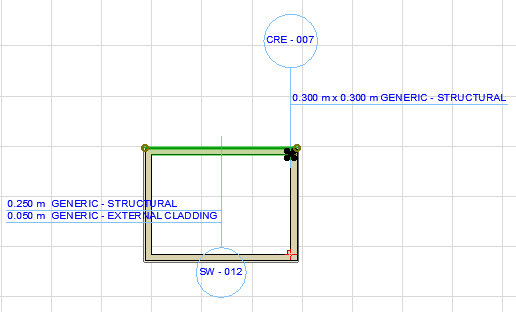
Label Multiple Selected Elements To place multiple labels with one click: Select the elements you wish to label. Choose Document > Annotation > Label Selected Elements. The current default label is attached to all selected elements. Parent topic: Labels