Find and Select Text Blocks/Labels
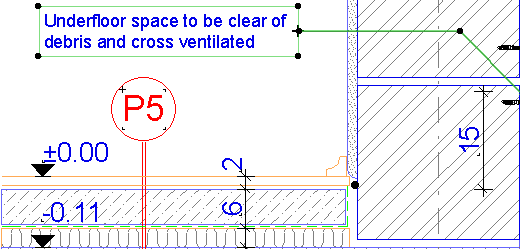
Use the Find & Select function to locate text blocks or label texts whose content matches or contains any given text string.
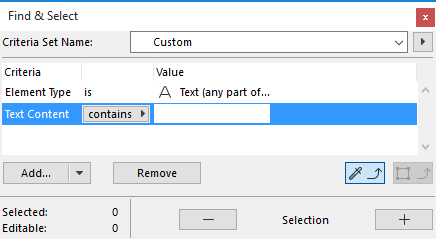
- In the Find & Select dialog box, choose either Text or Label as the Element criterion.
- As the next criterion, choose “Text Content.”
- As the value, enter any desired text string.
- Click the Plus button to execute the Find & Select function. In this example, all Text Blocks or Labels in the active window which contain the entered text will be selected.