Filter layout list
Display or hide layouts by priority
Click the filter button, then check boxes for the layout categories you want to see in the list.
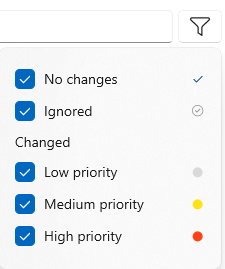
If you have already filtered your list, and you later change the priority or category of any layout, make sure you click the filter button again to refresh the list (in this case, the filter button displays a refresh icon to remind you.)
To close the filter box, click the filter button again, or click outside the box.