Review your Layouts
See results in Layout Compare window
In the Layout Compare window, the Navigator on the left lists all layouts in the project.
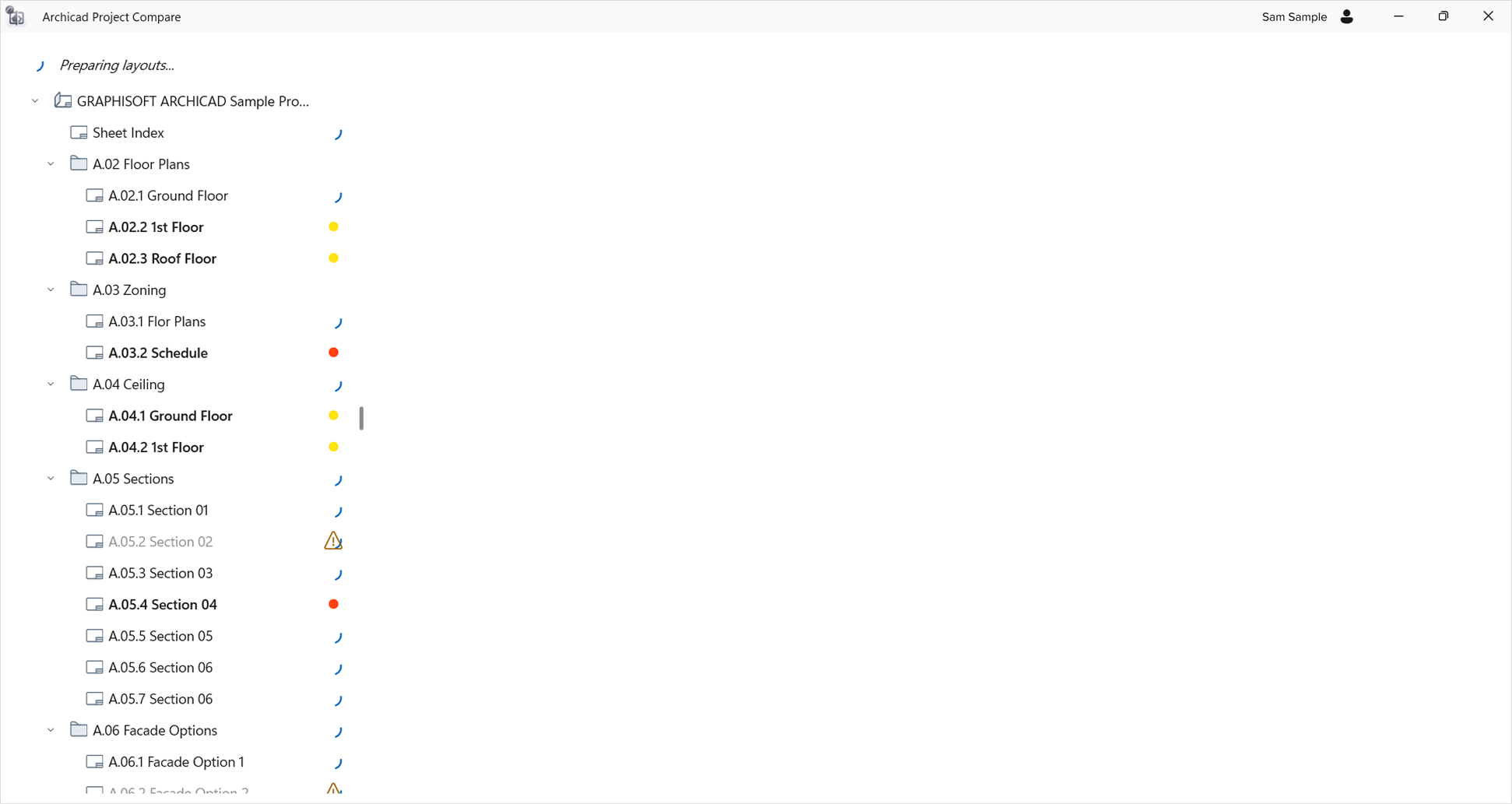
For each layout, Project Compare has compared the two versions and estimated whether the differences (if any) seem to be significant - as indicated by the icons:
| icon | what it means |
|---|---|
 |
No difference: the layout did not change after migration |
 |
Low priority: a few minor differences only |
 |
Medium priority: Several minor differences detected |
 |
High priority: Major differences detected |
 |
This layout does not have a pair - it is missing from one of the two project versions |