Gallery of 3D views
View Gallery items based on saved 3D camera positions
The 3D model of your BIMx Hyper-model may include a Gallery of one or more pre-saved, named camera positions: either still 3D views or an animated movie. Gallery items in BIMx are optional; they are available if you defined them in Archicad when publishing the Hyper-model.
See Cameras and Save BIMx Hyper-model (Gallery options for camera path) in Archicad Help.
In BIMx, you can also play a slideshow presentation based on your Gallery items. See Play presentation.
Note: BIMx also offers Favorite views: a more flexible way to save
and present 2D as well as 3D views from the Hyper-model. See Favorites.
View Gallery items
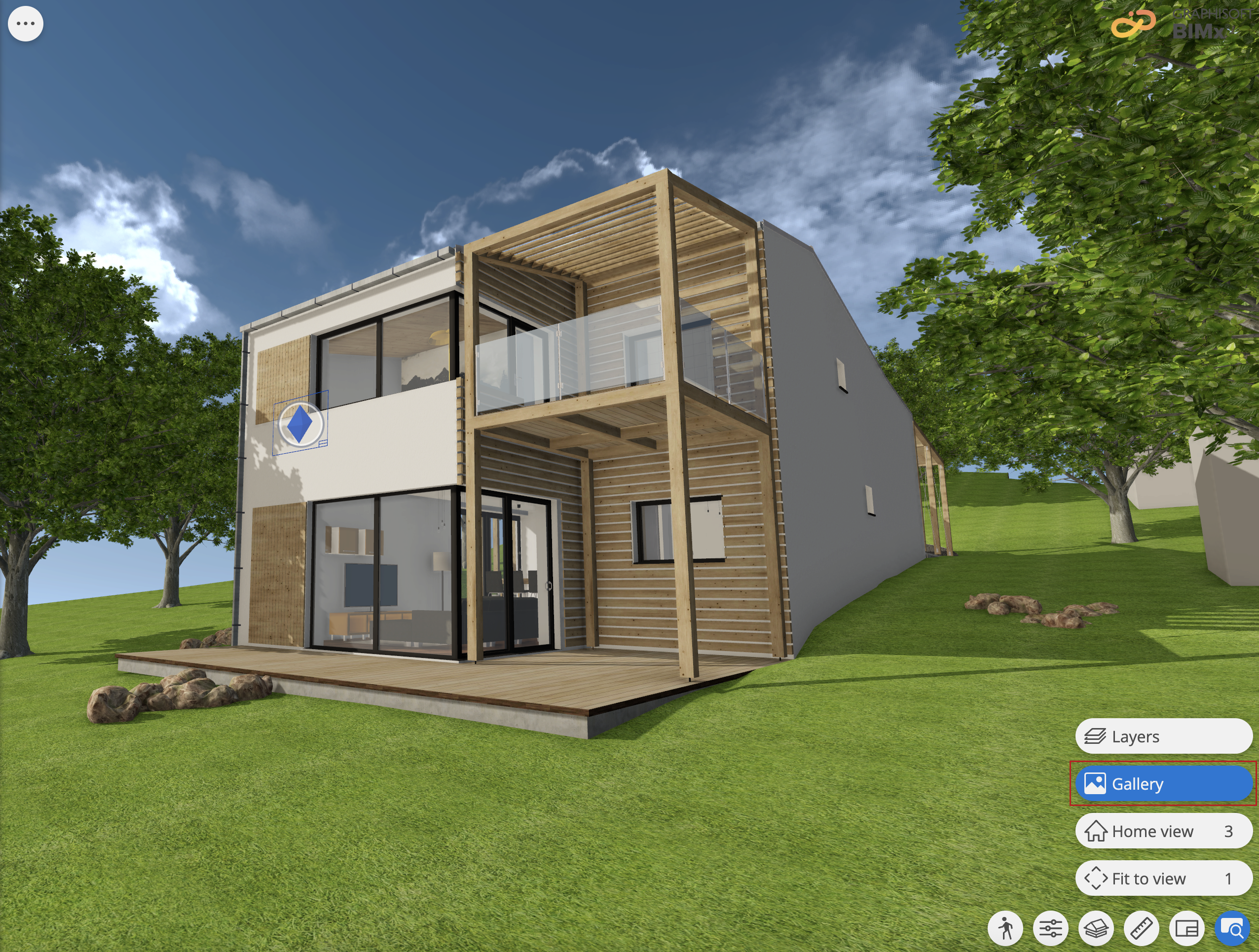
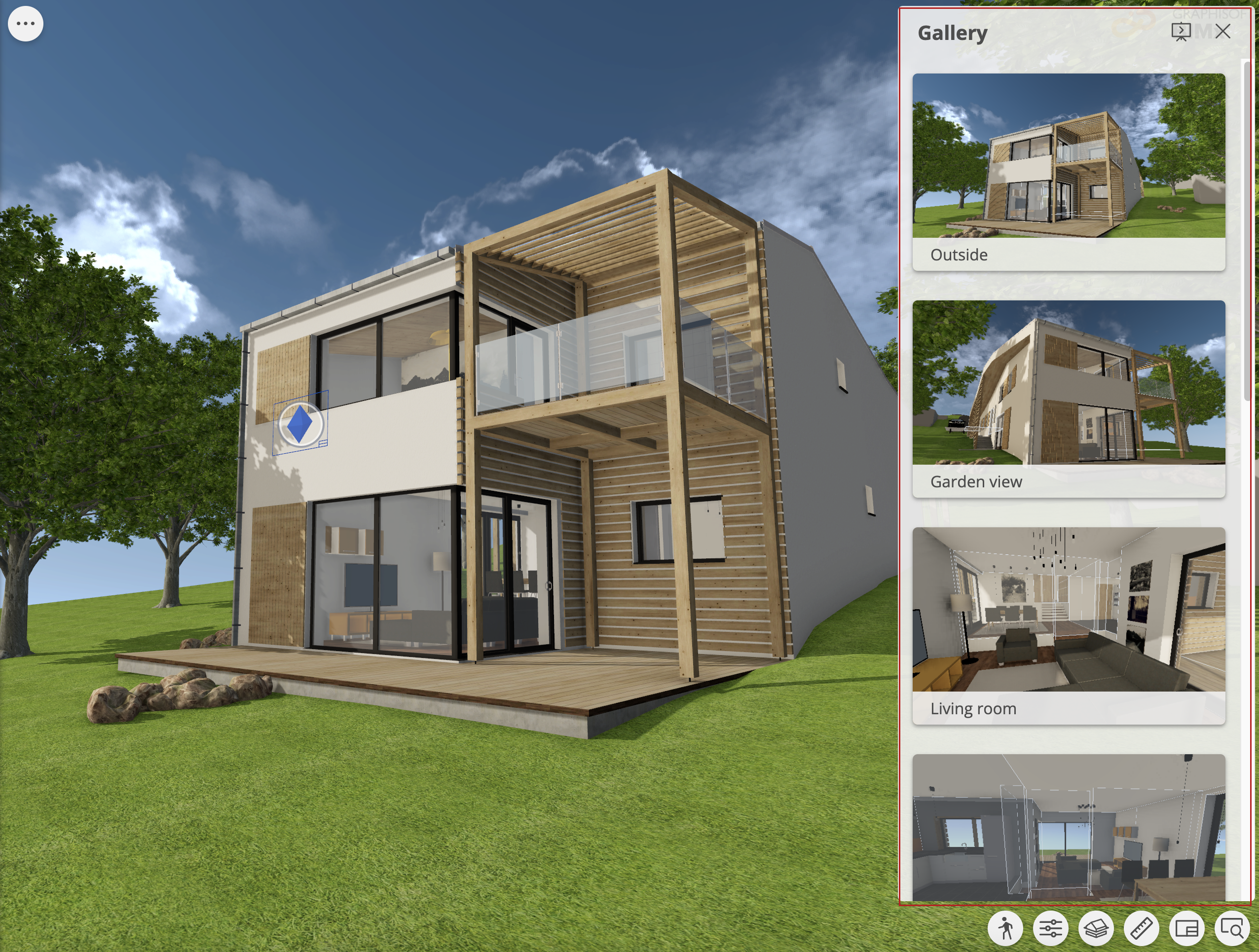
- Open the 3D model.
- From the Views quick menu, choose Gallery.
- Click any Gallery item to open it.
Play Gallery animation
If the gallery item was saved in Archicad as a camera path, the BIMx gallery item displays a play button.
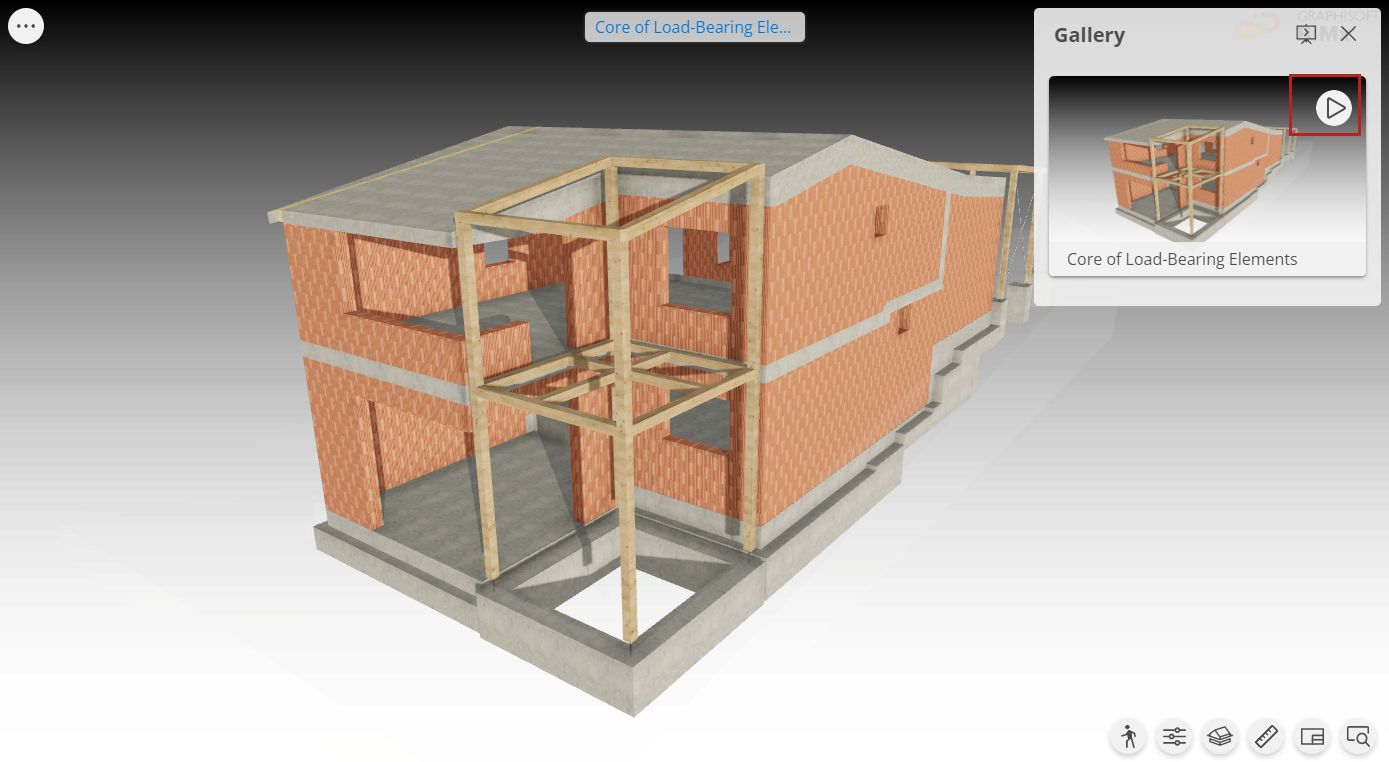
- Start or restart movie: Click the play button.
- Stop movie: Click into the model while the movie is running, or click the pause button in the preview.
Note: In BIMx,
you can also play a slideshow presentation based on your Gallery
items. See Play presentation.