Note: You must be a Server Administrator to use this function.
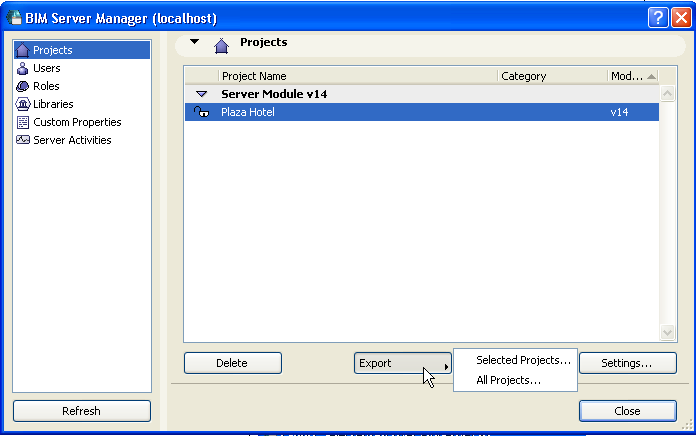
Use this command from the Projects page of BIM Server Manager to export an existing Teamwork Project as a file, from this server to another location. This Export function transforms project data into an easily transportable format with extension .bimproject.
This file can be imported to a compatible-version BIM Server later, using the Create Project function.
See Create Teamwork Project on BIM Server.
Select a project, then click Export.
Click Options to include optional content:
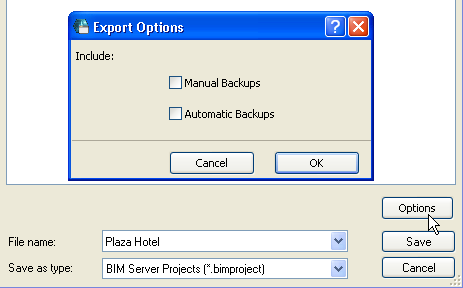
Check the corresponding boxes if you want to include copies of Manual and/or Automatic Backups as part of the exported Teamwork project.
Click Save to start the Export process.