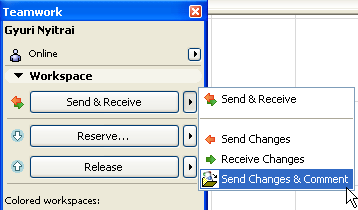
Comments are optional texts that are recorded in the Teamwork Project Log.
See also Project Log.
To add a comment to the Project Log, do one of the following:
•Use Teamwork > Project > Add Teamwork Comment
•Choose Send and Comment or Release and Comment from the pop-up or context menu of the regular Send and Release commands.

The appearing Add Comment to Log dialog box may contain an automatically generated text about the action you have just taken. (If you just issued the Add Teamwork Comment command, the field is empty.)
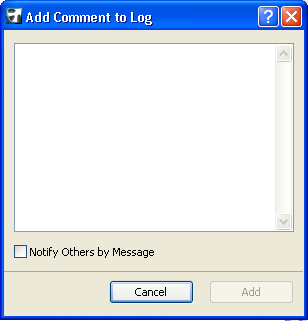
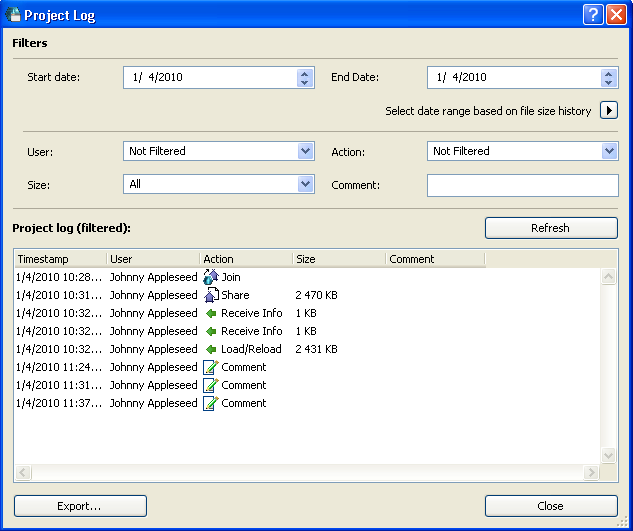
Type any text into this field. When you click OK, the comment will be added to your Project Log.
See Project Log.
In addition to sending the Comment to the Project Log, you can notify any other user at the same time, by sending a message.
When the Add Comment dialog box appears, check the “Notify Others by Message” box:
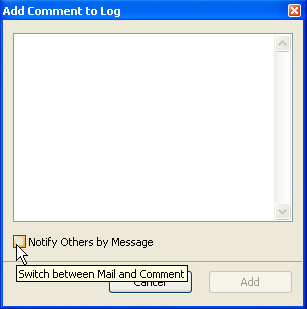
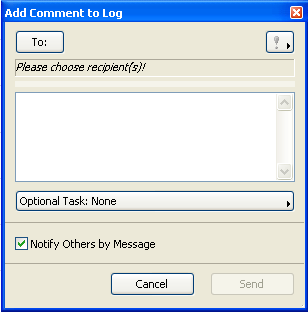
Define the message recipients and add an optional task as with regular messages.
See Create a New Message.